60
The indicator light will show the following states:
» LED is off: free channel.
» LED is on: busy channel.
» LED ashing: channel with a call to be answered.
» LED ashing slowly: channel with a call in parking.
Access to the routes
Allows access to the programmed route.
Extension group access
Allows access to the extension through previously programmed extension groups.
On a key programmed as extension group access, the associated indicator light can show the following states:
» LED ashing: external or internal group call.
» LED is off: no external or internal calls for the group.
When this key is pressed, a message on the terminal screen displays the group number that is being called.
When one of the extensions in the group answers the call, the extension´s number will be shown on the terminal display.
And in the case of Search person group, the answering extension will remain on speakerphone during the call.
Access to the doorbell
Allows access to the electronic door intercom. The user who wants to call the doorbell must press the key programmed
with this function.
The key light indicator can show the following states:
» LED is on: doorbell is busy.
» LED is off: doorbell is free.
» LED ashing: doorbell is being called.
Access to external action
Allows the user to control through an extension line some type of external device, bell, siren, or other type of equipmento.
The user must press the key programmed with this function to trigger the external interface.
The key light indicator can show the following states:
» LED is on: actuation busy (triggered).
» LED is off: actuation is free.
Voice mail access
This feature allows access to voice mail to listen to the messages left on it. To listen to the messages, press the
Mail
key.
The key indicator light can show the states:
» LED is on: there are new messages in the voice mail.
» LED is off: there are no new messages in the voicemail.
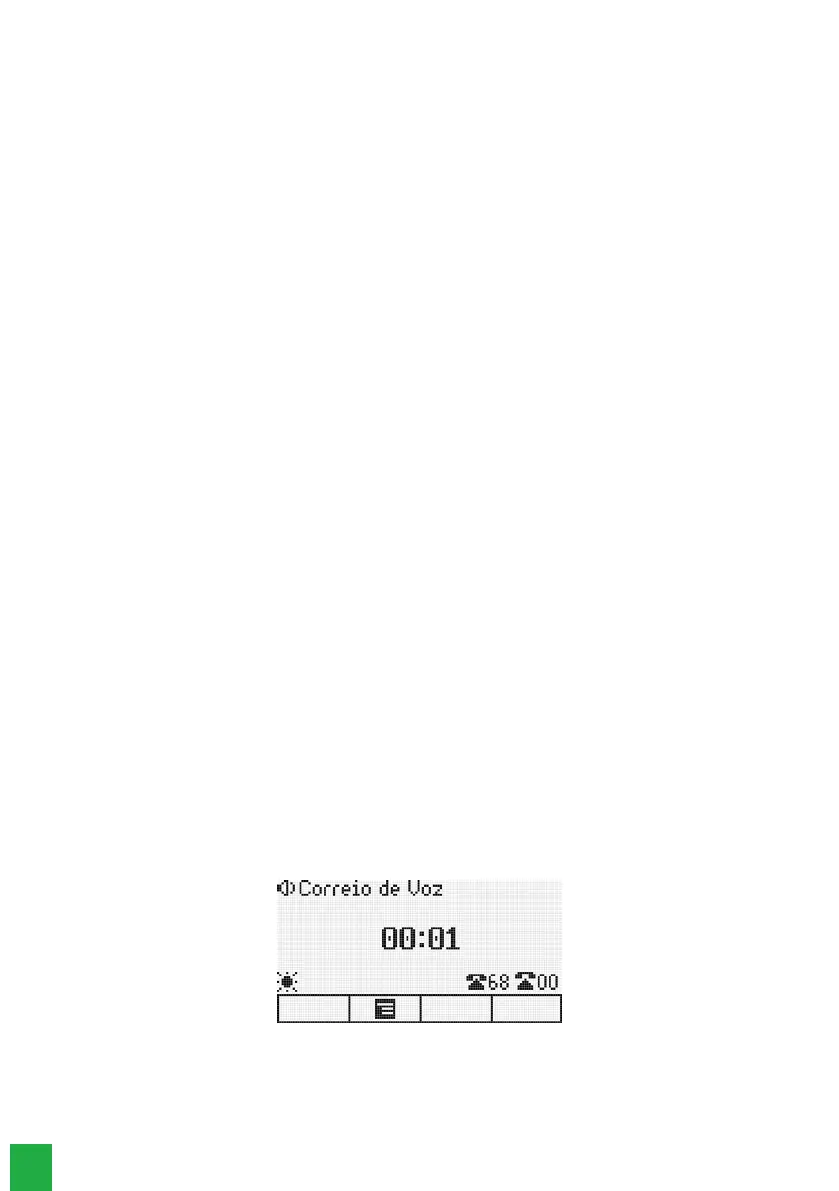
When the voice mailbox is accessed, the display will show the message:
Voicemail
The
Mail
key will remain lit until the call is disconnected. If after accessing the mail the messages are not heard, the PABX
will inform again the existence of the message through the LED of the
Mail
key, which will be lit again.
If the mail message is heard at another extension, the terminal will automatically turn off the
Mail
key LED
.
Note
:
Voicemail is an accessory of the Impacta exchanges.



 To Next Page