D-0112389-I – 2022/04
Sera™ - Instructions for Use - EN Page 14
Please note: Do not power of f the Sera
TM
during printing.
It is possible to share one printer with multiple Sera
TM
devices. However, only one device can be paired with
the printer at a time. This means that only one Sera
TM
can be turned on in range of the printer and the printer
must be powered off af ter use with one Sera
TM
to then connect to the other SeraTM device successf ully.
If you want to print measured results on the connected printer, it is recommended to switch on the printer
before doing the measurements. This will allow the printer enough time to connect and be ready for printing
when measurements are completed.
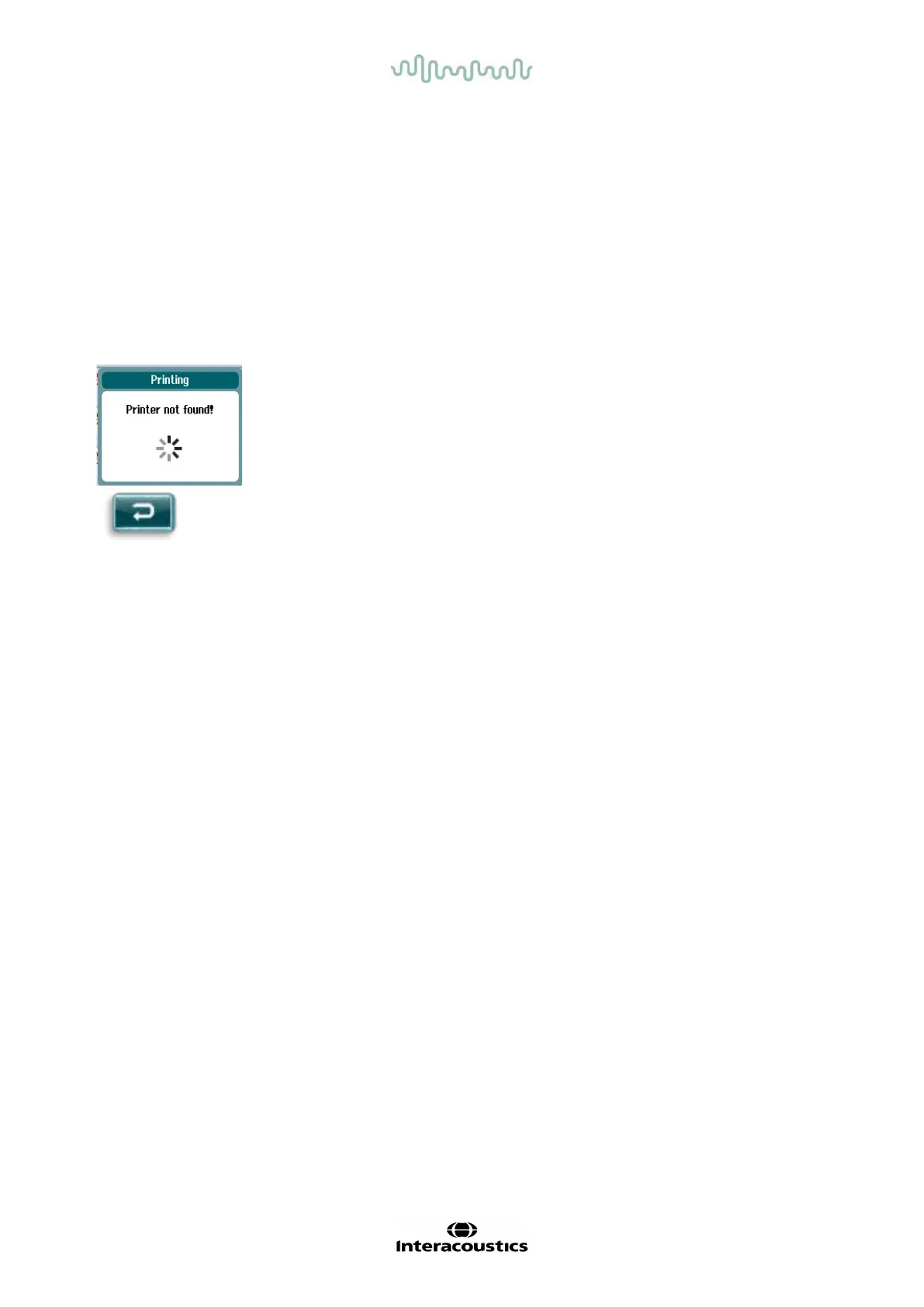
3.4.5 Printer offline
An attempt to print when the wireless printer is powered off or is out of range to
the Sera
TM
will result in the appearance of an error message.
Dismiss the message by selecting the check button in the bottom control bar.
Try again af ter turning on the printer or moving into range.














 To Next Page