D-0112389-I – 2022/04
Sera™ - Instructions for Use - EN Page 24
4.2 Switching the Sera
TM
on and off
Switch the Sera
TM
on by pressing the home key. To switch the Sera
TM
off,
hold down home key for approx. 2 seconds. The Sera
TM
will always start
on the Home screen.
Please note: The Sera
TM
takes approximately 5 seconds to boot up.
Please also refer to section 2.3.10 when the instrument is used just after transport.
Important inf ormation or reminders may be displayed during the boot up process. This could include:
• Calibration expiration reminder
• Low battery charge warning
4.3 Testing during charging
Testing can be performed while Sera
TM
is charging in the cradle once the charge is suf ficient to support
testing.
Testing can also be perf ormed when Sera
TM
is connected to the powered PC via the USB cable or with the
power supply plugged directly into the device. However, electrical interference may introduce noise into the
recording prolonging the test time and increasing the chances of a refer result. Therefore, testing while the
device is connected to a PC or to mains power is not recommended.
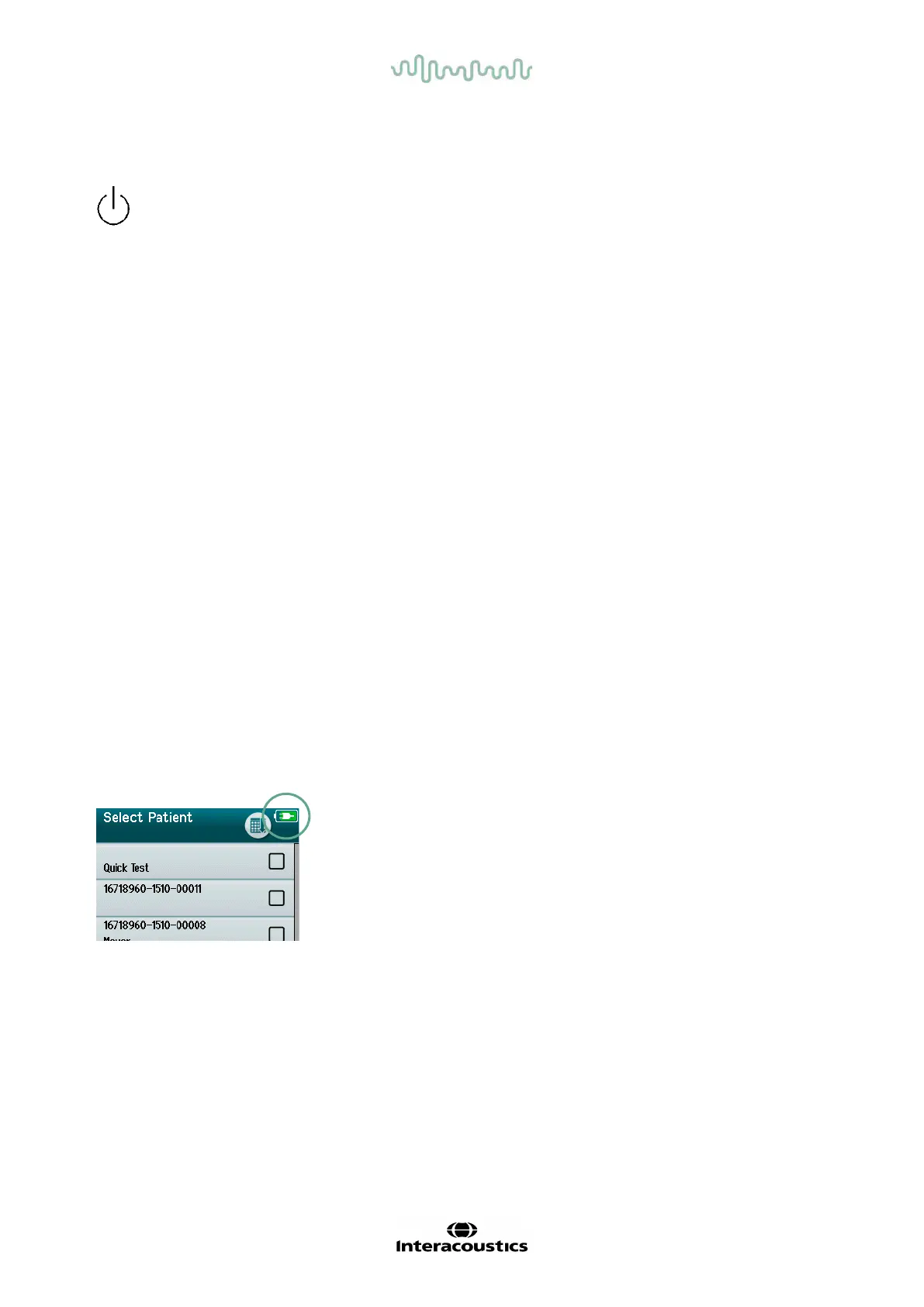
4.4 Battery charge status indicator
When the Sera
TM
battery’s power capacity becomes low, the f irst indication you will see is the battery symbol
in the top right-hand corner of the hand-held unit change color. When the battery’s power level becomes so
low that measurements can no longer be performed, a warning will appear on screen, the measurement will
be stopped, and all recorded data will be stored. You will have to place the Sera
TM
in the cradle or connect it
to a PC via USB cable to be able to continue testing. Upon restarting the Sera
TM
, the previously measured
data will be recovered, and you can continue with your measurements without retesting.
The charge status of the battery is represented graphically in the status
bar at the top of the Sera
TM
touchscreen when it is powered on.
The explanation of the charge status symbols is given in Table 1.














 To Next Page