D-0112389-I – 2022/04
Sera™ - Instructions for Use - EN Page 53
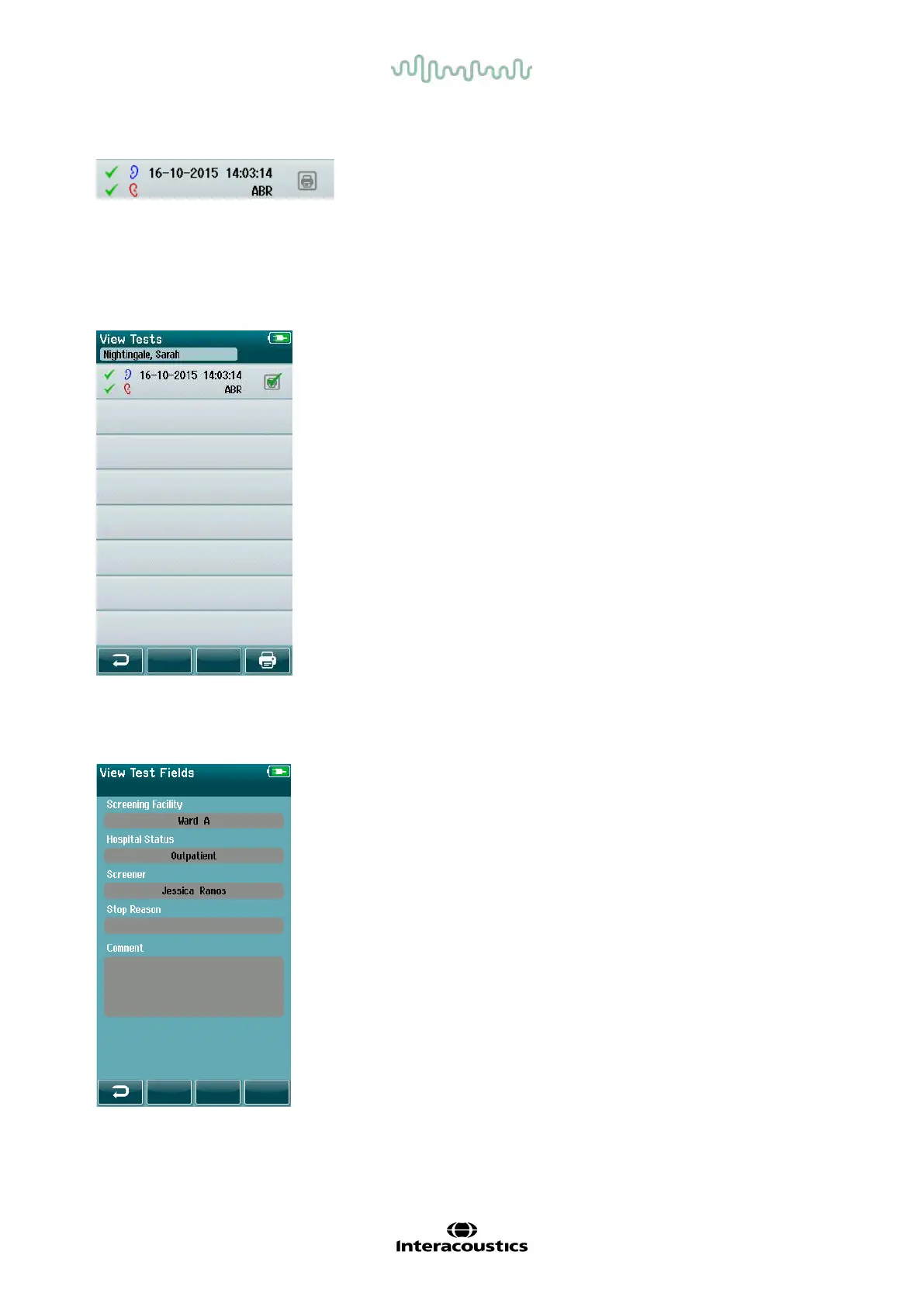
Each row in the Test List shows the f ollowing information:
4.11.4.1 Printing a saved test
Push the Printer box to the right of the test to select the test
for printing. When selected, the print icon box will contain a
green checkmark. Select as many tests as you want to print.
Then select the Print button in the control bar.
Each test will print out on a separate label except in the case
where you have selected only one right and one left ear test
of the same test type. In this case, both tests will print on a
single label.
Please note: Printer boxes and the Print button only appear
on the screen if your Sera
TM
has the wireless and Printer
settings enabled via HearSIM
TM
and if an HM-E200 printer
has been paired with the device. Otherwise, these controls
are hidden f rom view.
4.11.5 Reviewing a saved test
Select the test you wish to review to see the test results and the test field inf ormation.
Select the View Test Fields button in the control panel to
view Test-related Field inf ormation. This screen will only be
available if the Test Fields option is enabled on the device
via HearSIM
TM
.
The Test-related fields cannot be edited on the Sera
TM
. If
edits are needed, the test data must be f irst transferred to the
HearSIM
TM
and edited from there.
• Result symbol f or Pass, Refer or Incomplete
• Test ear symbol f or Right, Left or Both ears
• Test date & time
• Test type (Automated ABR, DPOAE or TEOAE)














 To Next Page