D-0112389-I – 2022/04
Sera™ - Instructions for Use - EN Page 52
4.11 Reviewing patients and saved sessions
The following section describes the steps for searching f or a patient stored on the device, editing patient
information, viewing tests (saved sessions), selecting a session to print, and viewing test inf ormation.
4.11.1 Select patient
Select the Select Patient button on the Home screen to view the list of names
of patients contained in the device database. The list can be sorted
alphabetically by last name or by test date in reverse chronological order using
the sort of icon at the top right corner.
Use the UP and Down arrow keys in the bottom control bar to page through
the list.
4.11.2 Search for a patient
You can use the Search button in the control bar to open a keyboard screen. Type in all or a portion of the
patient’s last name or ID number and select Search again to return to a shortened list containing only
matching patients. Select the desired patient in the list to proceed to the Patient Information screen showing
this patient’s details.
When you have selected a patient f rom the list, that patient’s details will be displayed for review.
4.11.3 Test button
Select the Test button f rom the control bar to proceed with testing this patient.
4.11.4 View saved tests
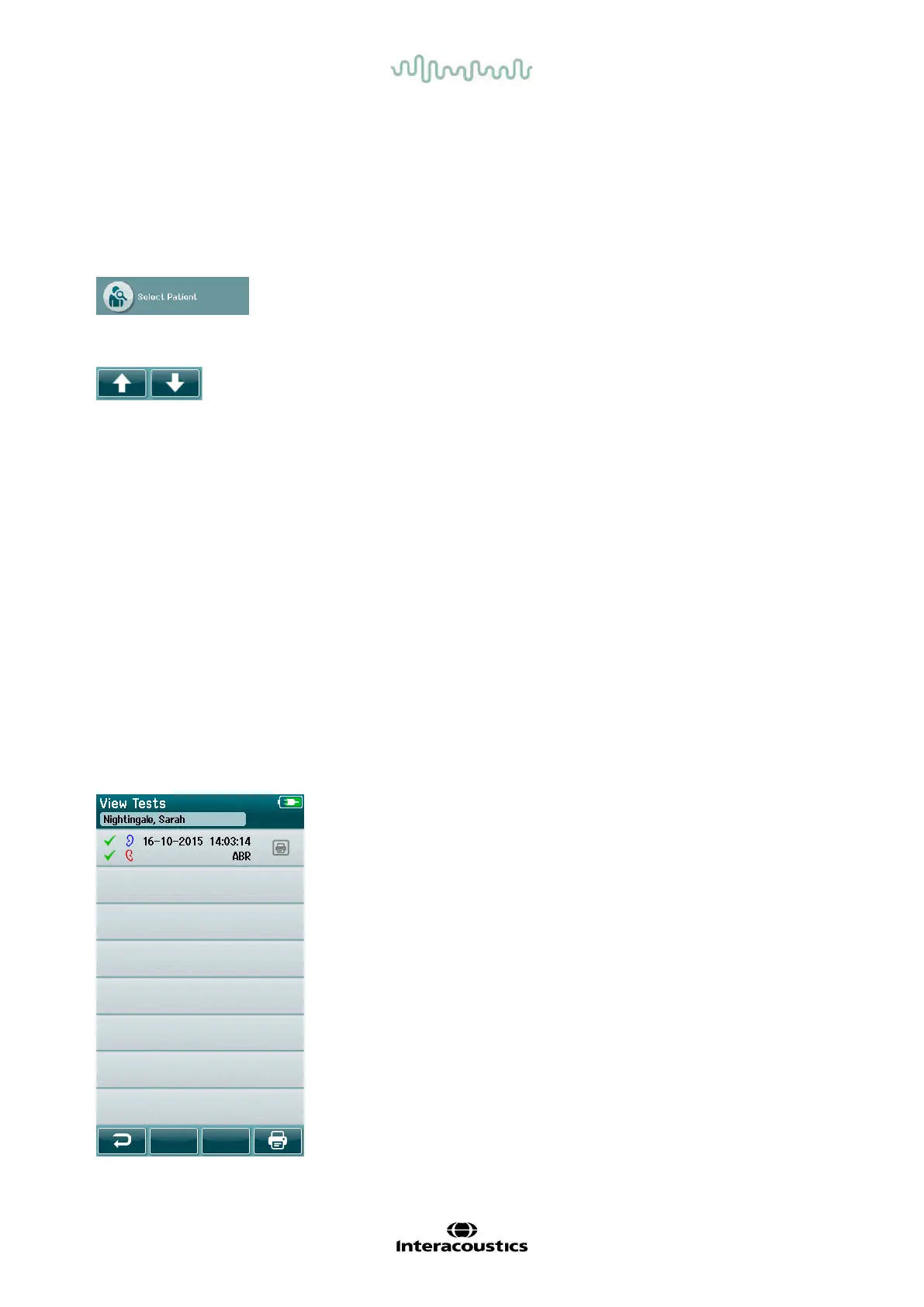
Select the Test List button f rom the control bar of the Patient Information screen to see a list of tests
performed on this patient.
The test list is sorted chronologically with the most recent
test at the top. Each row represents one test.
If more than 8 tests are saved, use the Up and Down arrow
buttons in the bottom control bar to scroll through the list.














 To Next Page