D-0112389-I – 2022/04
Sera™ - Instructions for Use - EN Page 51
4.10 Printing
4.10.1 Ways of printing
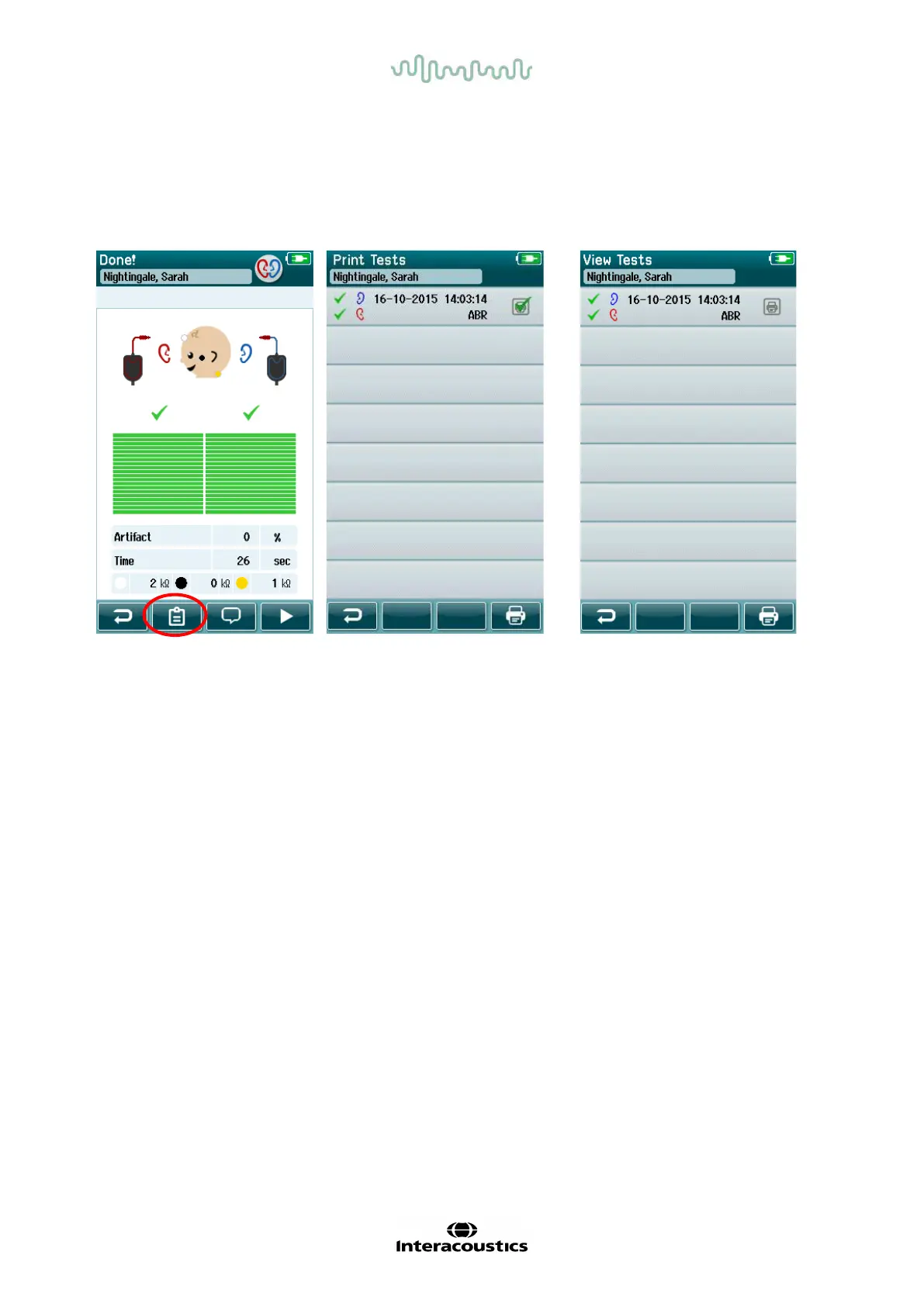
Printing of screening results on the label printer can be accomplished f rom within the Test List screen that
can be accessed from either the Test Done! screen or f rom the Patient Information screen.
Print from the Test Done! screen
Print from the Patient Inf ormation
Screen
4.10.2 Label print format
The label printout displays the following inf ormation:
• First Name
• Last Name
• ID
• Gender
• Birthdate
• Result of left ear, date, and time
• Result of right ear, date, and time














 To Next Page