D-0112389-I – 2022/04
Sera™ - Instructions for Use - EN Page 26
4.5.2 Common function buttons
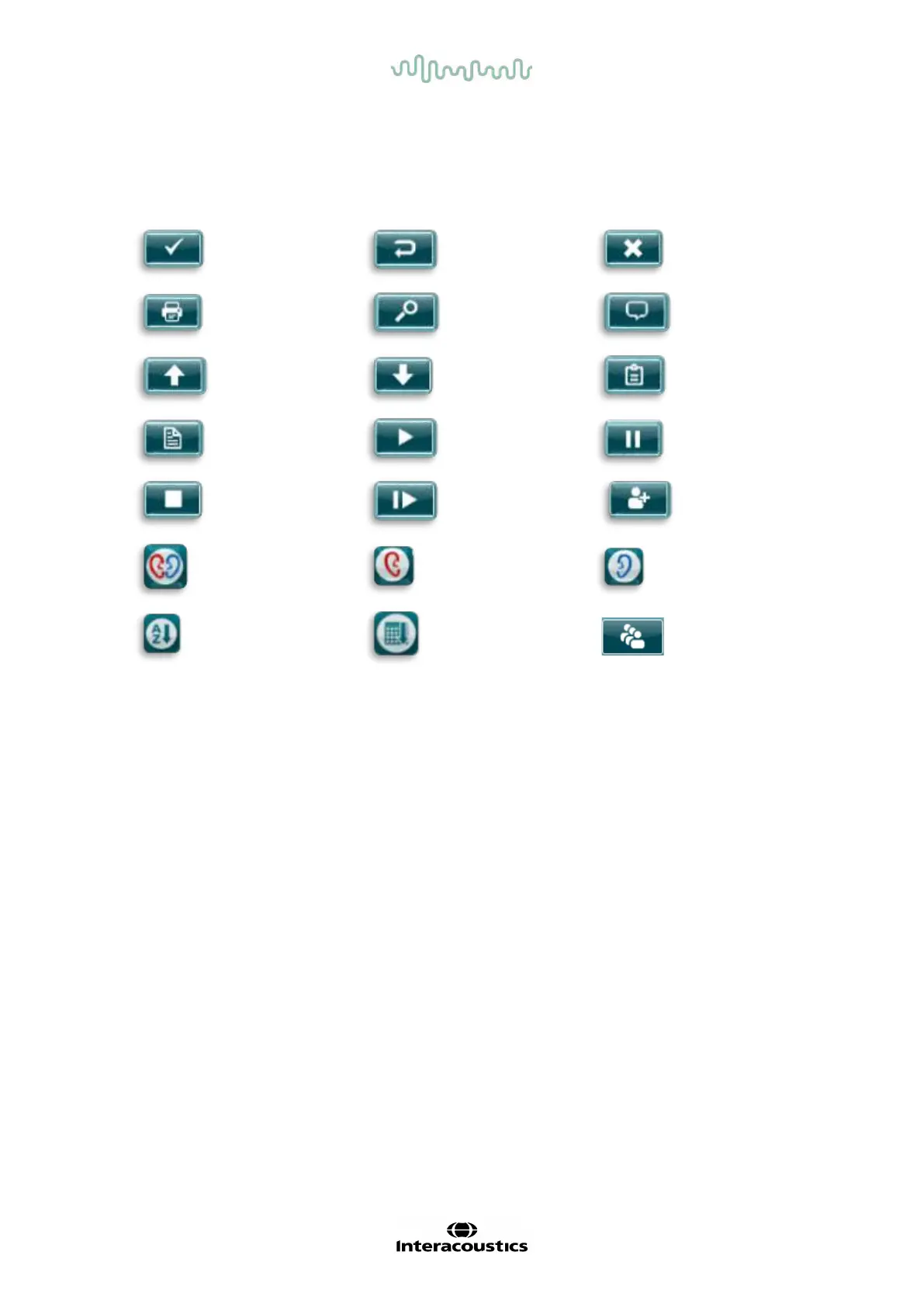
The common function buttons are explained in Table 2.
Table 2: Common f unction buttons.
OK
(accept/save)
Go Back
(previous
screen)
Cancel
Print
Search
Add
comment
Page up
Page down
Show test list
View test
fields
Proceed to
test/start test
Pause (test)
Stop (test)
Resume (test)
Quick add of
new patient
Both ears
(test)
Right ear
Left ear
Sort order
(alphabetical)
Sort order
(chronological)
Change
screener
4.5.3 Keyboards (special characters)
The default keyboard uses the English language character set. To access special characters from other
languages, tap and hold down the most similar letter to the special character you are trying to insert.
Available alternative characters will be displayed f or selection.














 To Next Page