D-0112389-I – 2022/04
Sera™ - Instructions for Use - EN Page 57
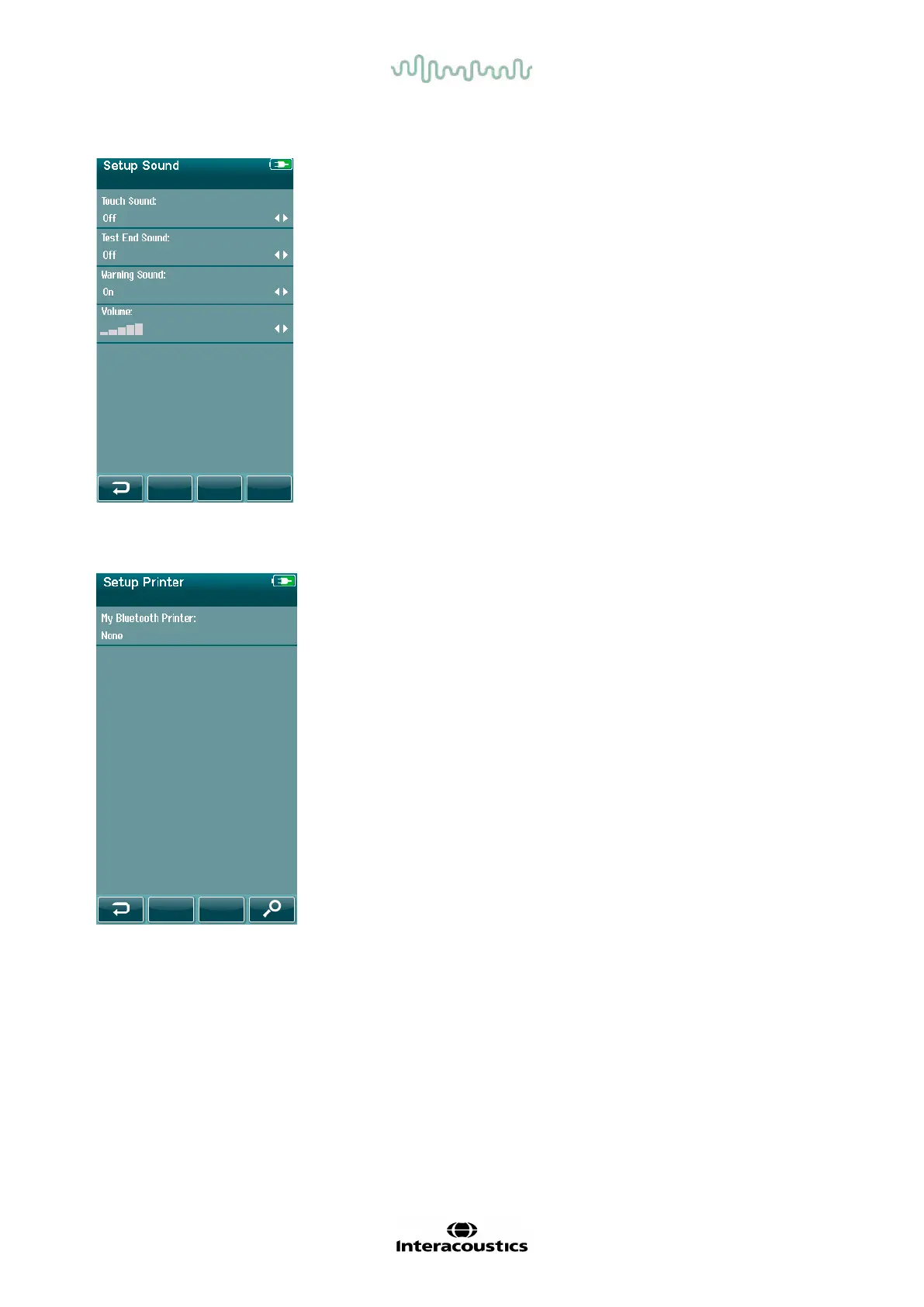
4.13.3 Sound
Set up your preferences f or the presentation of a sound as
feedback under various conditions. The volume level can also be
set here. Conditions for which you can choose to present a sound
are:
• Touch sound – a sound is presented for all button presses
on the device
• Test end sound – a sound is presented when a test is
completed
• Warning sound – a warning sound is presented when an
electrode becomes detached during Automated ABR
testing or when the battery charge is low
Select the Checkmark button in the control bar to confirm the
settings and close the Sound Setup screen.
4.13.4 Printer
To pair to the optional HM-E200 wireless printer, select the Search
button in the control bar. Be sure that the printer is powered on. The
name “HM-E200” will display when the printer is successfully paired
to the Sera
TM
.
Select the Checkmark button in the control bar to confirm the
settings and close the Printer Setup screen.














 To Next Page