D-0112389-I – 2022/04
Sera™ - Instructions for Use - EN Page 40
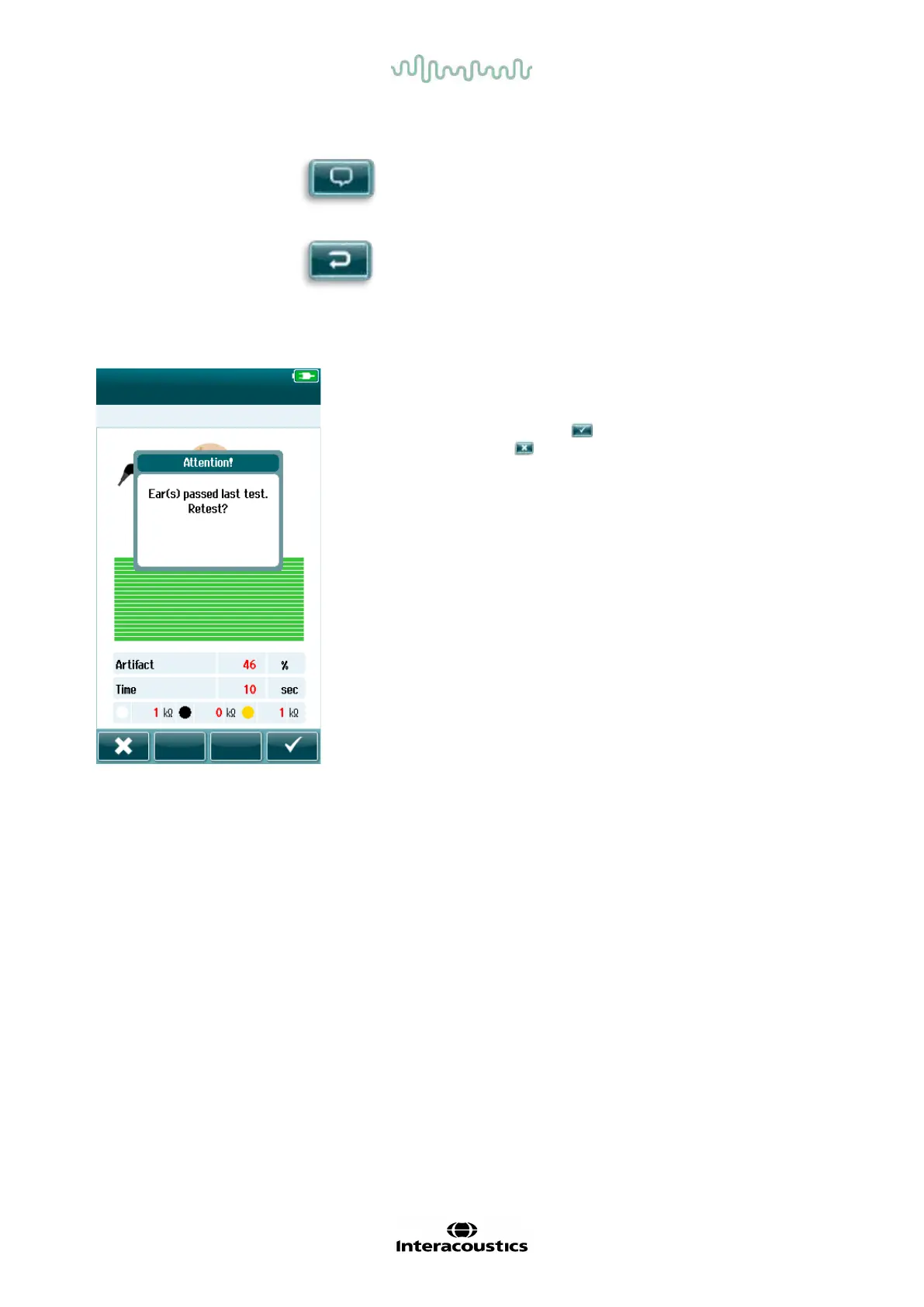
If the user starts another test on the same ear that just passed, the following screen will display:
This message alerts the user that the ear test has just passed and
asks for confirmation of a desire to retest the same ear again.
Users can select the checkmark to proceed with a retest or can
select the cancel button to cancel the retest and return to the
Test Done screen.
Add comment button. Select to add a
comment about the
test just performed.
Back button. Returns to previous
screen (Select test
type or Prepare patient














 To Next Page