6
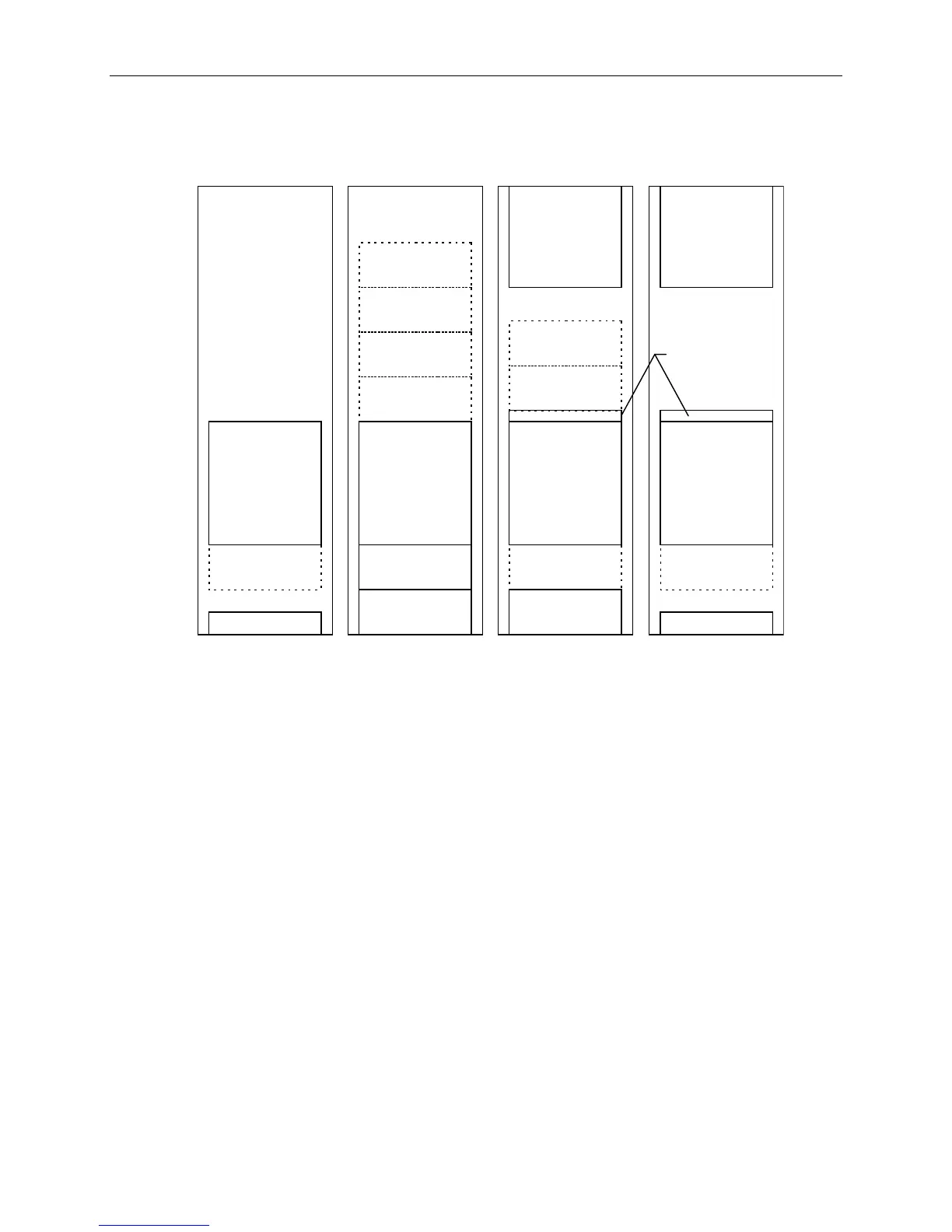
The following figure shows how various configurations look when fully installed, with UPS or AC
boxes. Optional InterRAID-8 cabinets (shown by dashed lines) also depict example placement. These
figures do not attempt to show every possible configuration.
InterServe
Monitor
InterRAID-8
InterRAID-8
InterRAID-8
InterRAID-8
InterRAID-8
InterRAID-8
InterRAID-8
InterRAID-8 InterRAID-8
UPS
InterServe
Monitor
AC Dist Box AC Dist Box
InterServe
UPS
UPS
InterServe
Keyboard
Drawer
Uninterruptible Power Supply
The UPS carton contains the UPS, serial cable, and documentation. The LanSafe III software used to
monitor and configure the UPS is also included with the system.
NOTE The door hinges for the rack must be installed before installing the UPS in the bottom of the rack. For
instructions, refer to
Intergraph Rack Installation and Use
.
To install the UPS into the rack:
1. Insert tinnerman nuts at hole 3 and hole 10 in the front edge of the mounting post.
2. Slide the UPS through the front of the rack, and ensure the back of the UPS rests on the mounting
shelf inside the rack.



 To Next Page