42
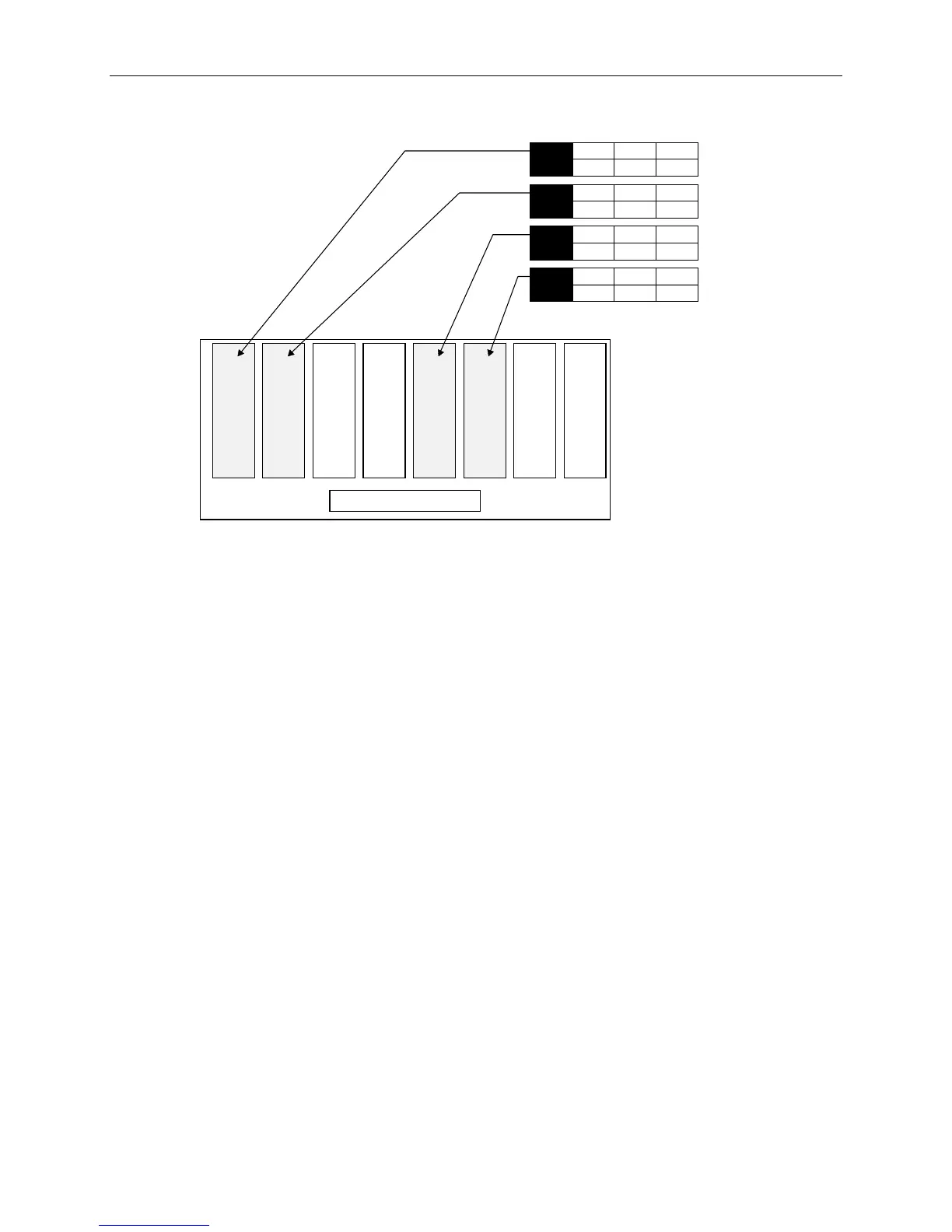
3. Label the drives in the external InterRAID-8 cabinet as shown.
Slot 2 Slot 1Slot 3Slot 4Slot 5Slot 6Slot 7Slot 8
External Disk Cabinet
4
ID
1
CHN
2
ADP
x GB
2
ID
1
CHN
2
ADP
x GB
4
ID
0
CHN
2
ADP
x GB
2
ID
0
CHN
2
ADP
x GB
The add-on drives are not formatted or configured. After configuring system software you must format
and configure the drives to make then usable to the system. Refer to in Chapter 2 of the System Setup
to perform the configuration tasks after completing the hardware installation.
System Cables
All cable ports on the base unit and other Intergraph equipment are keyed or molded to ensure proper
cable attachment. If a cable is not attaching easily, ensure that you are aligning the cable connector
correctly with the port.
PC Extender
The PC Extender includes a transmitter box and receiver box, one 8-foot long three-part cable, and user
documentation. Intergraph also supplies two 100-foot category 5 unshielded twisted pair (UTP)
extension cables for placing the monitor, keyboard, and mouse in a remote location.
NOTE Interlaced stereo mode cannot be run if the monitor, mouse, and keyboard are connected to the PC
Extender.
To install the PC Extender:
1. Set the receiver, monitor, mouse, and keyboard in the desired location. Connect the monitor,
mouse, and keyboard cables to the receiver.
2. Set the transmitter in the rack on top of the AC box.



 To Next Page