20
InterRAID-8
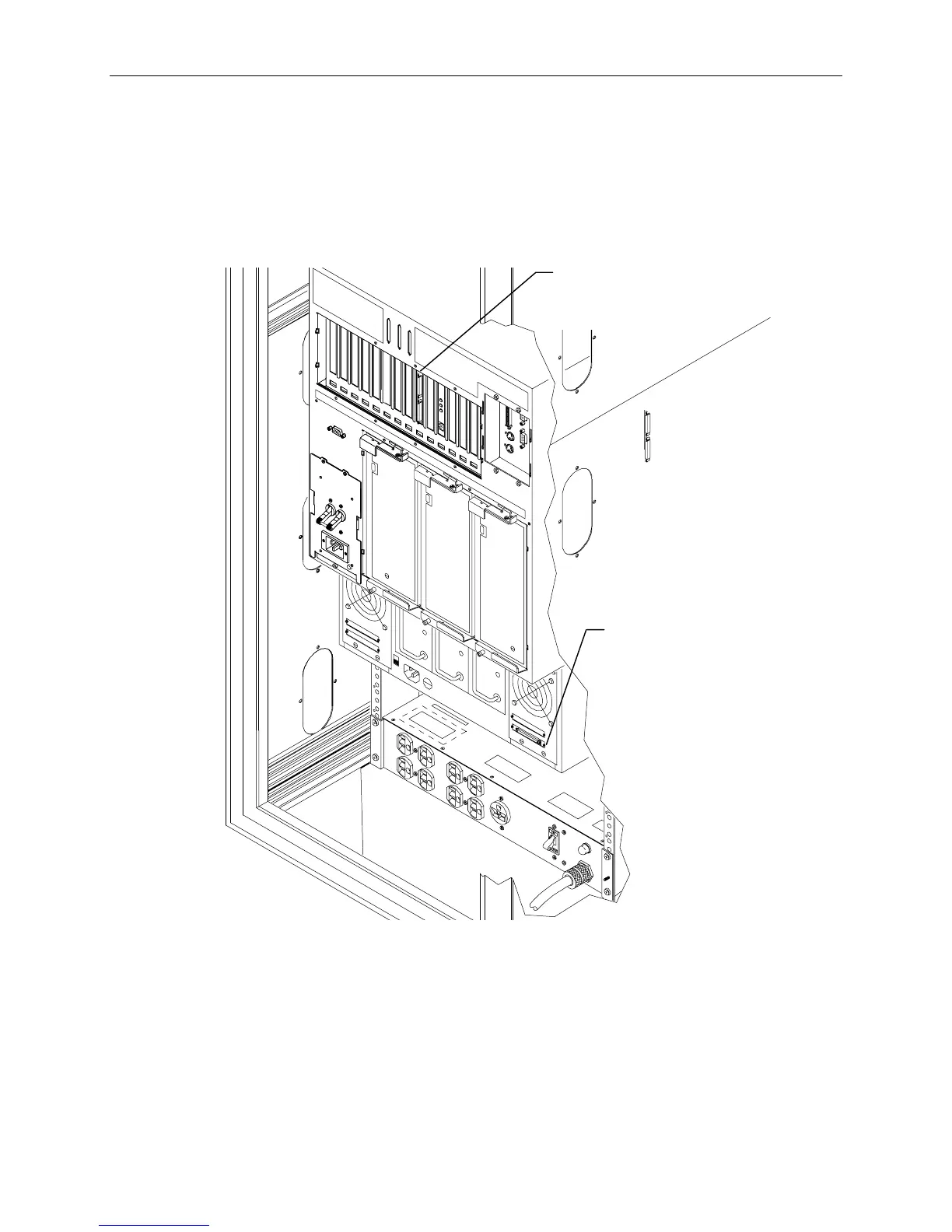
To connect InterRAID-8 cables:
1. Connect the RAID SCSI cable to the InterRAID-8 SCSI port and to a RAID controller SCSI port
in the base unit. Refer to the following figure.
NOTE On the RAID controller, the top port is channel 0, and the bottom port is channel 1. Keep track of the
InterRAID-8 attached to each channel, for drive labeling purposes.
InterRAID-8
SCSI Port
on
ro
er
SCSI Ports
(PCI Slot 4)
2. Connect the power cord to the InterRAID-8 cabinet and to the AC distribution box or UPS.



 To Next Page