108
Adding Internal SCSI Devices
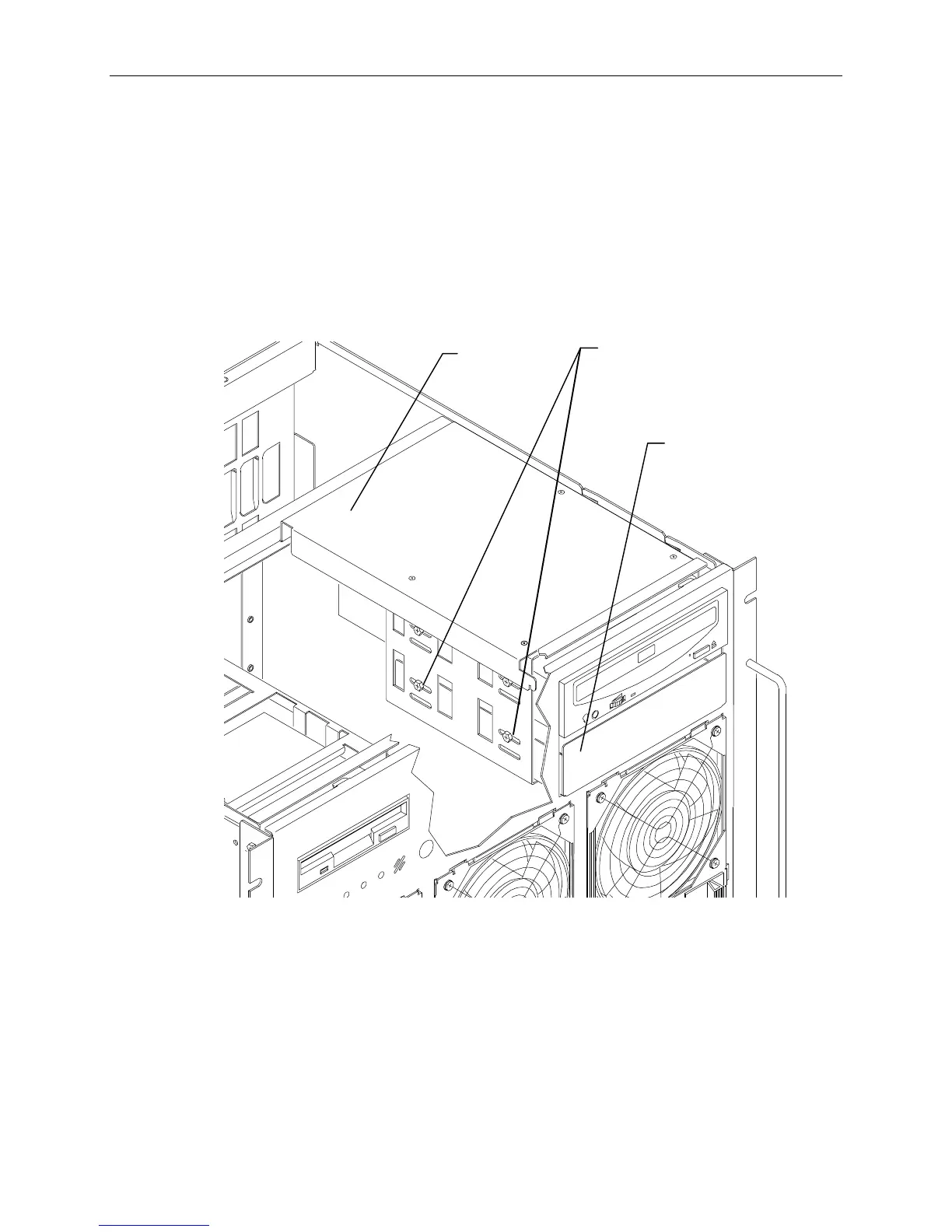
You can install one single-ended internal SCSI device such as a tape drive in the empty slot beneath the
CD-ROM drive. When installing a SCSI device, carefully follow the vendor’s instructions for setting
the SCSI ID and disabling the SCSI termination before installing the devices.
To install an internal SCSI device:
1. Remove the top front cover from the base unit as described in Chapter 6.
2. Remove the drive tray from the slot. Two screws on the left side of the peripheral bracket secure
the drive tray. Refer to the following figure.
Screws
Drive
Tray
Peripheral
Bracket



 To Next Page