19
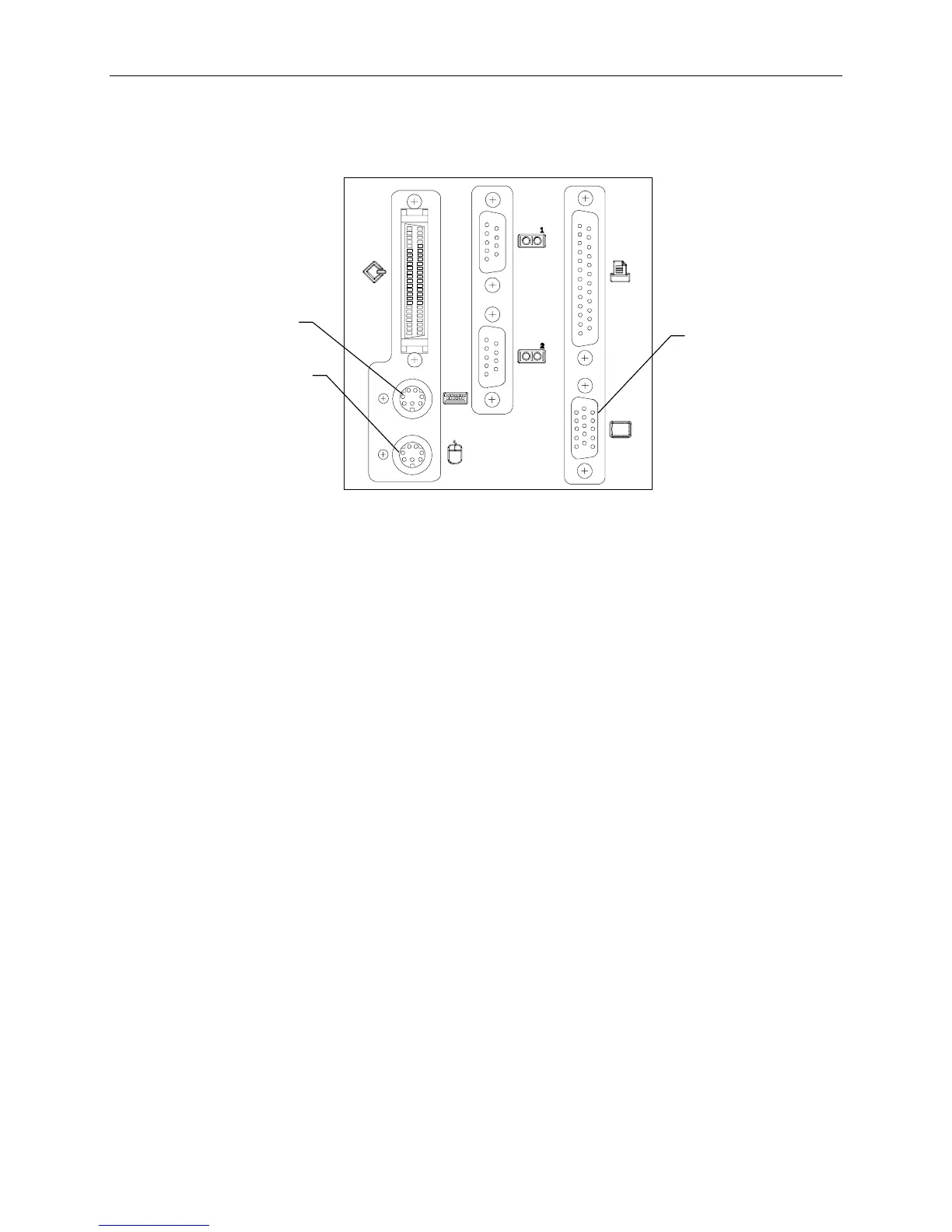
2. If using the rack-mount kit, connect the keyboard and mouse cables to the ports on the back of the
base unit. Connect the video cable to the video port and to the monitor. Refer to the following
figure.
Video Port
Mouse Port
Keyboard
Port
3. Connect the monitor power cord to the monitor and to the AC distribution box, UPS, or wall
outlet.
4. Connect the concentrator power cord to the AC distribution box, UPS, or wall outlet.



 To Next Page