40
−
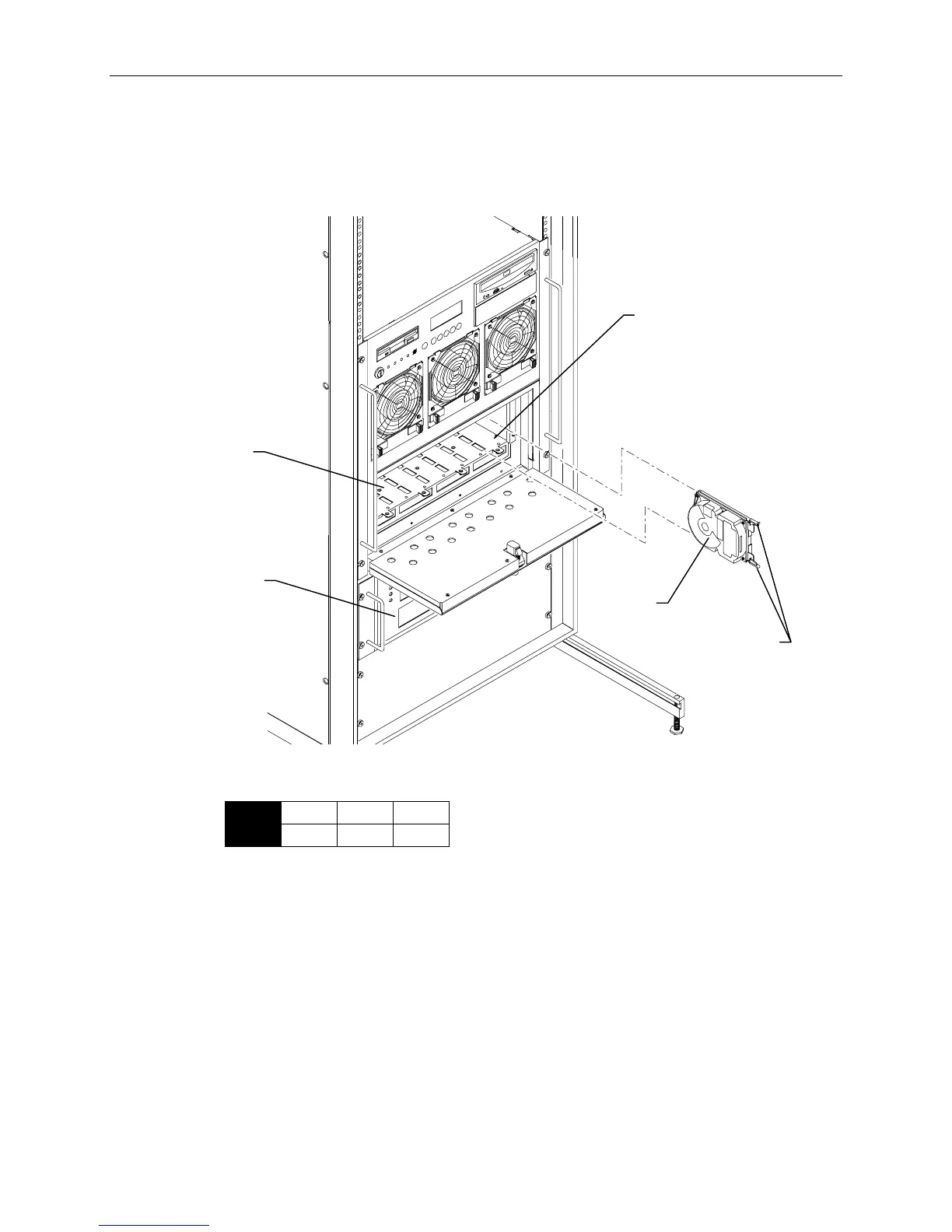
Push the drive between the latching clips until it slides all the way into the slot until it engages
the connector. Do not use excessive force.
−
Close the latching clips to lock the drive in the slot.
−
See the following figure.
Slot 1
Metal
Casing
Drive Latching
Clips
Internal
Disk Drive
Cabinet
External
InterRAID-8
Cabinet
1. Remove the disk drives from the “External Drives” box. These drives contain a label similar to the
following:
0
ID
1
CHN
1
ADP
x GB
2. Open the access door of the external INterRAID-8 cabinet. Slots are numbered 1 to 8 from the
right slot to the left.



 To Next Page