48
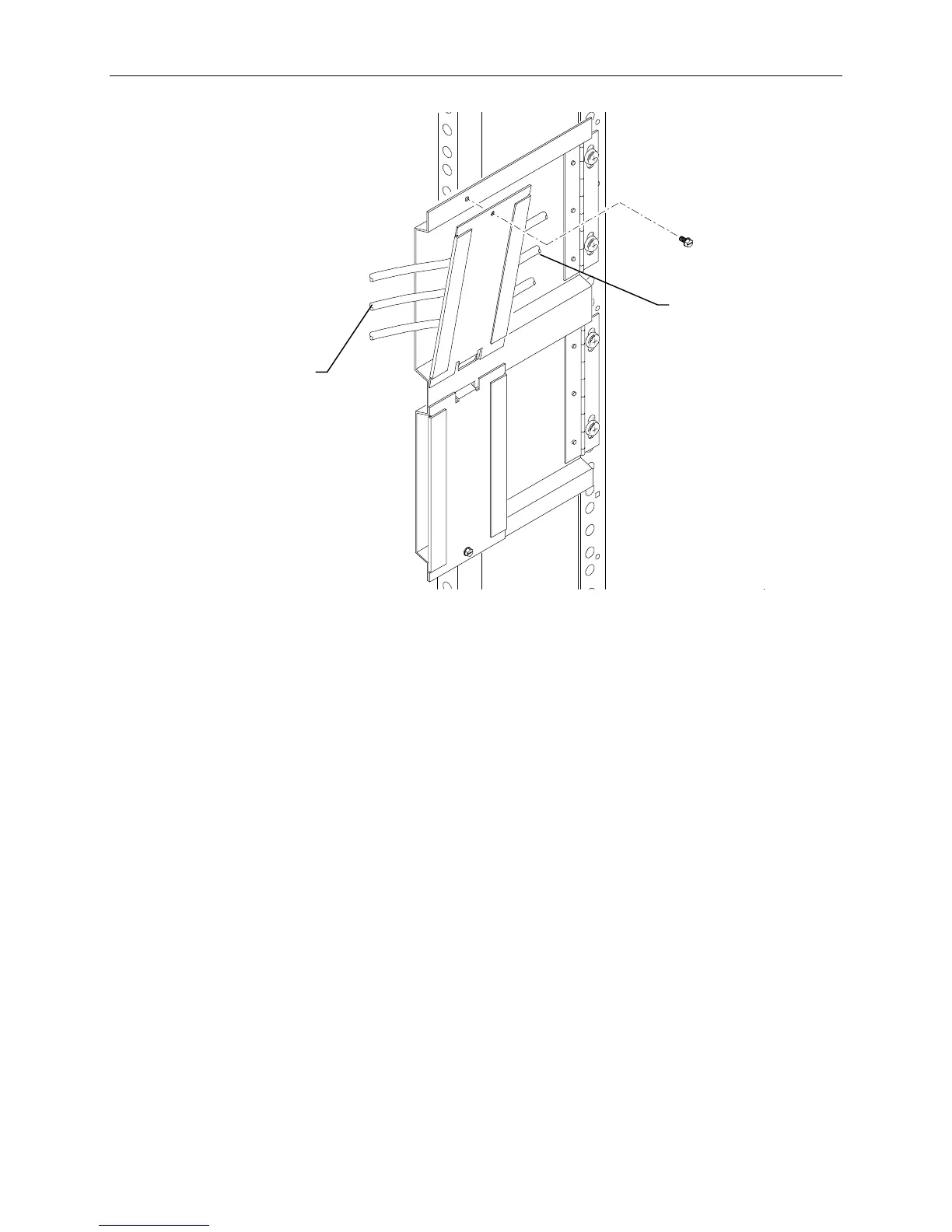
These ends to the
base unit
These ends to the
devices
To route cables:
NOTE The base unit must be extended to insert cables into the cable handler.
1. Connect all the system power cords and data cables to the base unit and to the AC distribution box
or UPS.
2. Insert all cables that attach to the base unit (except for keyboard and mouse cables) into the cable
handler.
3. Additionally, there are cable ties and clamps along the rear mounting rails of the rack. Route
cables through these ties and clamps if necessary.
NOTE Cables that are attached to the base unit and connect to devices in another rack must also be inserted
into the cable handler.
4. After routing the cables into the cable handlers, fully extend the base unit to ensure there is enough
service loop in the cables.



 To Next Page