Wireless Access Point
User Guide
2 Quick Setup
2.1 Overview
This chapter is about how to set up APs in different scenarios. Please select one according to
your scenario.
2.2 Deploying the AP without an IP-COM
management router/AC
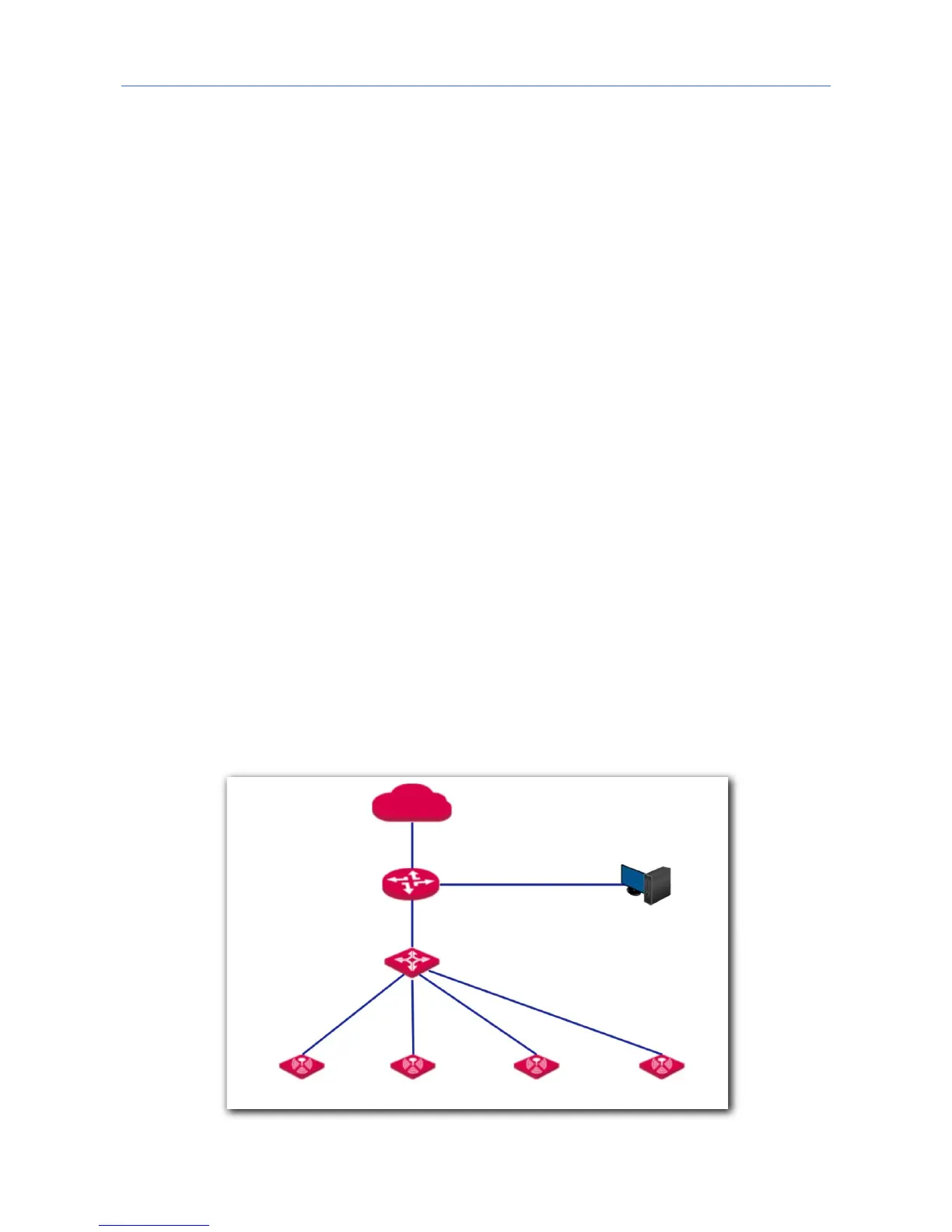
1. Connect devices.
(1) Ensure that your router is connected to the internet.
(2) Ensure that your router and PoE switch are connected to power supply.
(3) Connect your computer and PoE switch to LAN ports of the router using Ethernet
cables.
(4) Connect LAN port of your AP to a PoE port of your PoE switch using an Ethernet
cable.
The network topology is shown as follows:



 To Next Page