Wireless Access Point
User Guide
7.4 Frequency analysis
7.4.1 Overview
This module consists of two functions: frequency analysis and rouge AP detection.
Frequency analysis
This function enables you to check number of signals in every channel and the channel
usage. You can select a channel with a low usage for your AP to improve wireless data
transmission.
Rouge AP detection
This function enables you to know about the wireless signals near the AP, including
information about SSID, MAC address, channel and signal strength.
7.4.2 Checking frequency analysis
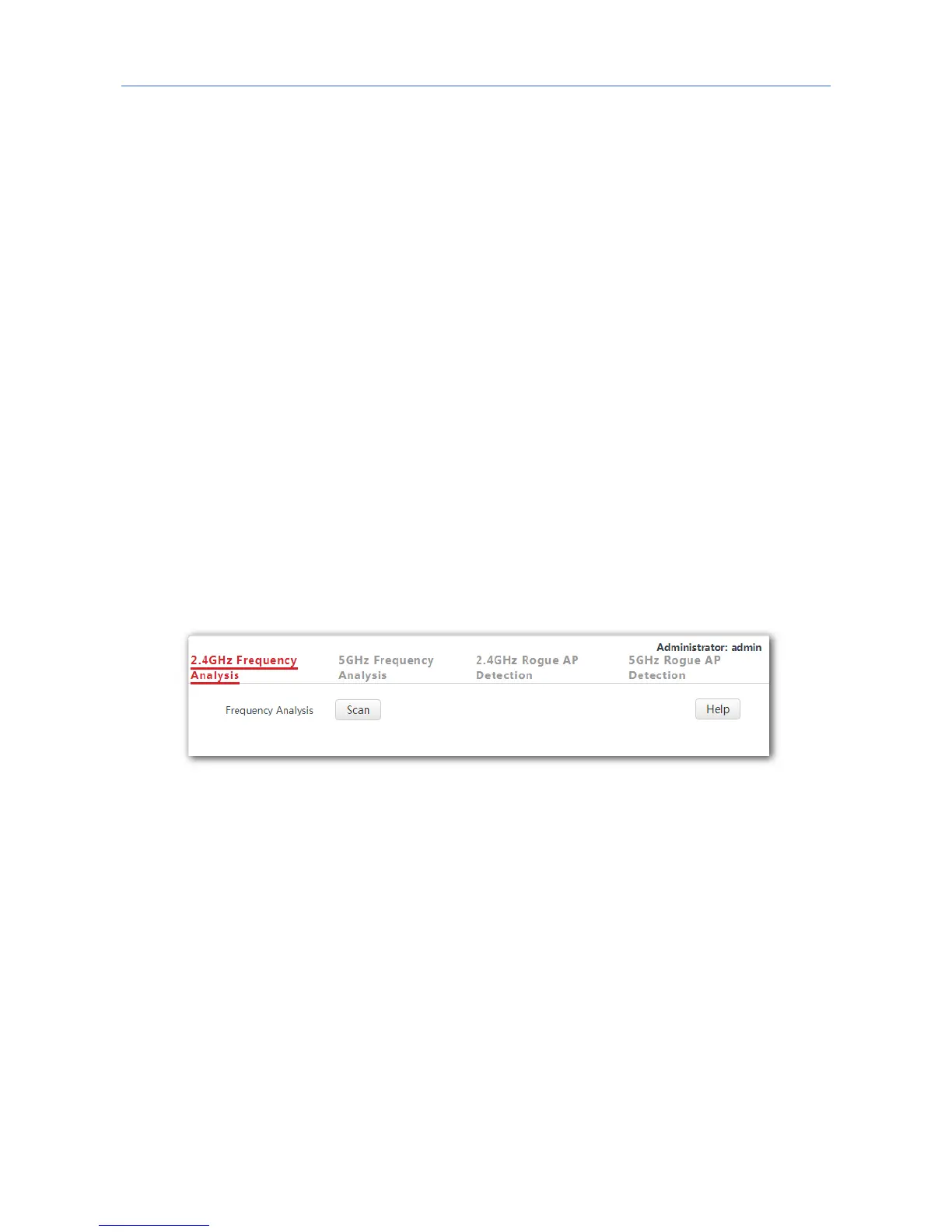
1. To access the configuration page, click Wireless Settings ˃ Frequency Analysis.
2. Click 2.4GHz Frequency Analysis or 5GHz Frequency Analysis based on your need.
3. Frequency Analysis: Click Scan.
---End
After clicking Scan, you can select a channel with a low usage for your AP based on the
results.
- If the underpainting of the channel usage is green, it indicates the channel is not
congested.
- If the underpainting of the channel usage is yellow, it indicates the channel is congested.
- If the underpainting of the channel usage is red, it indicates the channel is so congested
that it nearly could not be used.
71



 To Next Page