Wireless Access Point
User Guide
7.2 Radio settings
7.2.1 Overview
This module is used to set radio parameters of the AP, such as country/region and network
mode. It also enables you to turn on/off the Isolate SSID function. The following describes
the Isolate SSID function briefly.
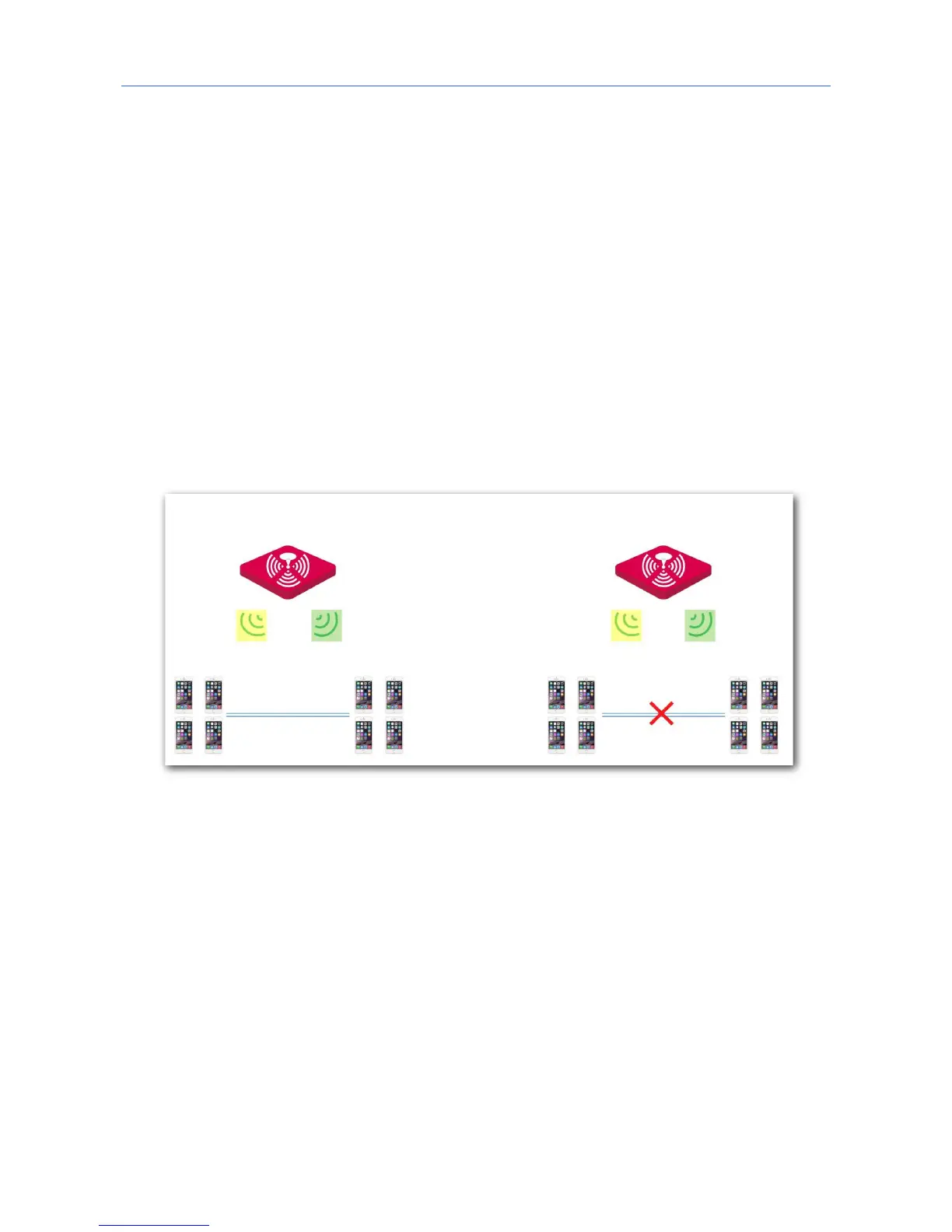
Isolate SSID
This function isolates the wireless devices connected to different WiFi networks of the AP.
For example, if user A connects to the WiFi network corresponding to SSID1, whereas user B
connects to the WiFi network corresponding to SSID2, the two users cannot communicate
with each other after Isolate SSID is enabled.
7.2.2 Changing the radio settings
1. Choose Wireless Settings > Radio Settings.
2. Click a tag page as required, which is 2.4 GHz Radio Settings in this example.
3. Change the parameters as required. Generally, you only need to change the Enable
Wireless, Channel, and Lock Channel settings.
4. Click Save.



 To Next Page