Wireless Access Point
User Guide
9 Deployment
9.1 Overview
If a large number of APs are deployed, you are recommended to adopt an IP-COM AP
controller to manage the APs in a centralized manner, such as AC1000/2000/3000. The AP
supports two deployment modes: local deployment and cloud deployment. By default, the
AP is in local deployment mode.
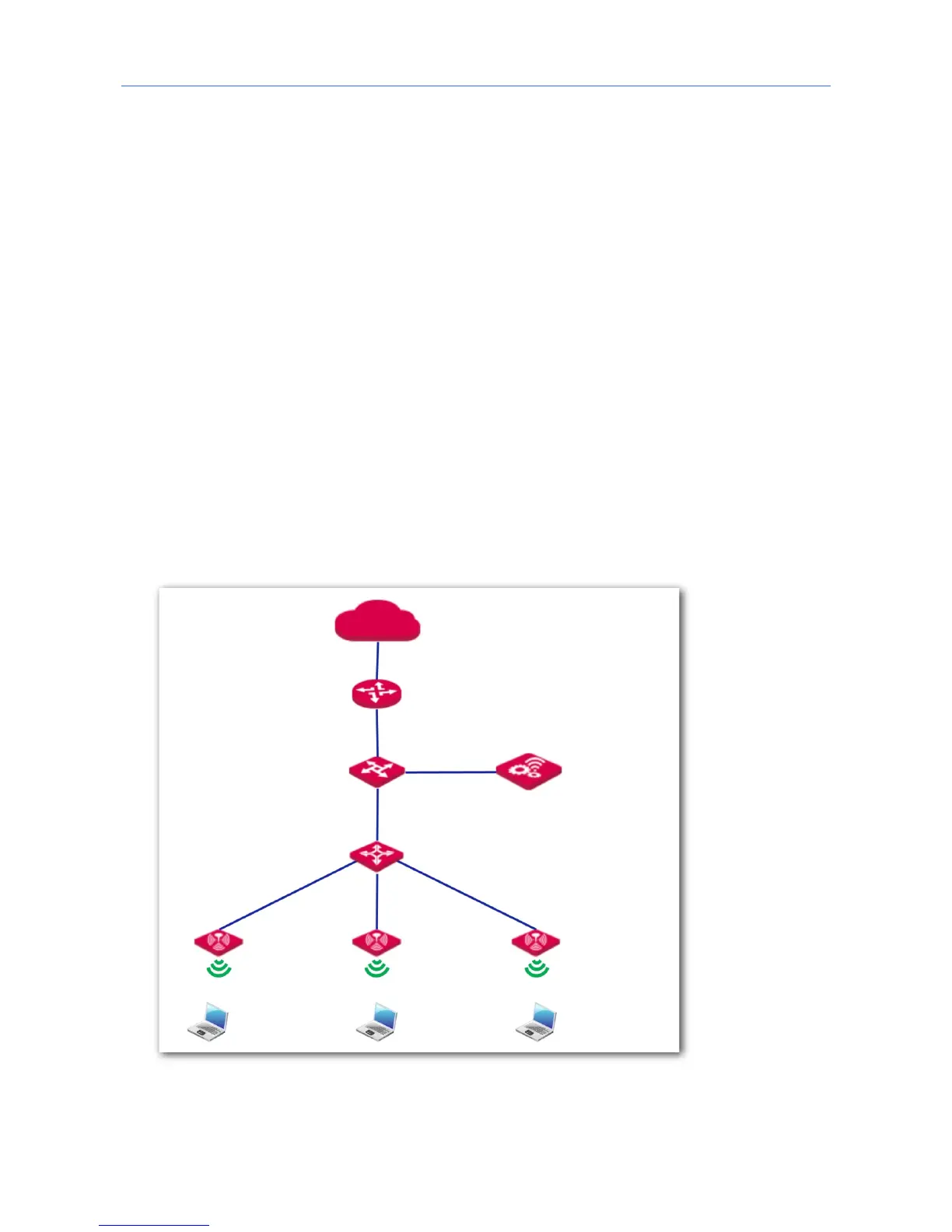
Local deployment
If you need to deploy many APs in a small area, you are recommended to set the AP in the
local deployment mode, which uses a local AC (in Sub AC mode) to manage the APs in a
centralized manner. The following figure shows the topology for the local deployment mode.



 To Next Page