Wireless Access Point
User Guide
10.3.2 Configuring log settings
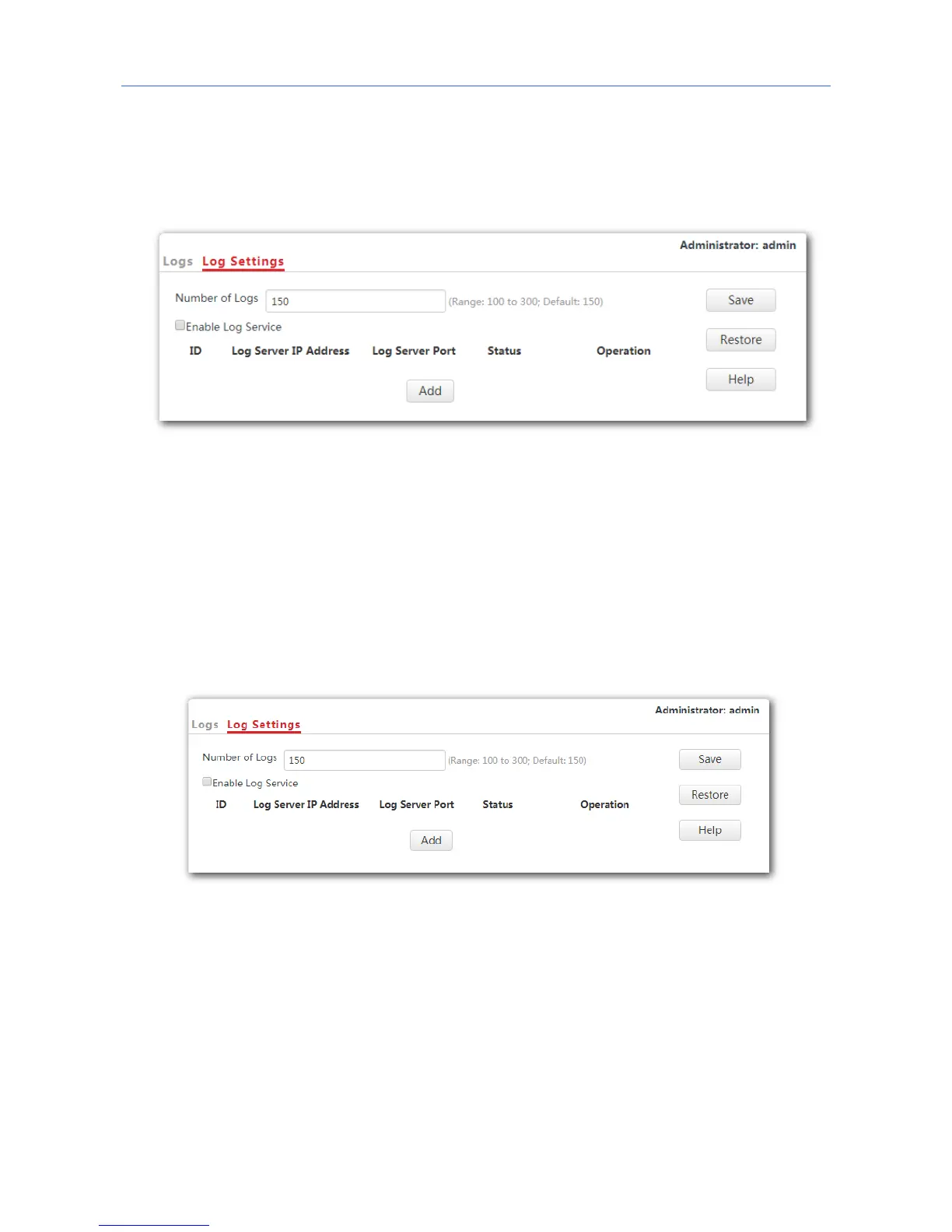
To access the page, click Tools > Logs > Log Settings.
On this page, you can set the number of displayed logs and configure the log server function.
Setting the number of displayed logs
By default, the AP can display a maximum of 150 logs. You can change the number as
required.
Procedure:
1. To access the page, click Tools > Logs > Log Settings.
2. Number of Logs: Change the number of logs as required within the range of 100 to 300.
3. Click Save.
---End
Configuring the log server settings
After you specify a log server, the AP sends its logs to the log server. You can view all the
historical logs of the AP on the log server.
101



 To Next Page