Wireless Access Point
User Guide
7.7 Advanced settings
7.7.1 Overview
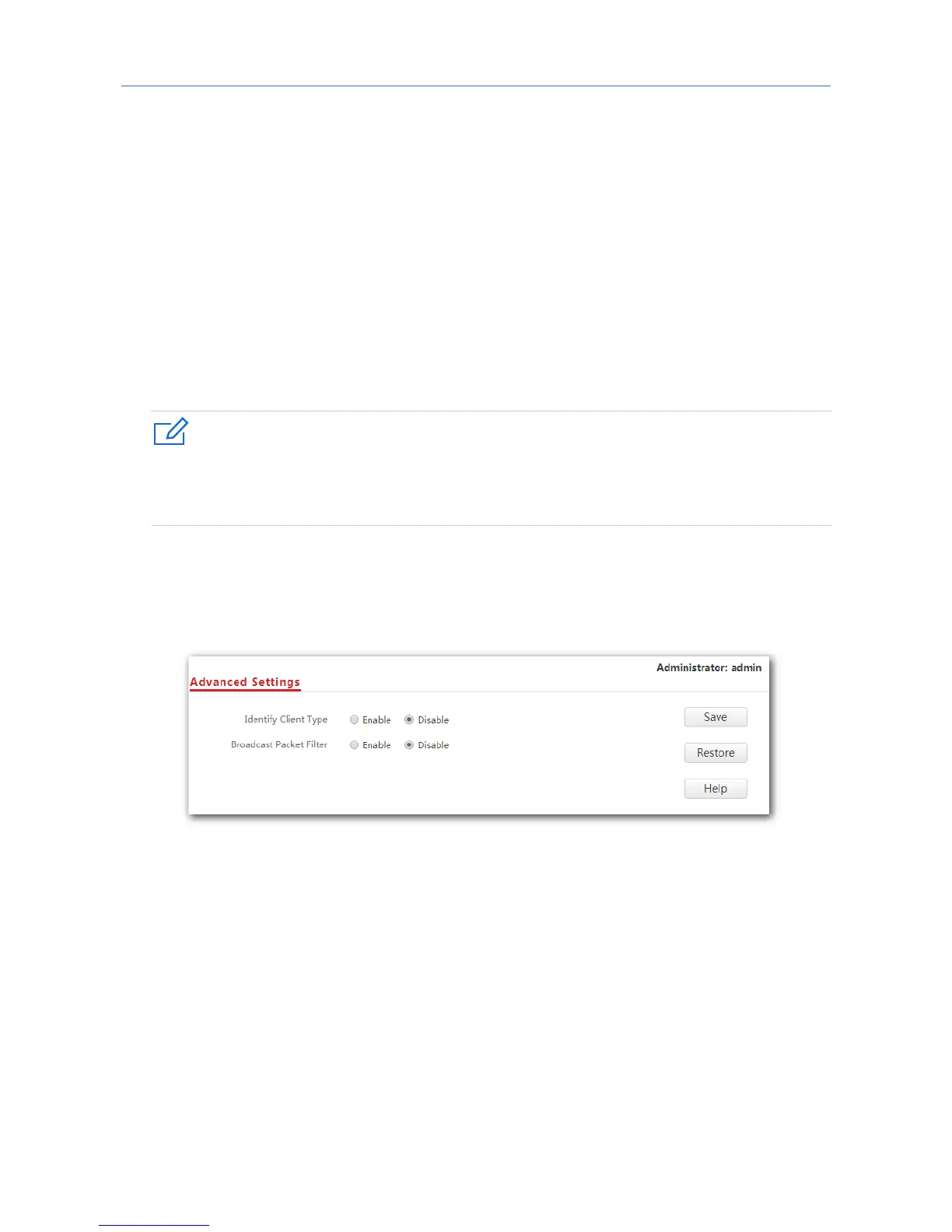
This module enables you to make AP’s WiFi network and wireless transmission more
efficiently through enabling identifying client type and filtering broadcast packet. By default,
these two functions are disabled.
7.7.2 Changing the advanced settings
You are recommended to configure the broadcast packet filter function only under the
instructions of professional personnel, so as to prevent decreasing the WiFi performance of
the AP.
1. Choose Wireless Settings > Advanced Settings.
2. Identify Client Type, Broadcast Packet Filter, Filter Mode: Set the parameters as
required.
3. Click Save.
---End
79



 To Next Page