Wireless Access Point
User Guide
8.3 Example
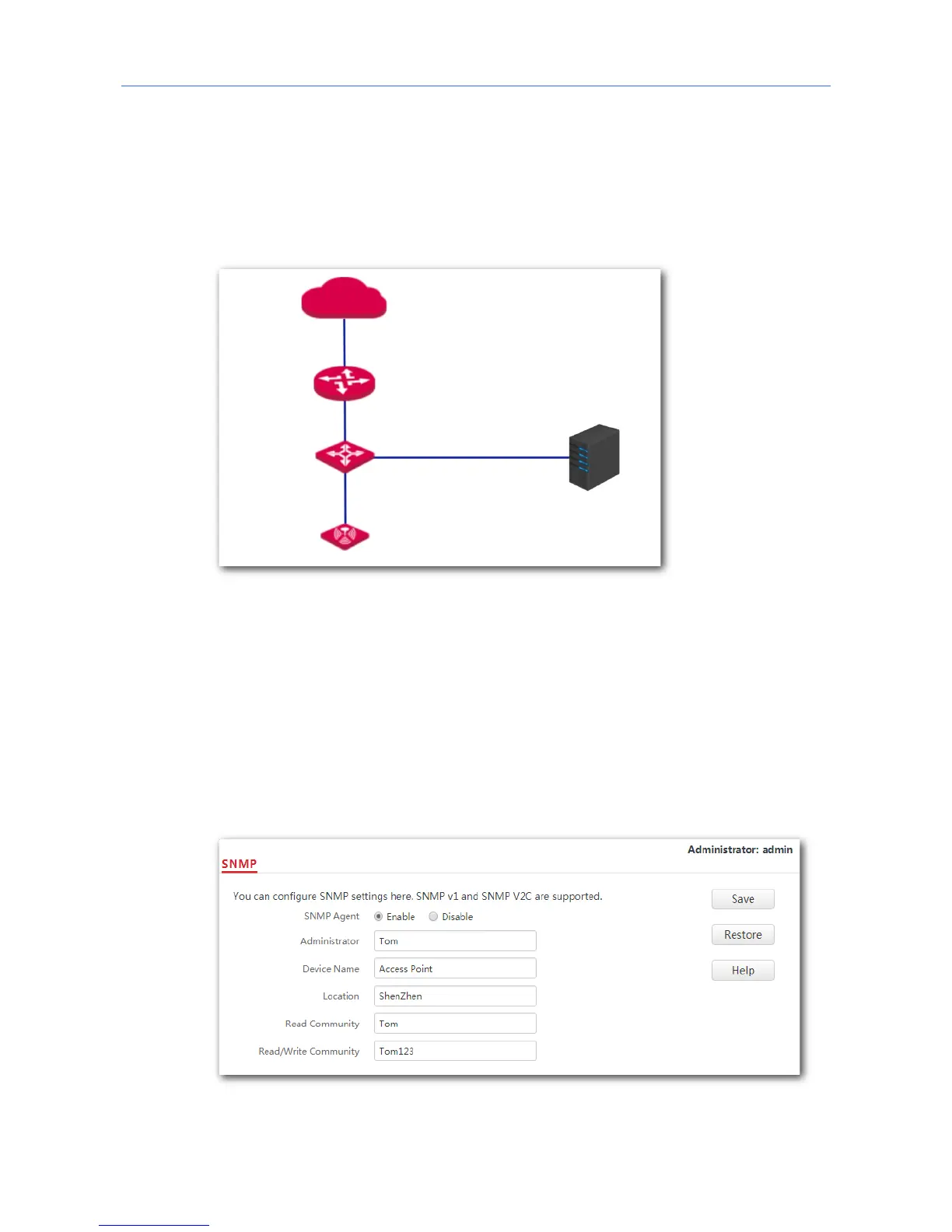
Networking requirement
− The AP connects to an NMS over an LAN network. This IP address of the AP is
192.168.0.254/24 and the IP address of the NMS is 192.168.0.212/24.
− The NMS uses SNMP V1 or SNMP V2C to monitor and manage the AP.
Procedure:
1. Configure the AP.
Assume that the administrator name is Tom, read community is Tom, and read/write
community is Tom123.
(1) Log in to the web UI of the AP and choose SNMP.
(2) Set SNMP Agent to Enable.
(3) Set the SNMP parameters.
(4) Click Save.
2. Configure the NMS.



 To Next Page