Wireless Access Point
User Guide
4 Status
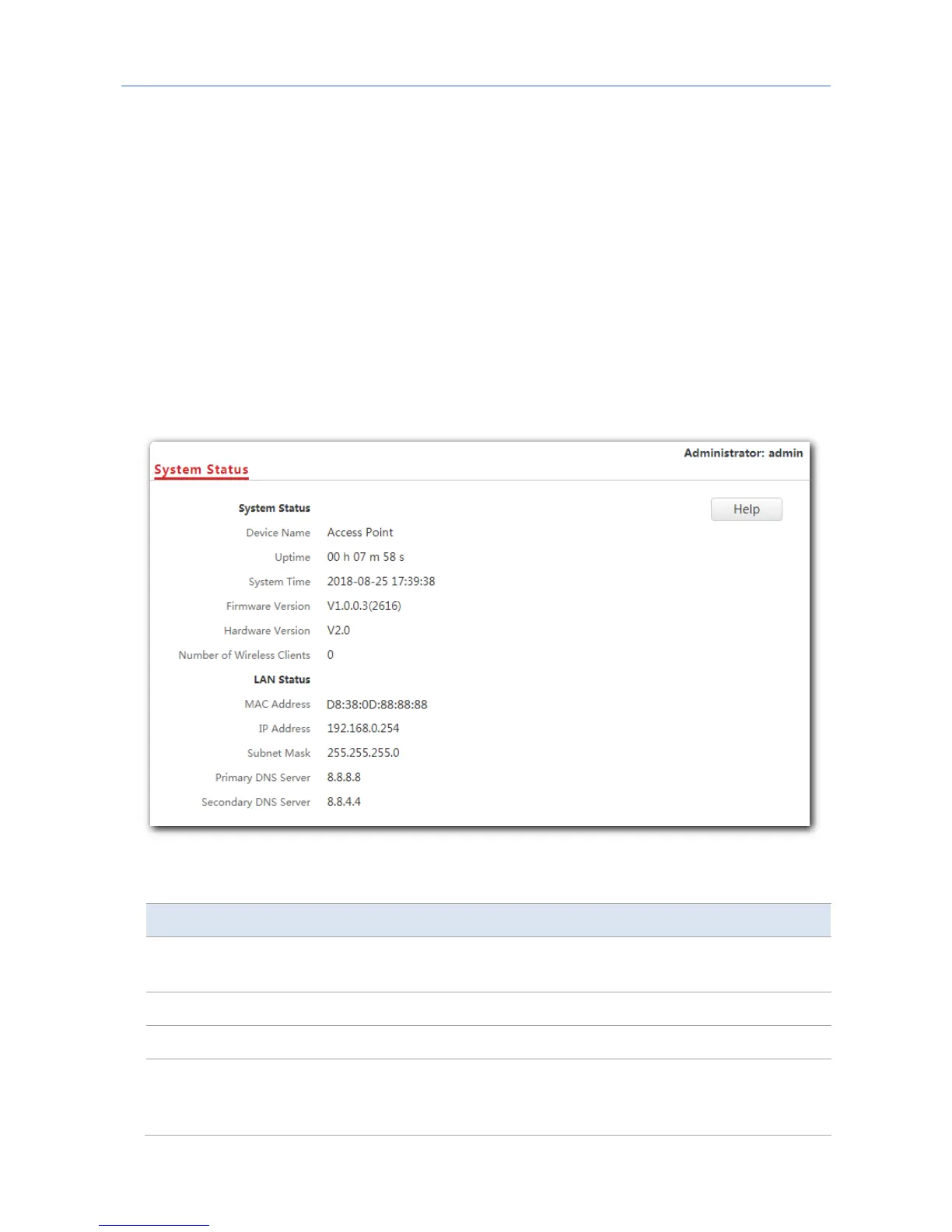
4.1 System status
This page displays the system status and LAN port status of the AP. To access the page, click
Status > System Status.
Parameter description
Parameter Description
Device Name
It specifies the name of the AP. You can change the AP’s name on
Network Settings > LAN Setup page.
Uptime It specifies the time that has elapsed since the AP starts up this time.
System Time It specifies the current system time of the AP.
Firmware Version
It specifies the current firmware version number of the AP. If you have
upgraded the firmware version of the AP, view the current firmware
version here to check whether the upgrade is successful.
16



 To Next Page