Wireless Access Point
User Guide
- To prevent damages, ensure that the AP is connected to power supply properly when the
AP is reset.
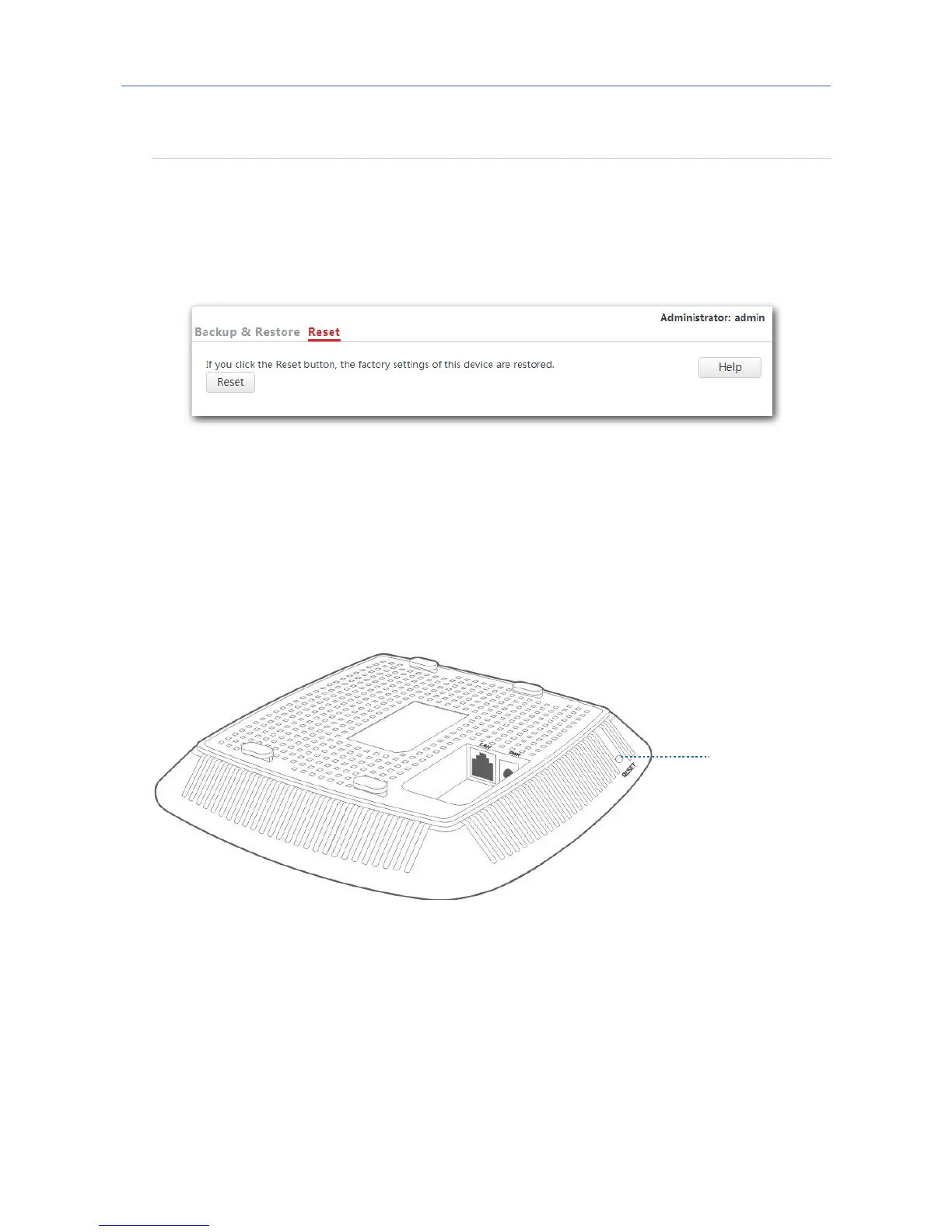
Resetting the AP through web UI
1. Click Tools > Configuration and click the Reset tab.
2. Click the Reset button.
---End
Resetting the AP using hardware
This method enables you to reset the AP without logging in to its web UI.
After the LED indicator blinks, hold down the RESET button for about 8 seconds. The AP is
reset successfully when the LED indicator gets solid on.



 To Next Page