Wireless Access Point
User Guide
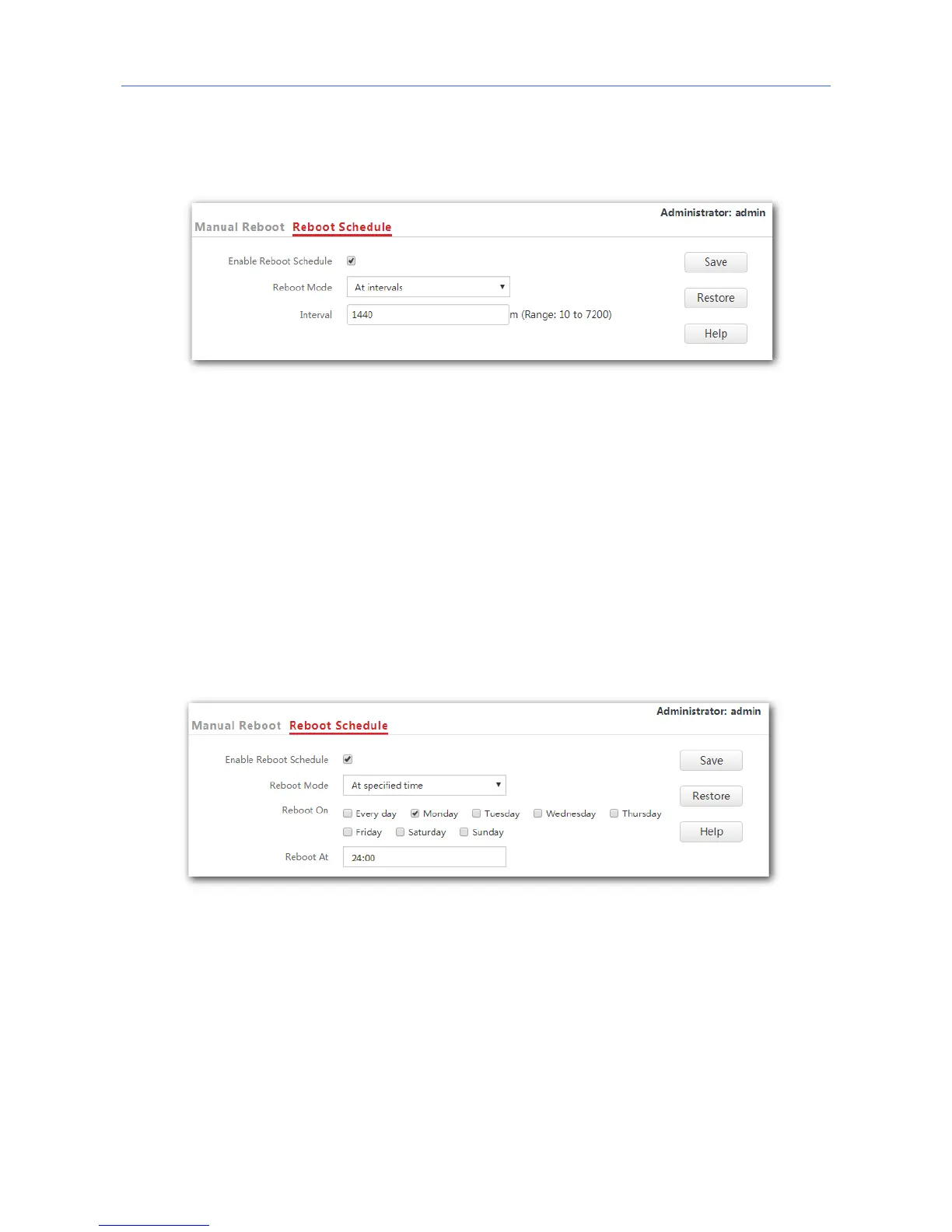
3. Reboot Mode: Select At Intervals.
4. Interval: Set your required value, such as 1440 in this example.
5. Click Save.
---End
Configuring the AP to reboot at specified time
1. Click Tools > Reboot Device and click the Reboot Schedule tab.
2. Tick the Enable Reboot Schedule box.
3. Reboot Mode: Select At specified time.
4. Reboot On: Select the required day(s) when the AP reboots, which is Monday in this
example.
5. Reboot At: Set the time when the AP reboots, which is 24:00 in this example.
6. Click Save.



 To Next Page