Wireless Access Point
User Guide
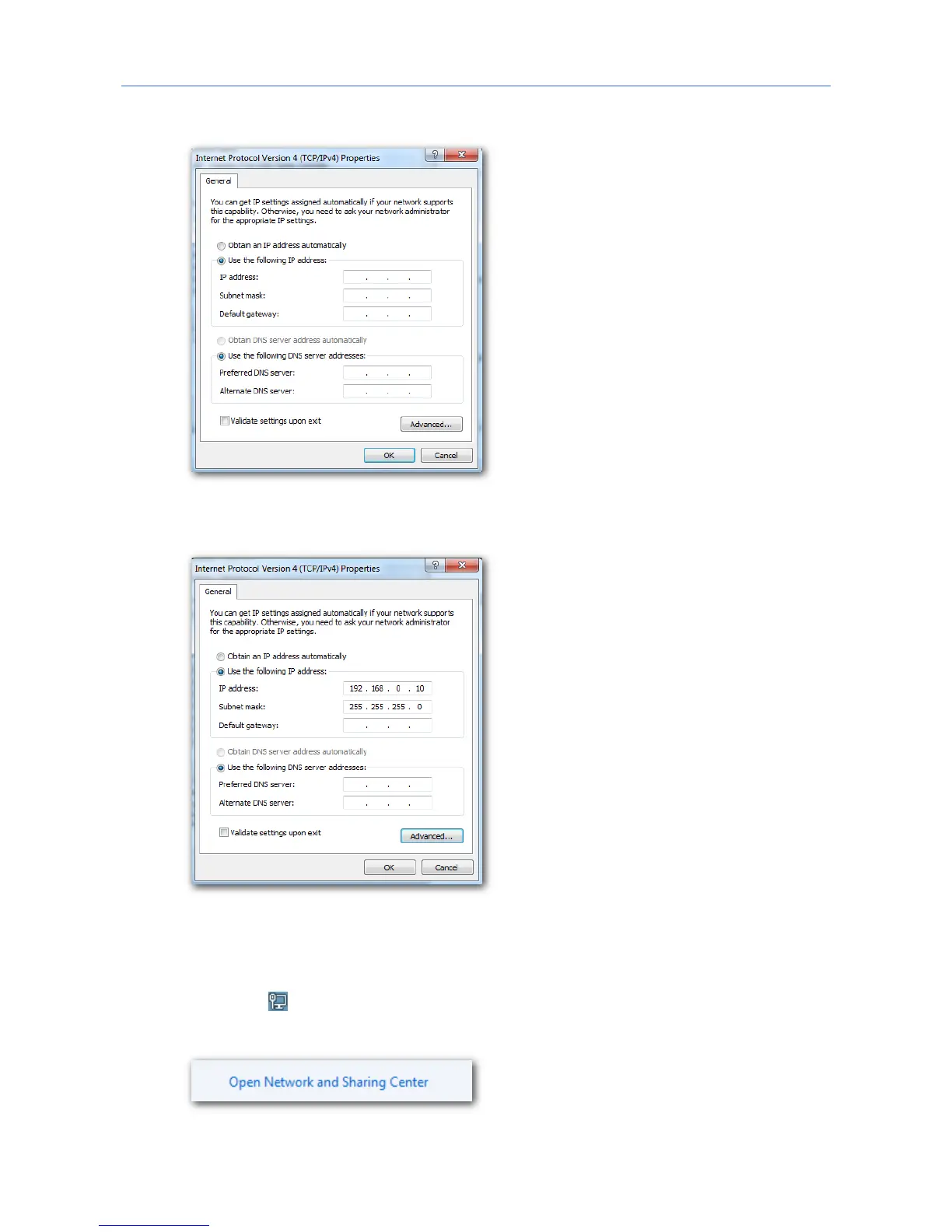
5. Select Use the following IP address and Use the following DNS server address.
6. IP address, Subnet mask: Set a static IP address, subnet mask for your computer, which is
192.168.0.10 and 255.255.255.0 in this example, and click OK.
Verification
Configuration succeeds. You can check whether your configuration is successful on the
Network Connection Details page. Procedures are as follows:
1. Right-click in the lower-right corner of the desktop and choose Open Network and
Sharing Center.
2. Click Local Area Connection.
116



 To Next Page