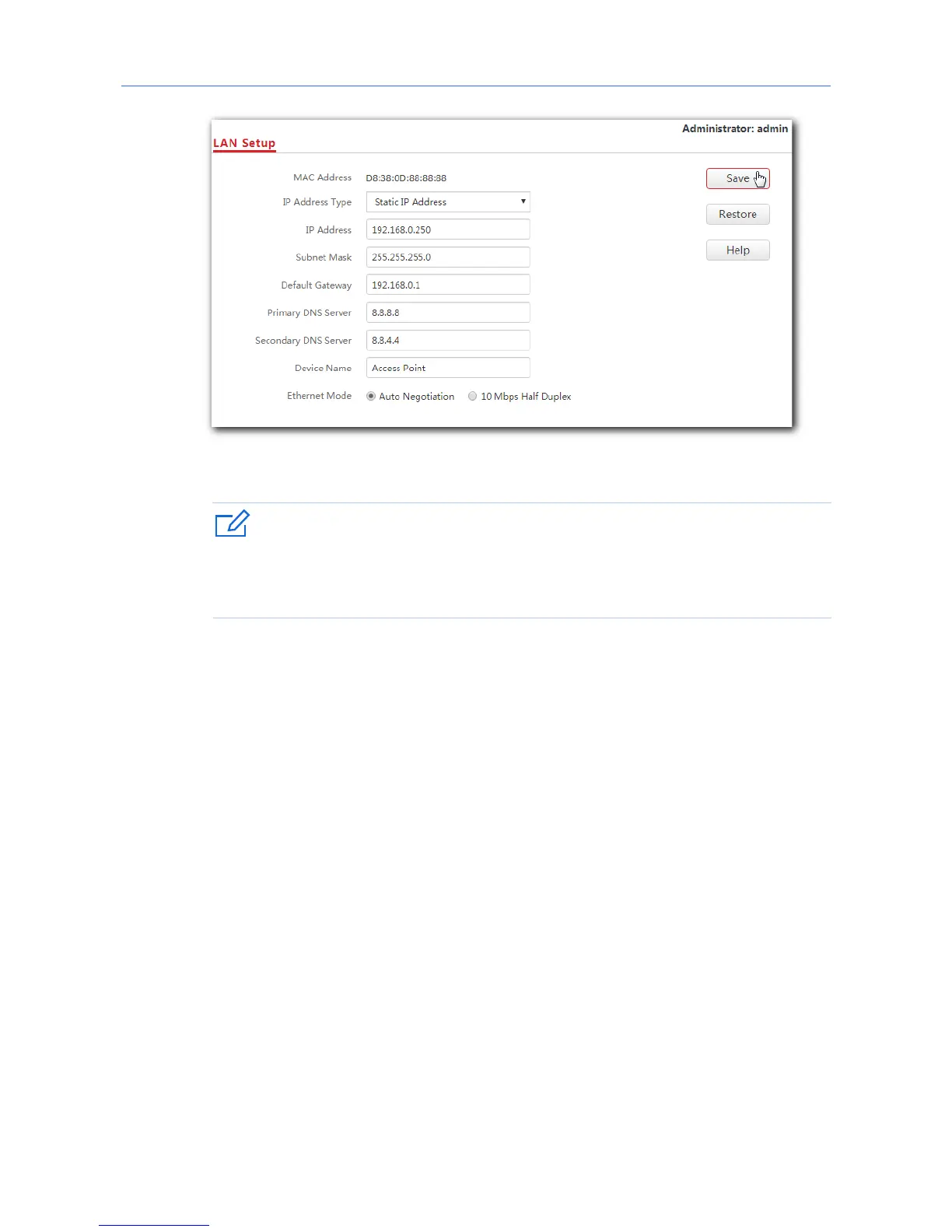
The new IP address you set for the AP should not been used by other devices in the
same LAN network, and the IP address of your management computer should be in
the same network segment as that of the new IP address.
6. Connect your wireless devices like smart phones to the WiFi network of your AP using the
WiFi name and password you set in step 4.
---End
7



 To Next Page