Version V1.0
20
Security Mode
A wireless network uses radio, which is open to the public, as its data transmission medium. If
the wireless network is not protected by necessary measures, any client can connect to the
network to use the resources of the network or access unprotected data over the network. To
ensure communication security, transmission links of wireless networks must be encrypted
for protection.
The AP supports various security modes for network encryption, including None, WEP,
WPA-PSK, WPA2-PSK, Mixed WPA/WPA2-PSK , WPA, WPA2, WPA3-SAE,
WPA2-PSK&WPA3-SAE.
◼
None
It indicates that any wireless client can connect to the wireless network. This option is not
recommended because it affects network security.
◼
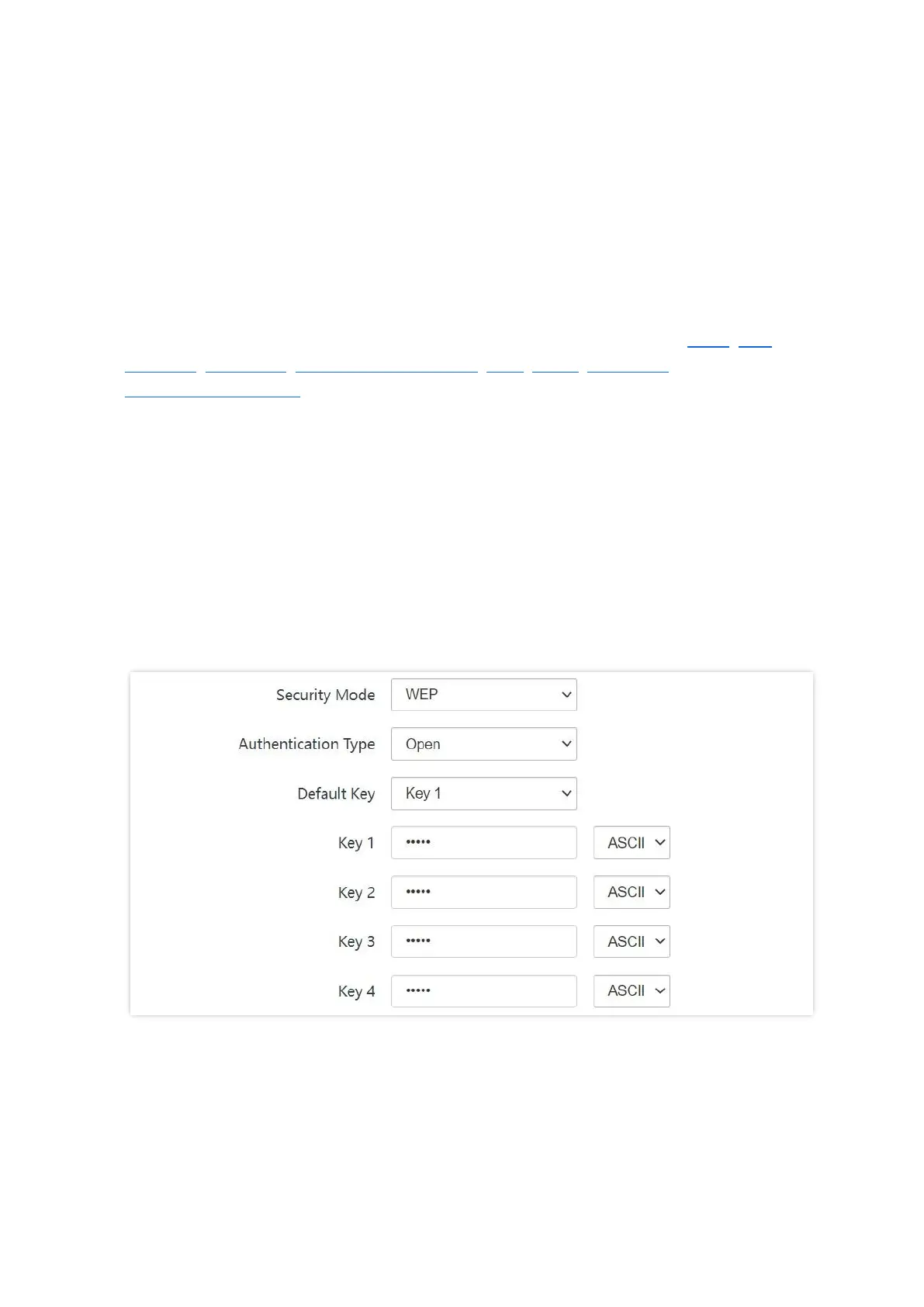
WEP
It uses a static key to encrypt all exchanged data, and ensures that a wireless LAN has the
same level of security as a wired LAN. Data encrypted based on WEP can be easily cracked. In
addition, WEP supports a maximum wireless network throughput of only 54 Mbps. Therefore,
this security mode is not recommended.



 To Next Page