4210 Flow Meter
Section 4 Optional Equipment
4-11
• The pH and D.O. probes both connect to parameter
modules (amplifiers). The pH probe connects to the 201
pH Module and the D.O. probe connects to the 270 D.O.
Module. The modules are not interchangeable.
Isco flow meters are built with one parameter sensing port, and
can only sense temperature plus one parameter at a time, (unless
you use the YSI Sonde). You must select temperature, D.O. with
temperature, or pH with temperature. If you want to change
probes later, you can, but you will need to reprogram the flow
meter. Selection of either pH or D.O. in step 1 (where units of
measure are defined) will lock out any mention of the other in the
menus for the rest of the program.
The Parameter Modules themselves plug into the Parameter
Probe connector on the flow meter.
Note
The pH and D.O. probes require continuous submersion after
installation, or they will lose sensitivity. Prolonged dehydration
of the sensor bulb may damage or even ruin the pH probe.
4.9.2 The Temperature
Probe
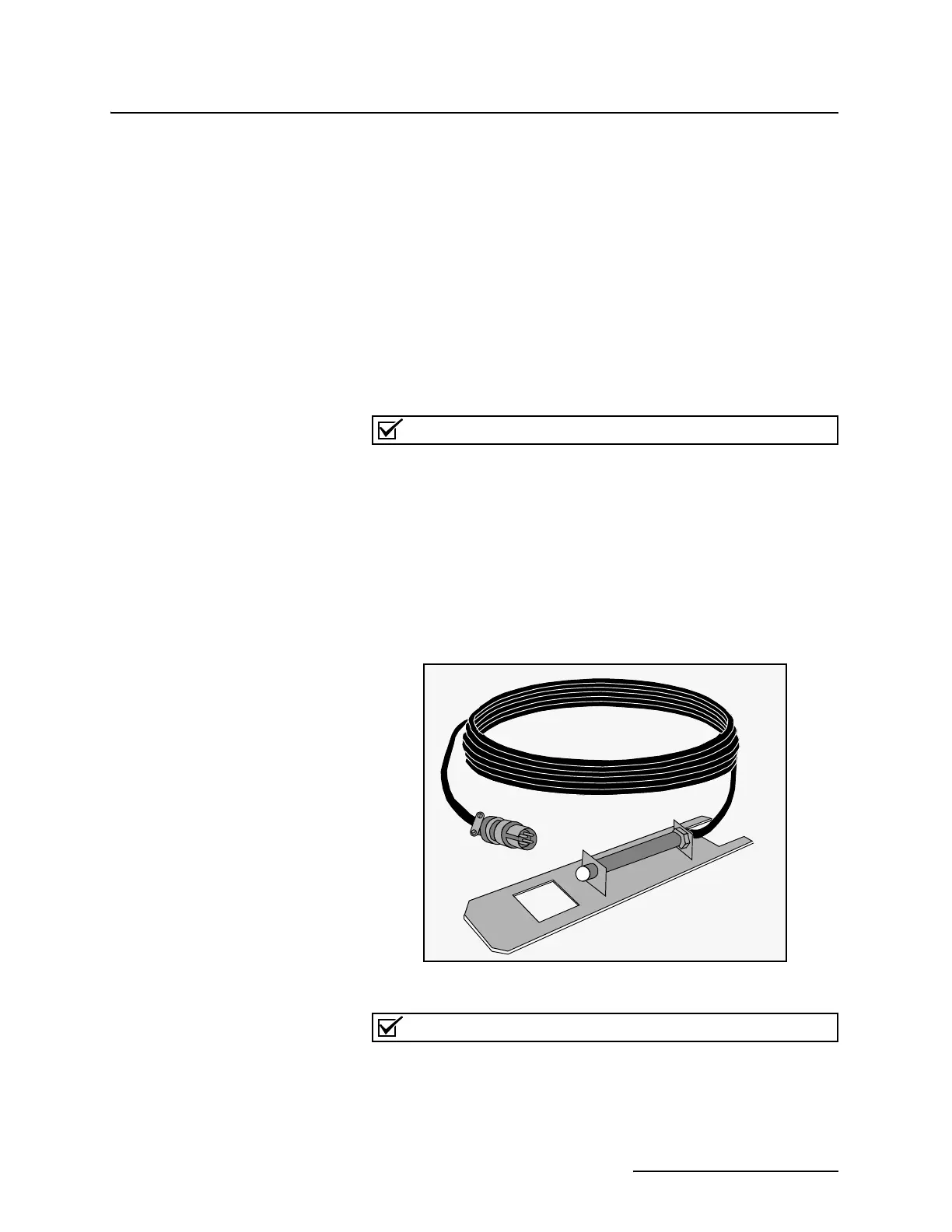
The temperature probe is the simplest of the three, consisting of
a thermistor inside a metal housing. The thermistor changes
resistance with an increase or decrease in temperature. The flow
meter converts this resistance change to a temperature reading
and displays it, in degrees Celsius or Fahrenheit, as chosen by
menu selection.
Figure 4-3 Temperature Probe
Note
Use the temperature probe with the 201 pH Module when
monitoring temperature only. Do not connect a pH probe and
temperature probe to the same box. The pH probe contains its
own integral temperature sensor, which, if connected in paral-
lel with a temperature probe, will cause erroneous readings.



 To Next Page