4210 Flow Meter
Section 5 Maintenance and Service
5-7
• The part number of the disk
This instruction sheet assumes that you have a cable to connect
the computer to the instrument. If you do not, you can order one
from your Isco sales representative, or from the factory. The part
number is on the back of this page.
Before attempting to update a system please read the following:
Note
Updating the instrument will erase the data stored in memory.
his includes both programming selections and readings stored
in the instrument’s memory. The program will revert to the
default (factory) settings, and other stored data will be com-
pletely erased.
Before you run UPDATE, record your program selections. You
can then reprogram the machine easily after you have installed
the update. If you need to save the readings, collect the data
before attempting to update the instrument’s software.
5.3.2 Running UPDATE 1. Plug the computer connect cable into the serial port on
your computer and the Interrogator connector on the
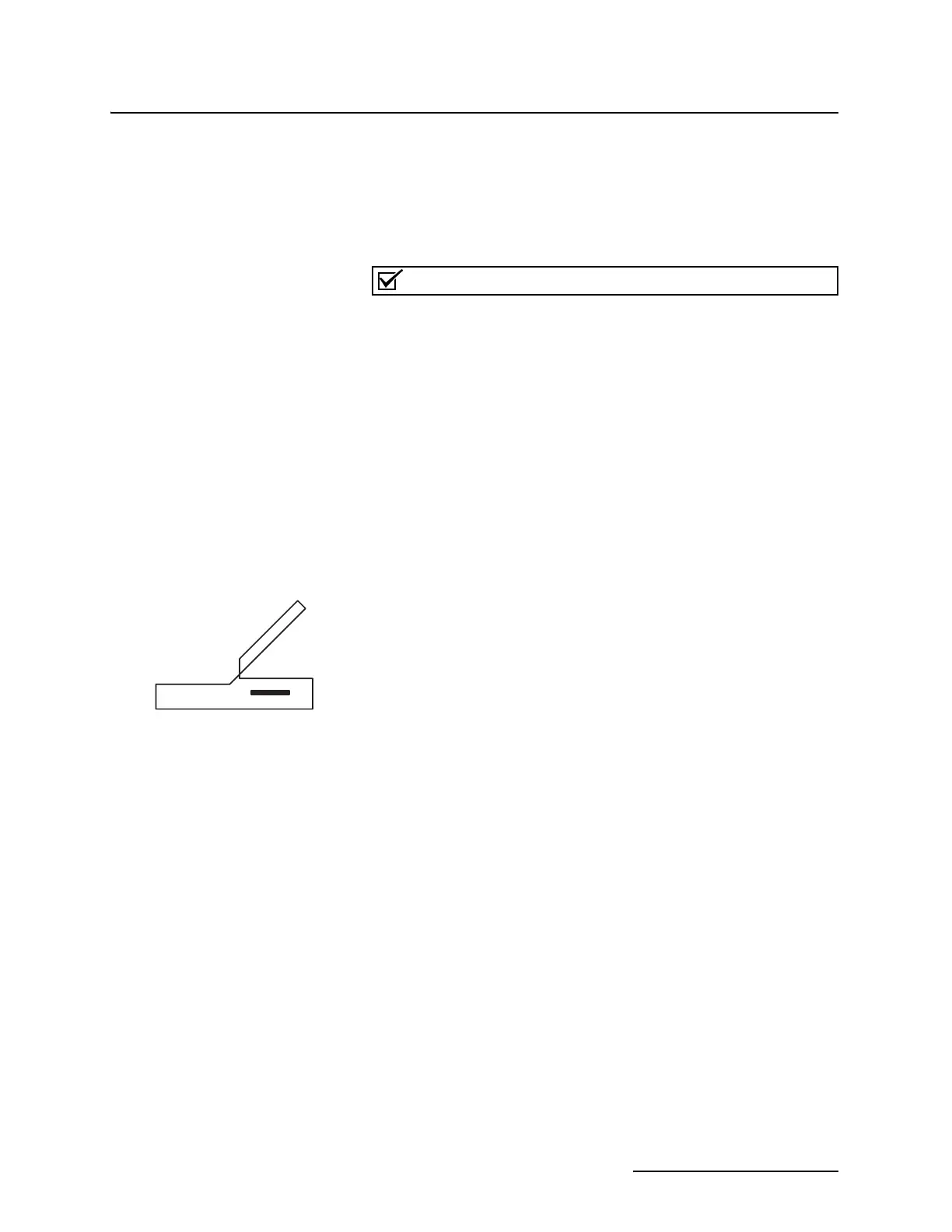
instrument. (The interrogator connector label has an icon
of a laptop computer.)
2. Insert the UPDATE disk in the computer’s floppy disk
drive, and change the DOS prompt to the floppy drive’s
prefix, for example: C:\> A:
3. At the DOS prompt, type: UPDATE.
The windows in UPDATE contain the instructions for
updating the instrument.
These instructions for running UPDATE assume you are running
UPDATE from the UPDATE disk. If you copy the disk’s contents
to your hard drive, first create a directory for the files. The
UPDATE program and the instrument software files must be in
the same directory. Furthermore, the directory containing
UPDATE and the update files must be the current directory
when you run UPDATE.
If you receive several update disks over time, always copy the
update files and the UPDATE program to the directory you have
created for this on your computer. This will ensure that you
always have the current version of the UPDATE program, as
well as the new instrument software files.
Isco ships UPDATE and the update software on 3
1
/2 inch, high
density disks. To obtain assistance with software updates,
contact the Isco Customer Service Department.
Isco Customer Service
P.O. Box 82531
Lincoln, NE 68501 USA
Telephone: (800) 228-4373
Outside USA, Canada, & Mexico: (402) 464-0231
FAX: (402) 465-3022
Interrogator Port Icon



 To Next Page