HS-1RL User’s Manual Page 17
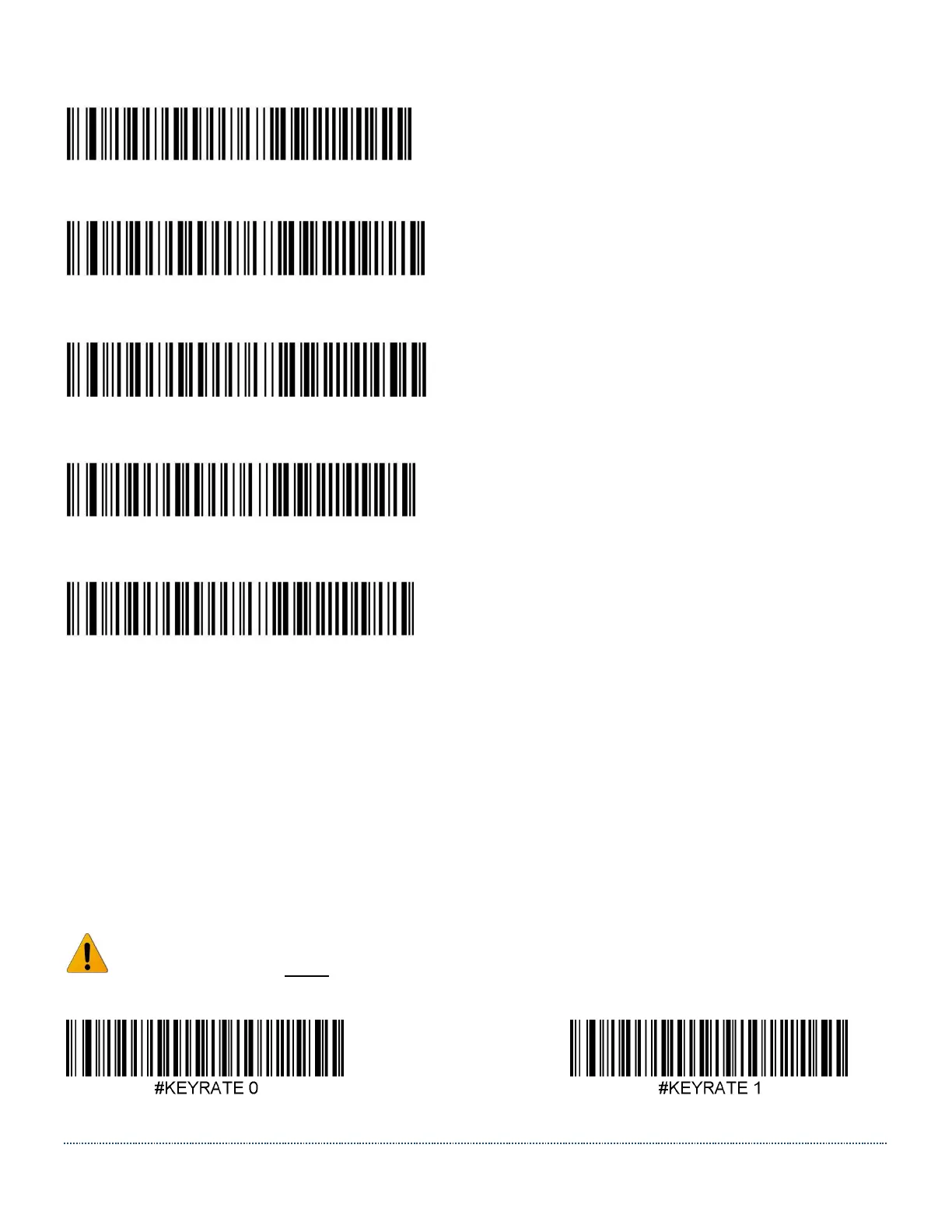
Netherlands:
#KBD_CTY 31
Norway:
#KBD_CTY 28
Portugal:
#KBD_CTY 33
Spain:
#KBD_CTY 36
Sweden / Finland:
#KBD_CTY 26
HID Keyboard Rate
If you use the HS-1RL in USB HID Keyboard mode, it’s possible to change the speed of the data
output when an RFID tag or barcode is read, akin to someone typing the data faster or slower on
a keyboard. Faster settings may lead to data loss when large amounts of data are transmitted.
Note: This setting has no impact when using the HS-1RL in USB COM Emulation mode.
Scan one of the codes below to change the Keyboard Rate setting. Default = Keyrate 3.
Note: The HS-1RL must be power cycled after changing the Keyboard rate!
Keyrate Slow Keyrate Medium


 To Next Page