HS-1RL User’s Manual Page 35
7 - Imaging
Imaging Overview
The HS-1RL cannot be used to take images with. While this could be very helpful in applications
such as patient identity verification, signature capturing, or any other situation where you need to
take an image, the internal structure of the HS-1RL doesn’t allow for such transmissions.
However, there are several options to configure the HS-1RL for improved barcode finding and
decoding that are related to image processing. This chapter describes these options.
Illumination Brightness
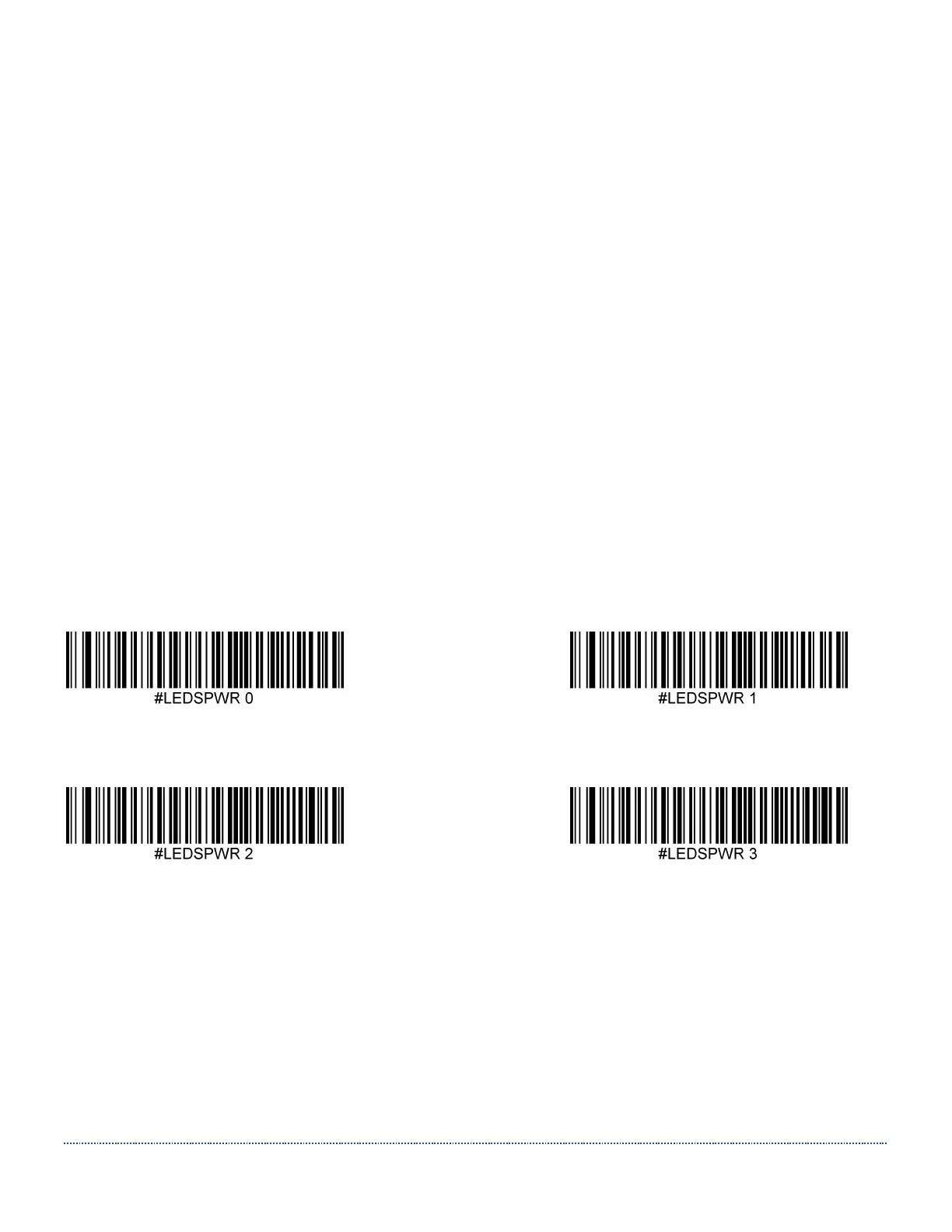
Use the command LEDSPWR to set the Illumination (LEDs Power) between ‘Off’ and 100% with
a value between 0 (=Off) and 3 (=100%).
Note: this setting only takes effect when EXPMODE is set to 0 (fixed exposure).
All illumination brightness menu command barcodes are included below.
Illumination Off Illumination Brightness Low
Illumination Brightness Medium * Illumination Brightness High


 To Next Page