HS-1RL User’s Manual Page 19
Default Options
Default Settings
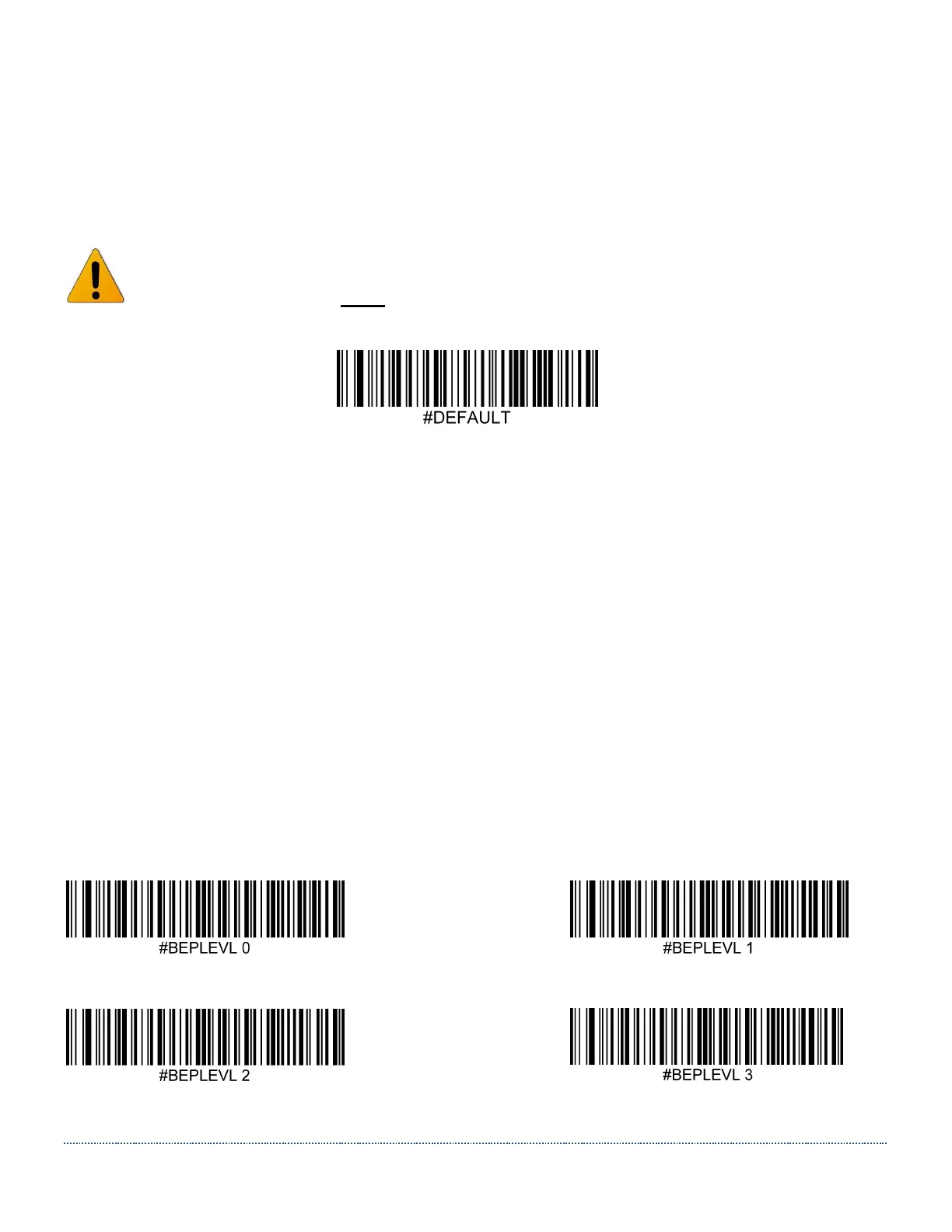
Scan the following code to revert the unit to its default settings.
Note: The HS-1RL must be power cycled after programming this command!
Please contact JADAK to program the HS-1RL with unique default settings for your
application.
Input/Output Settings
Good Read Indicators
Beeper Volume - Good Read
The beeper volume codes modify the volume of the beep the imager emits on a good read.
Default = High.
Off Low
Medium * High


 To Next Page