HS-1RL User’s Manual Page 39
8 - Symbologies
This programming section contains menu selections for the following symbologies.
• Aztec Code • GS-1 Databar Limited (RSS Limited)
• Codabar • GS-1 Databar Expanded (RSS Expanded)
• Code 11 • Interleaved 2 of 5
• Code 128 • Matrix 2 of 5
• Code 39 • Maxi Code
• Code 93 • MicroPDF417
• Composite Code • MSI
• Data Matrix • PDF417
• EAN/JAN-13 • QR Code
• EAN/JAN-8 • UPC-A
• GS1-128 • UPC-E
• GS-1 Databar (RSS-14) • UPC-E1
All Symbologies (Not Supported in Current Firmware)
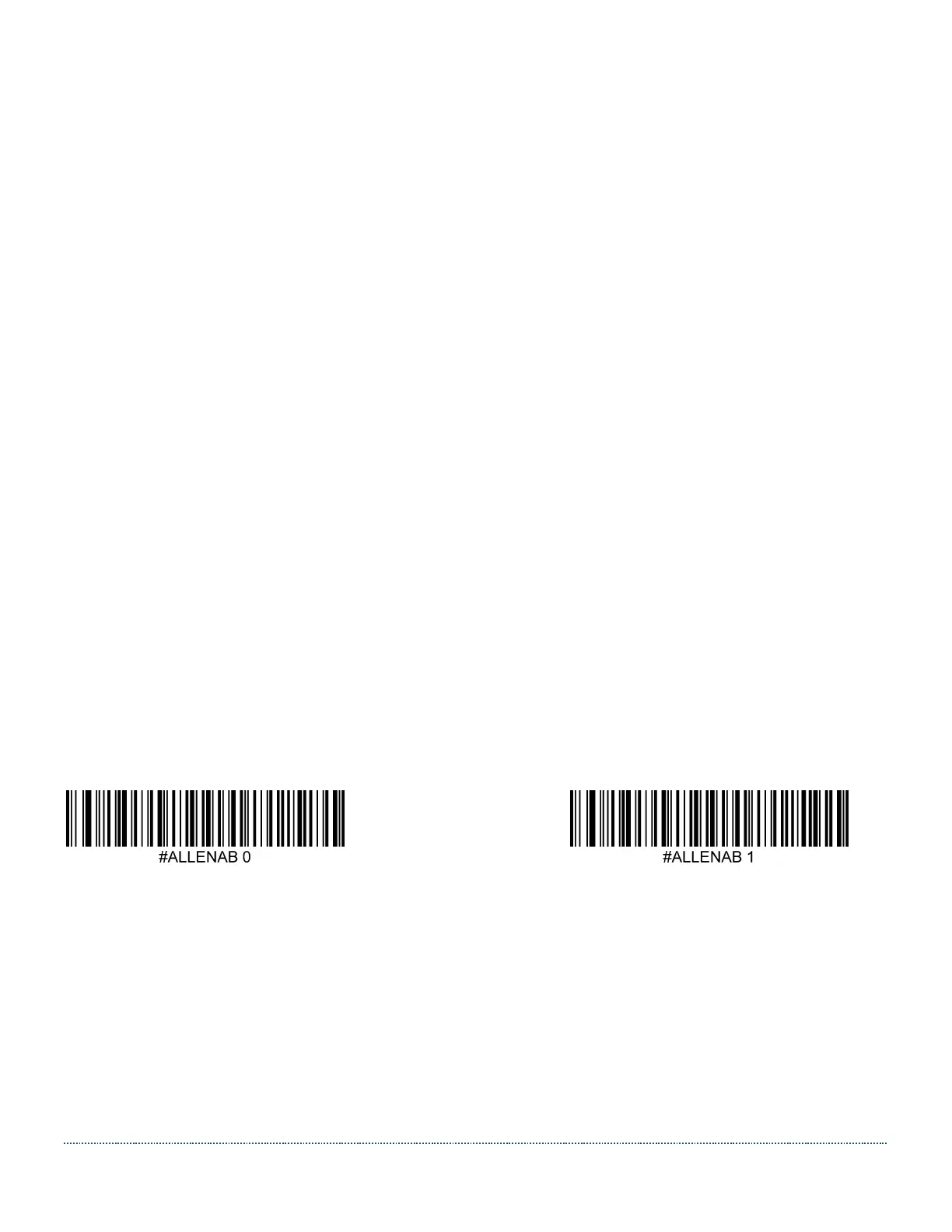
If you want to be able to decode all the symbologies allowable for your imager, scan the All
Symbologies On code (Enable All).
If on the other hand, you want to decode only a particular symbology, scan All Symbologies Off
(Disable All) followed by the On/Enable symbol for that particular symbology.
Disable All Enable All


 To Next Page