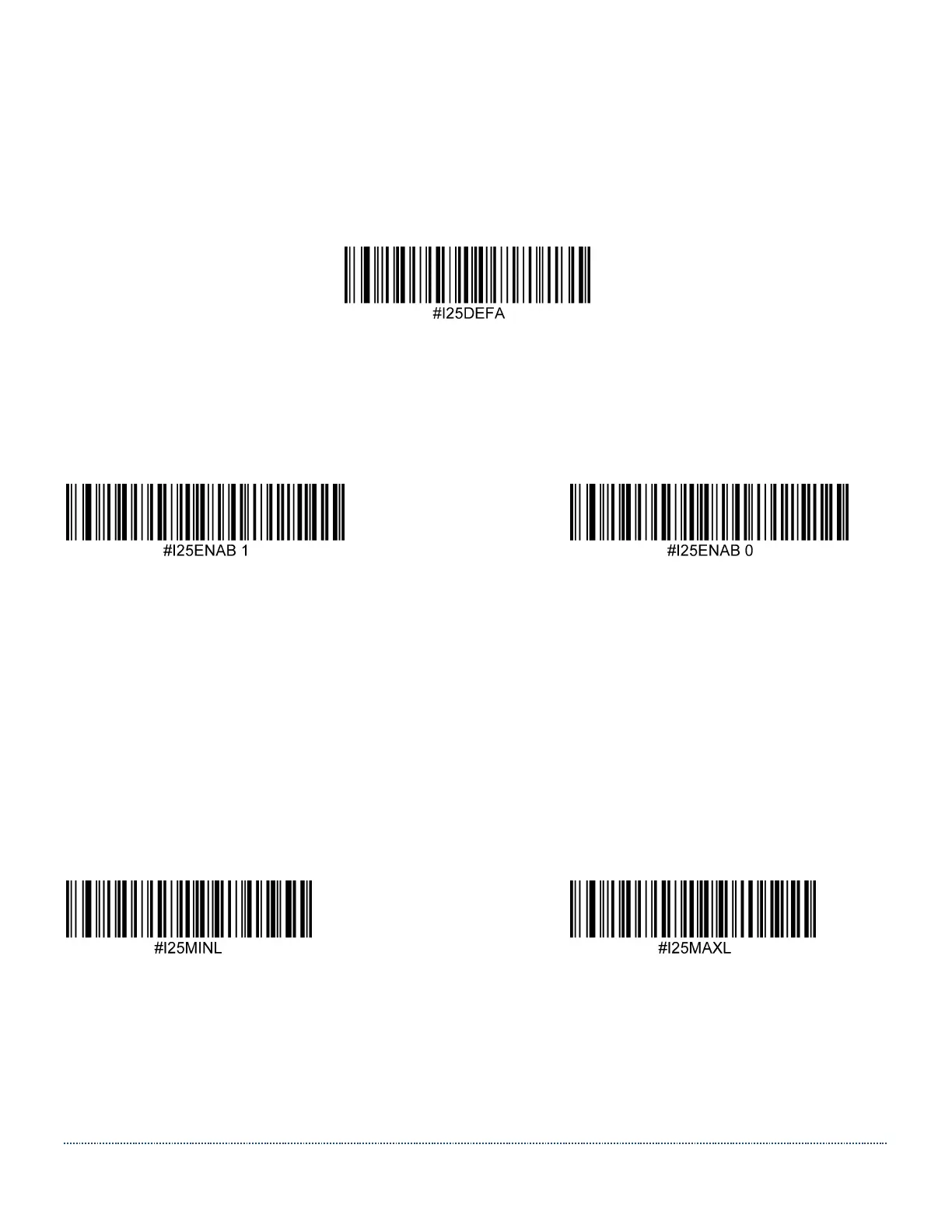
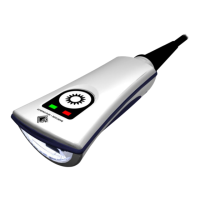
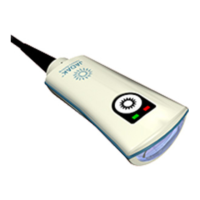
HS-1RL User’s Manual Page 50
Interleaved 2 of 5
Interleaved 2 of 5 Defaults
Set all Interleaved 2 of 5 settings to their default configuration with this code.
Interleaved 2 of 5 On/Off
Scan one of the codes below to enable or disable Interleaved 2 of 5. Default = Enabled.
* Enable Disable
Interleaved 2 of 5 Minimum and Maximum Length
Use the following commands in combination with numerical values to set the minimum
and maximum length. Default minimum length = 6. Default maximum length = 30.
The minimum and maximum length for this barcode can be set either by sending the serial
command shown under the barcodes below with a value between 2 and 55, or by building
a menu command barcode.
Interleaved 2 of 5 Minimum Length Interleaved 2 of 5 Maximum Length


 To Next Page