HS-1RL User’s Manual Page 37
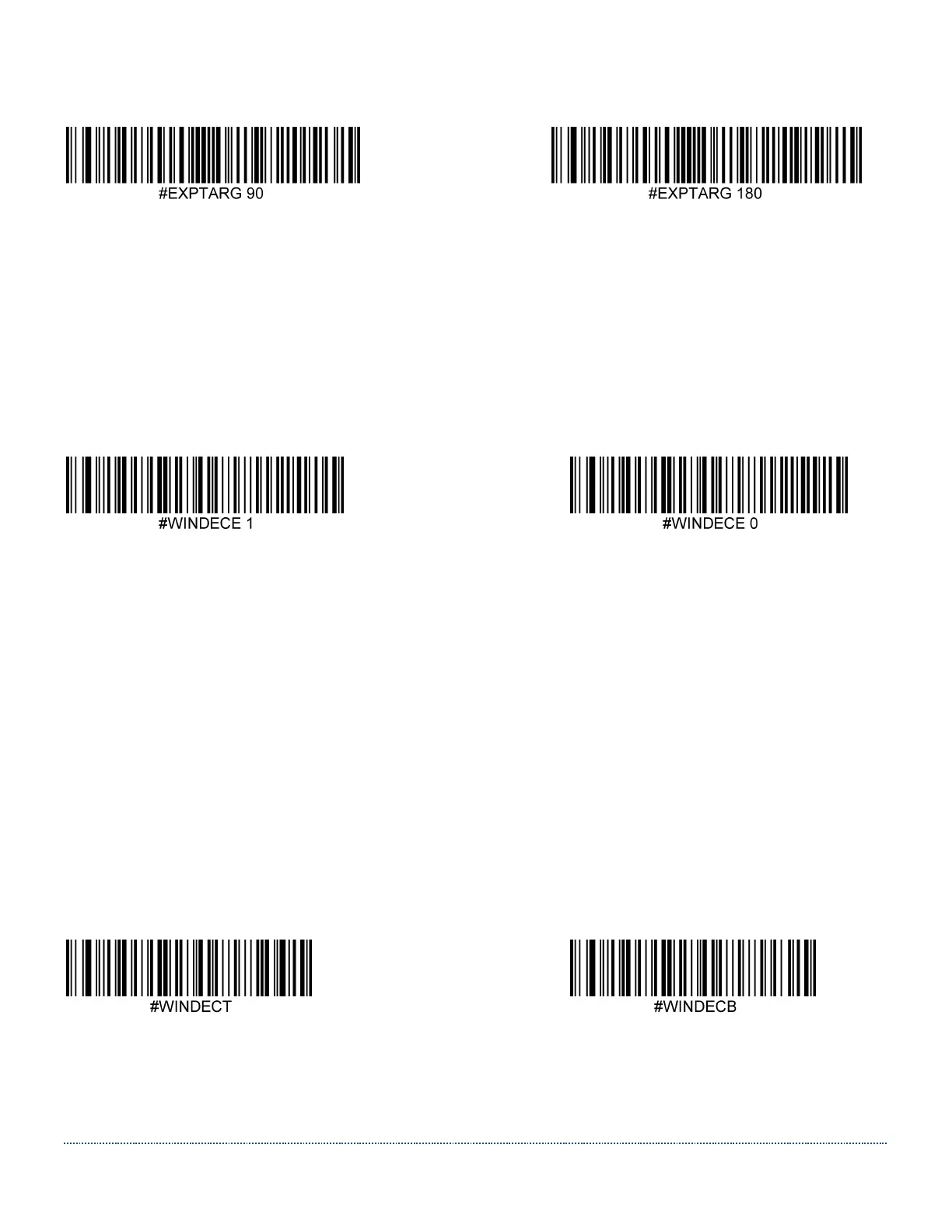
Setting examples:
Decode Window (Not Supported in Current Firmware)
Decode Windowing is about defining a limited area within the scanner’s Field of View, where to
look for a barcode, to improve performance. As long as the barcode or barcodes are within the
boundaries of the Decode Window, they can be decoded, when Decode Windowing is enabled.
If the barcode is outside the Decode Window, it will not be decoded.
Default = Disabled.
Enable Decode Windowing * Disable Decode Windowing
To define the Decode Window, one needs to set the boundaries for Top, Bottom, Left and Right.
These boundaries are defined by pixel values within the full frame (e.g. 844 x 640 pixels).
Note: There are automated restrictions to prohibit a ‘negative’ Decode Window size. This means
that the Bottom value cannot be ‘above’ Top and likewise for the values for Left and Right.
Decode Window Top/Bottom
The Top and Bottom boundaries for the decode window can be set either by sending the
serial command shown under the barcodes below with a value between 0 and 639, or by
building a menu command barcode.
Default Top boundary = 256. Default Bottom boundary = 384.
Decode Window Left/Right
The Left and Right boundaries for the decode window can be set either by sending the
serial command shown under the barcodes below with a value between 0 and 843, or by


 To Next Page