SECTION 6 - JLG CONTROL SYSTEM
3121714 6-59
Diagnostic Menu
The Diagnostic Menu is another troubleshooting tool for the
Load Sensing System. Sensor and status information is pre-
sented in real-time for the technician. Several sub-menus exist
to organize the data.
To access the Diagnostic Menu, use the LEFT and RIGHT
Arrow keys to select DIAGNOSTICS from the Top Level
Menu. Press the ENTER key to view the menu.
Press the LEFT and RIGHT Arrow keys to view the displays and
select the various sub-menus. To access a sub-menu, press the
ENTER key. Once in a sub-menu, press the LEFT and RIGHT
Arrow keys to view the various displays (just like a Top Level
menu). To exit a sub-menu, press the ESC key .
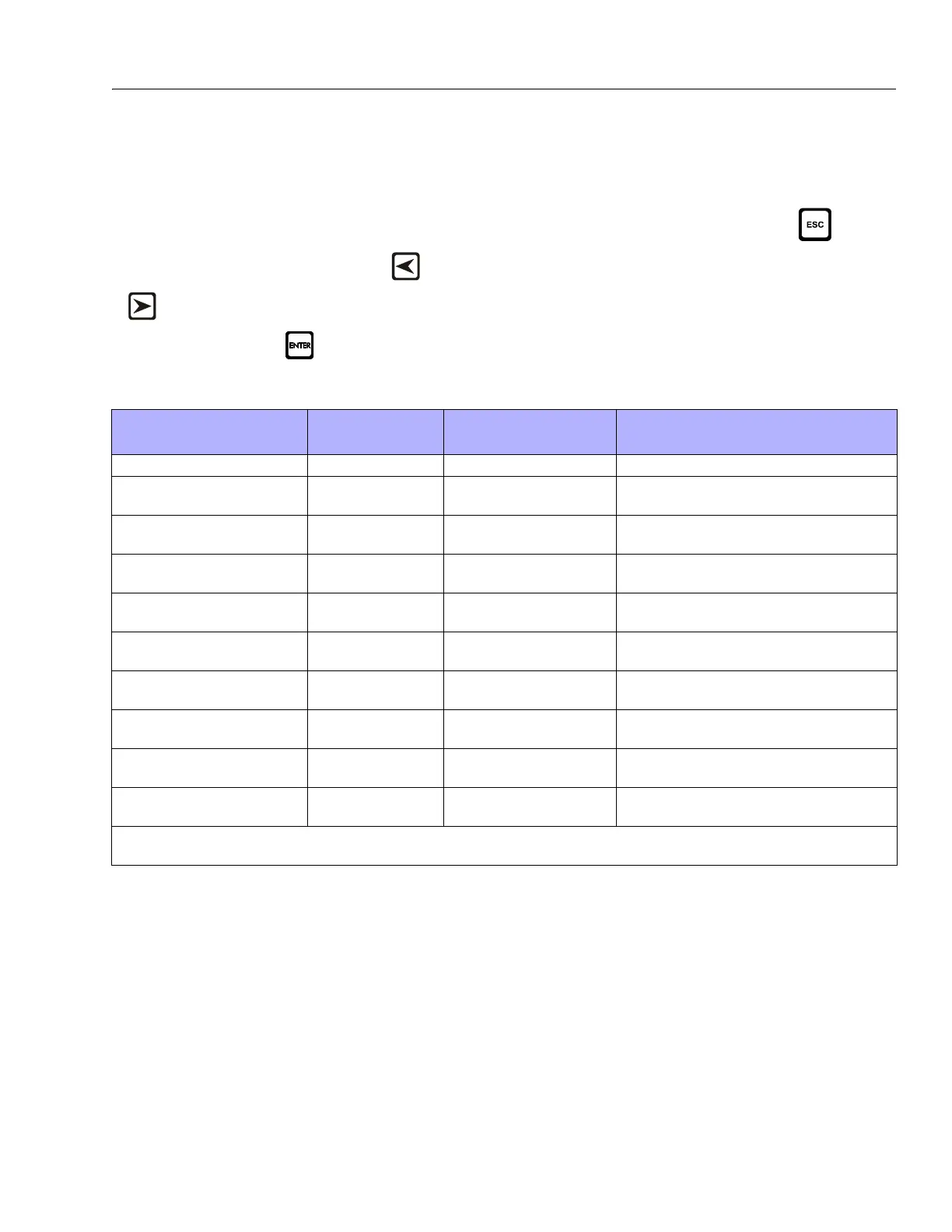
Table 6-12, Diagnostic Menu Descriptions details the structure
of the Diagnostic Menu, and describes the meaning of each
piece of information presented.
Table 6-12. Diagnostic Menu Descriptions
Diagnostics Menu
(Displayed on Analyzer 1
st
Line)
Parameter (Displayed on
Analyzer 2
nd
Line)
Parameter Value
(Displayed on Analyzer 2
nd
Line)
Description
PLATFORM LOAD STATE: OK / OVERLOAD LSS Status.
PLATFORM LOAD ACTUAL: XXX.X KG Calibrated weight of the platform.
??? if Platform Load is Unhealthy**.
PLATFORM LOAD (service*) GROSS: XXX.X KG Gross weight of the platform.
??? if both Cells are Unhealthy**.
PL ATF OR M LOA D (se r vic e* ) OFFSET 1: X XX .X KG Sto re d o ff se t we ig ht of Ce ll 1.
??? if LSS is not calibrated.
PL ATF OR M LOA D (se r vic e* ) OFFSET 2: X XX .X KG Sto re d o ff se t we ig ht of Ce ll 1.
??? if LSS is not calibrated.
PLATFORM LOAD (service*) ACCESSORY XXX.X KG Stored accessory weight.
??? if LSS is not calibrated.
PLATFORM LOAD (service*) UNRESTRICT XXX.X KG UGM will set Unrestricted Rated Load as defined by Machine Con-
figuration.
PLATFORM LOAD (service*) RESTRICT XXX.X KG UGM will set Restricted Rated Load as defined by Machine Config-
uration.
PLATFORM LOAD (service*) RAW 1: XXX.X KG Gross value from Cell 1.
??? if Unhealthy**.
PLATFORM LOAD (service*) RAW 2: XXX.X KG Gross value from Cell 2.
??? if Unhealthy**.
* Indicates only visible in service view mode
** Typically indicates a DTC is active



 To Next Page