47
Ø Connect all connectors to the board.
Ø Connect the balancer to the power supply.
Ø Turn the balancer on.
Ø Calibrate the balancer with C81, C122, C82.
Ø Check if the machine works fine.
Ø Turn the balancer off.
Ø Disconnect the balancer fro power supply.
Ø Mount the weight tray.
Ø Turn the balancer on.
Ø Check if the machine works fine.
4.26 LASER POINTER: CHECK AND REPLACEMENT
" : Medium and big philip screwdriver, 5mm allen key.
6 : 1h
i : Defective laser pointer may cause the following malfunctions:
1. Turning the machine on several error 50X are displayed.
2. The laser does not work at all.
3. Laser shoots the dot in one point only.
TO CHECK THE LASER POINTER
Ø turn on the balancer.
Ø Check with C123.
Ø turn of the balancer and disconnect it from power supply.
Ø remove the weight tray.
Ø Check if the cable and connector are ! ne.
TO REPLACE THE LASER POINTER
Ø Turn off the balancer.
Ø Remove the weight tray of the balancer.
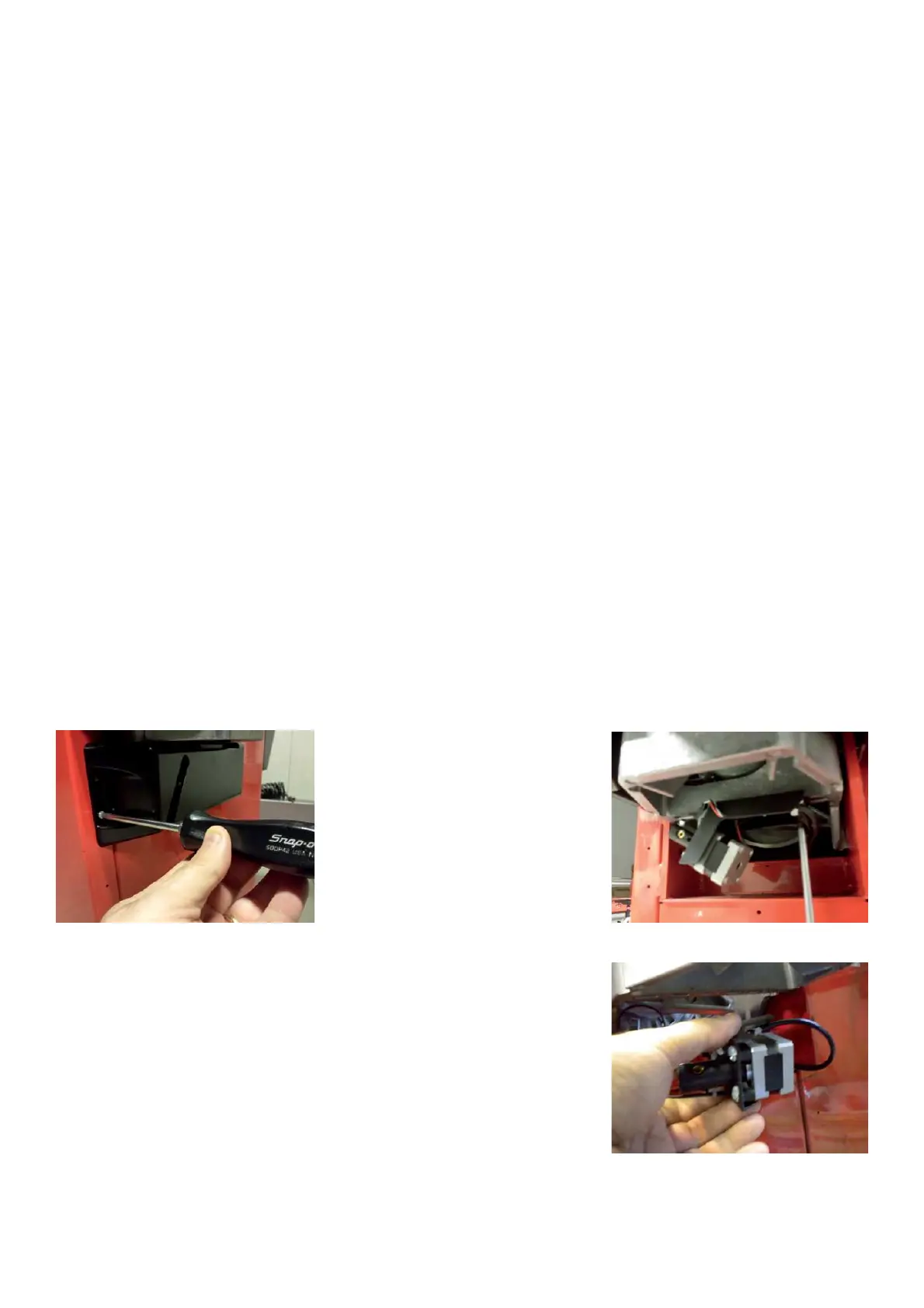
Ø Disconnect the laser cables from the weight laser board.
Ø Remove the laser plastic cover.
Ø Remove the two screws that secure the laser assembly to the VPM.
Ø Remove gently the laser pointer assy from the machine.



 To Next Page