113
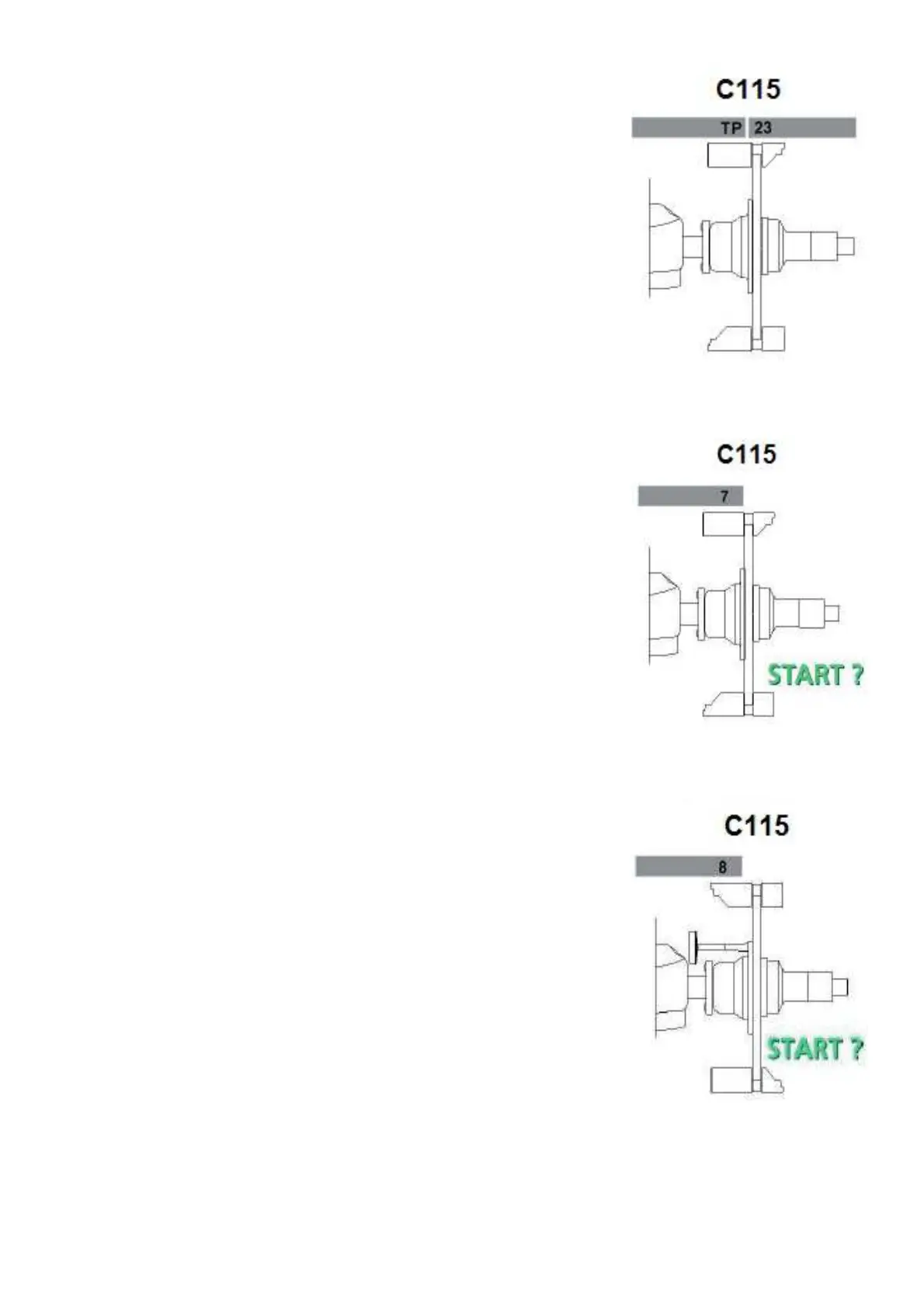
Step 6: The ambient transducer temperature is displayed for 1 second.
Step 7: Remove the 100 gram weight, low the wheel guard to begin
a measuring run.
Step 8:. Insert the calibration weight that is supplied with the balancer
on the left side of the backing plate.
Low the wheel guard to begin a measuring run.
CALIBRATION COMPLETE
Comments: Must complete C84 and C88 after this function.



 To Next Page