23
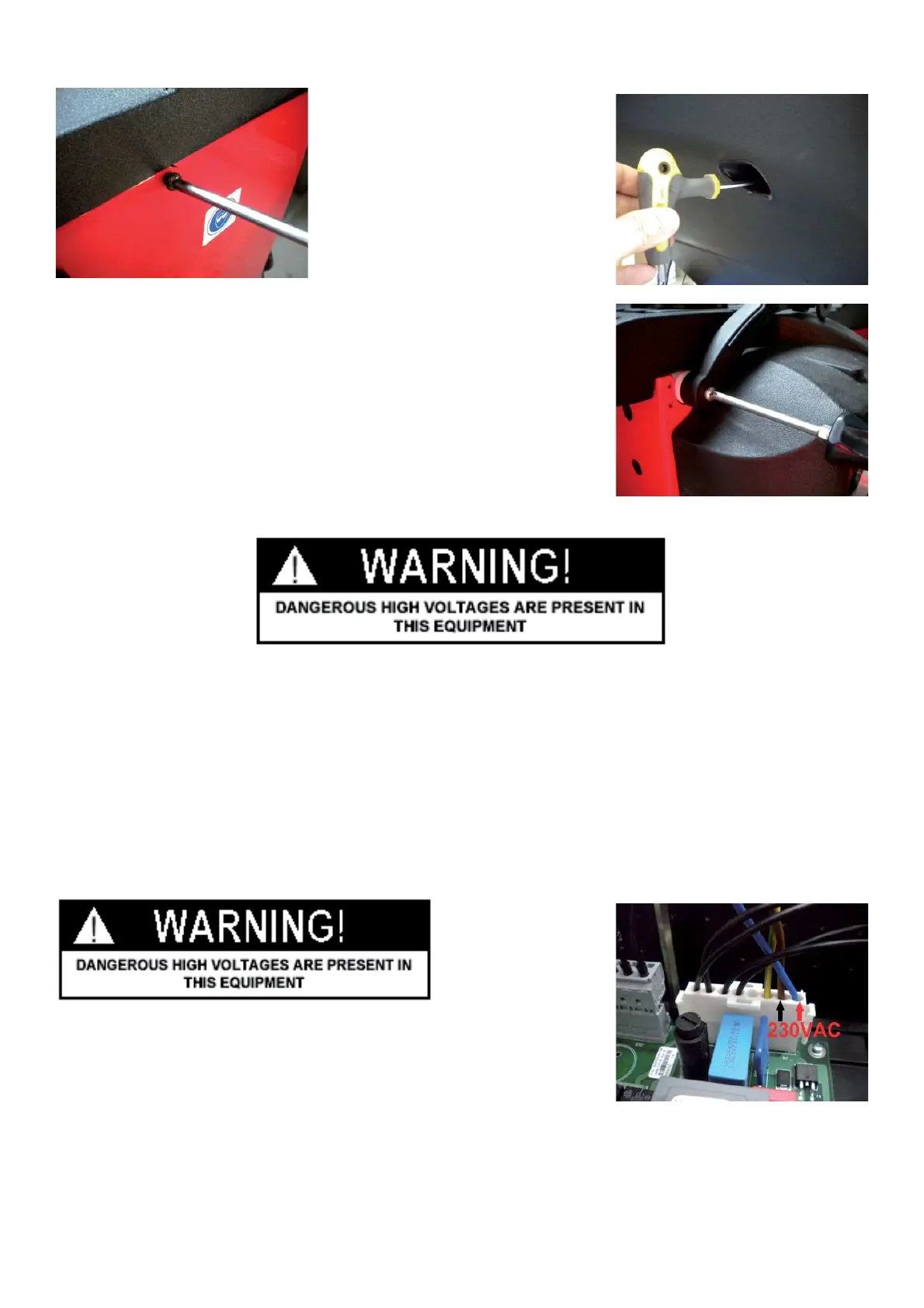
Ø Remove the lateral screws from of the weight tray
Ø Remove the SAPE gauge from its arm.
Ø Lift the weight tray to access to the inside of the machine.
NOTE: WHEN INSTALLING THE WEIGHT TRAY, BE CAREFUL TO DO NOT CRUSH ANY WIRES.
4.4 CHECK POWER TO INTEGRATED DISPLAY BOARD
" : Big and Medium Phillips screwdriver.
6 : 30’
i :
Ø Remove the weight tray.
Ø Check if the wires are well ! tted to the connector.
Ø Turn the machine on.
Ø Using a VOM check for 230VAC at the power supply pins 1and 3.



 To Next Page