51
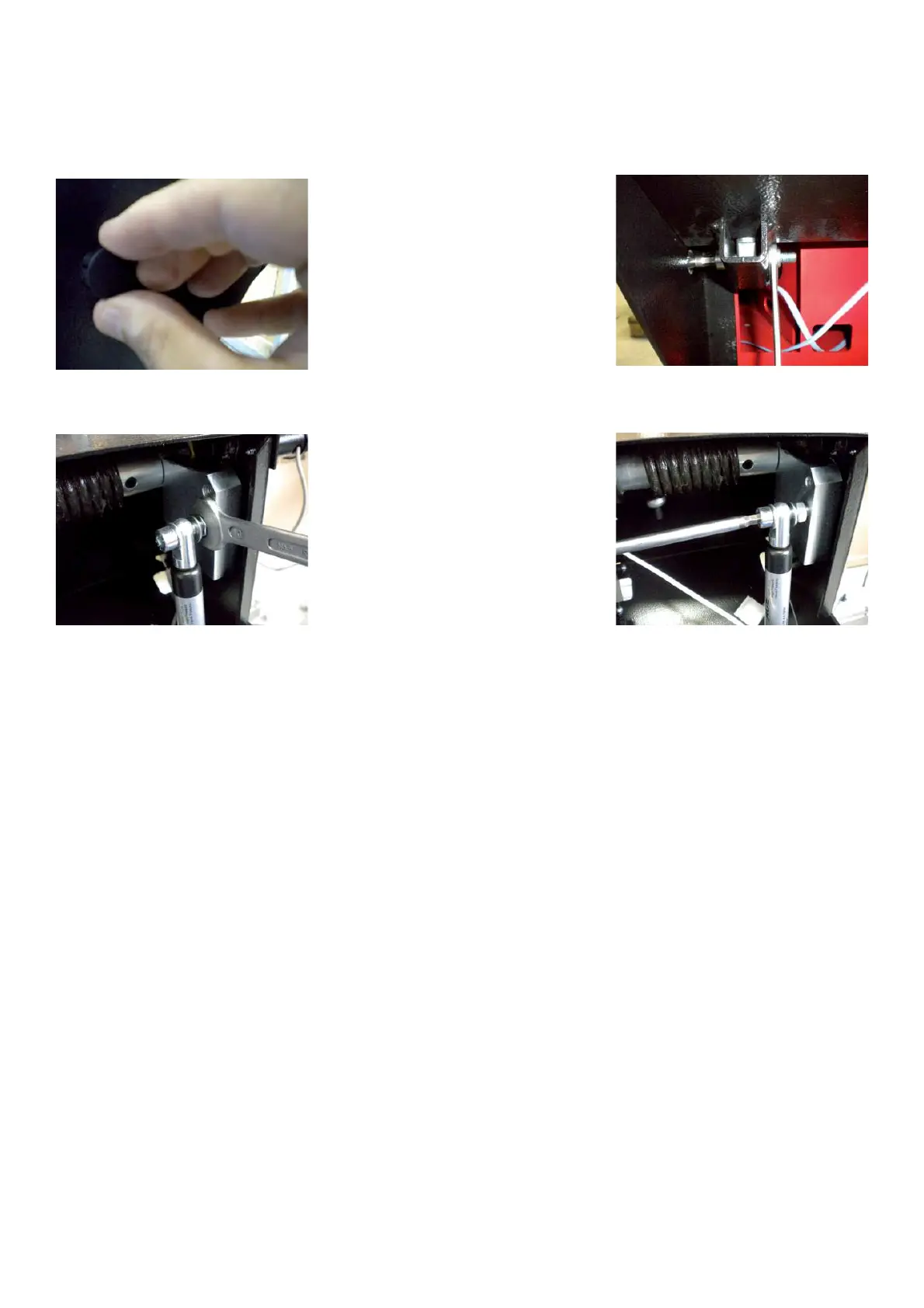
TO REPLACE THE GAS SPRING
Ø Turn off the balancer.
Ø Remove the weight tray.
Ø Remove the lateral plug from the wheel guard holder.
Ø Remove the self locking nut from the bottom bolt.
Ø Remove the upper bolt: HOLD THE WHEEL GUARD BECAUSE WHEN THE SCREW WILL BE OFF, IT WILL
FALL DOWN.
Ø Pull the piston all way out.
Ø Mount the gas spring again and check if the machine is running well.
4.30 SONAR SENSOR: CHECK AND REPLACEMENT
" : Medium and big philip screwdriver, 4 and 5mm allen key, 10mm wrench, Touch less sensor calibration tool .
6 : 1.5h
i : Defective sonar may cause the following malfunctions:
1. The balancer shows E33 lowering the wheel guard.
2. The balancer shows incorrect rim with data.
3. The balancer chases weight.
TO CHECK THE SONAR.
1. Make sure that the gauge arm is correctly calibrated taking rim data input of a wheel with steel rim or performing
the C92 with the calibration rotor.
2. If the rim data entry ARE NOT CORRECT, perform the C codes C80, C81 and, where
available, C90.
2.1 Go to C82 and check if the sonar readings are stable:
a. If they are not stable replace the sonar and calibrate it with C82 and save with C90, where
available.
b. If they are stable complete C82 and save with C90, where available.
3. If the rim data entry ARE CORRECT perform C81 and save with C90, where available.
3.1 Repeat steps a and b of point 2.1.
TO REPLACE THE SONAR.
Ø Turn off the balancer.
Ø Remove the screws that secure the sonar protection.



 To Next Page