35
4.16 CHECK AND REPLACEMENT OF THE MOTOR
" : Medium and big Phillips screwdriver, 5 and 6mm allen keys, 10 and 13mm wrenches, scissors.
6 : 1.5h
i : Defective motor may cause the following malfunctions:
1. The balancer is noisy.
2. The balancer shows E22, E24, E27, E28.
TO CHECK THE MOTOR
Ø Check for system messages with service code C28.
Ø Check the power input with C55
Ø Turn off the balancer.
Ø Remove the weight tray.
Ø Check all connectors and cables for damage.
Ø Disconnect the power supply
Ø Disconnect motor wiring harness from the PCB.
Ø Remove the belt from the pulley.
Ø Plug the motor directly to power supply and turn it on to verify if it works.
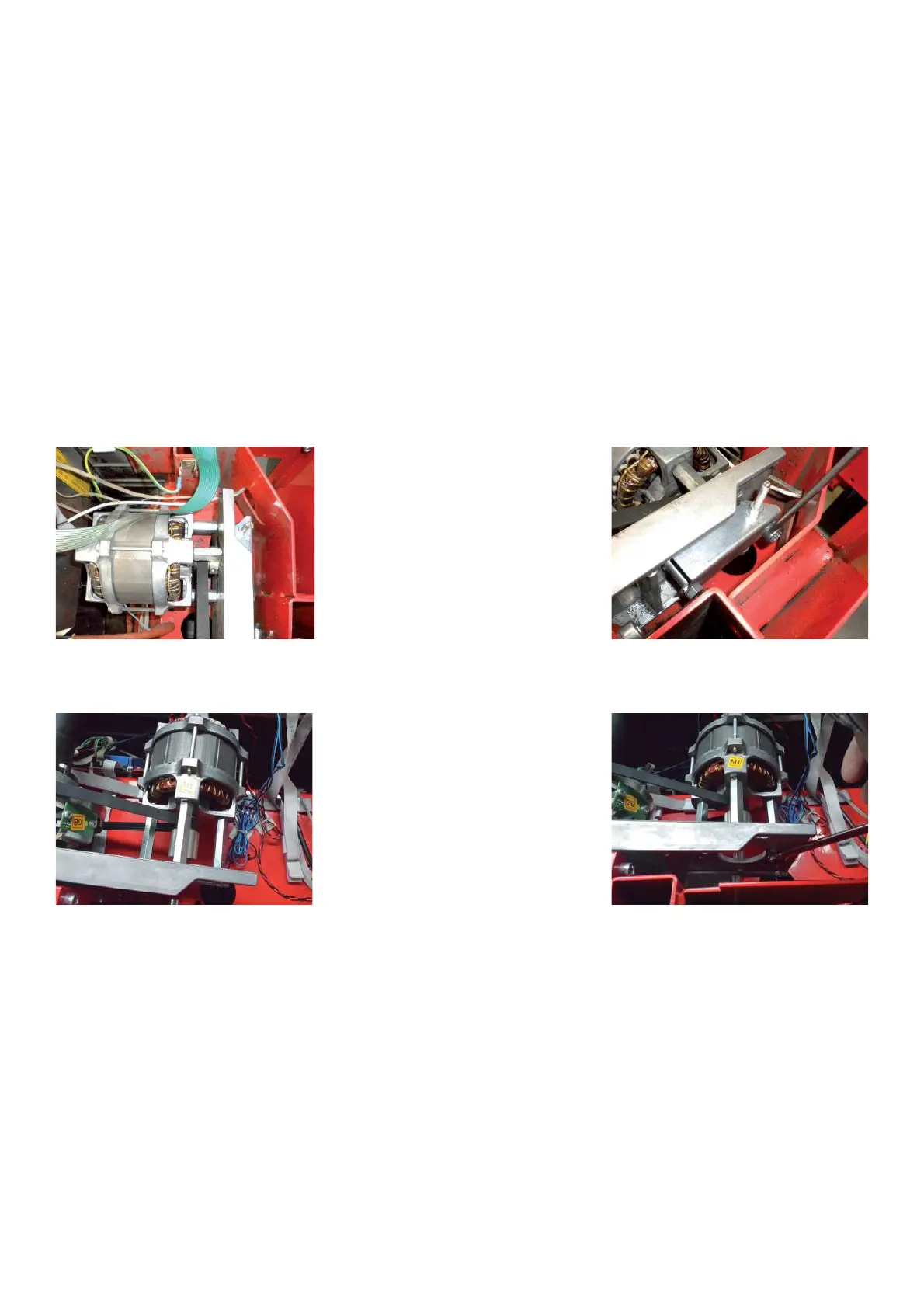
MOTOR ON PEDAL BREAKE
MOTOR ON POWER CLAMP
TO REPLACE THE MOTOR
Ø Unplug the motor
Ø Remove the bolts securing the motor to the vibratory system.
Ø Remove the setscrew securing the motor pulley to the motor.
Ø Remove the pulley from the motor.
Ø Reverse procedure for installation.
Ø Using a pry bar, pry against the motor spacers to tighten belt.
Ø Mount the weight tray
Ø Turn on the balancer.
Ø Check if the balancer works ! ne.



 To Next Page