48
Ø Mount the new laser pointer assy and proper route each cable to its connector.
Ø Mount the laser plastic cover.
Ø Turn on the balancer.
Ø Calibrate with C122.
Ø Check if the balancer works ! ne.
Ø Mount the weight tray.
4.27 CHECK AND REPLACEMENT OF HOOD SWITCH
" : Medium and big philip screwdriver, 5mm wrench, electronic inclinometer.
6 : 1h
i : Defective hood switch may cause the following malfunctions:
1. Lowering the wheel guard the wheel does not start.
2. The balancer shows E33.
3. The balancer shows E29
3. Incorrect rim width
TO CHECK THE SWITCH
Ø Check with service code C56. When the wheel guard is lowered it should show 100.
TO REPLACE THE SWITCH
Ø Disconnect the power supply from the back of the machine.
Ø Remove the weight tray.
Ø Remove the cover from wheel guard holder.
Ø Disconnect the Hood Switch from the PCB and remove the wiring from the connector.
Ø Remove the two (2) screws holding the switch to the wheel guard box.
Ø Install the new switch and route the wiring harness through the access hole.
Ø Install the wiring into the connector.
Ø Reverse procedure for installation.
Ø Select C code C56 and make sure that the switch is working properly.
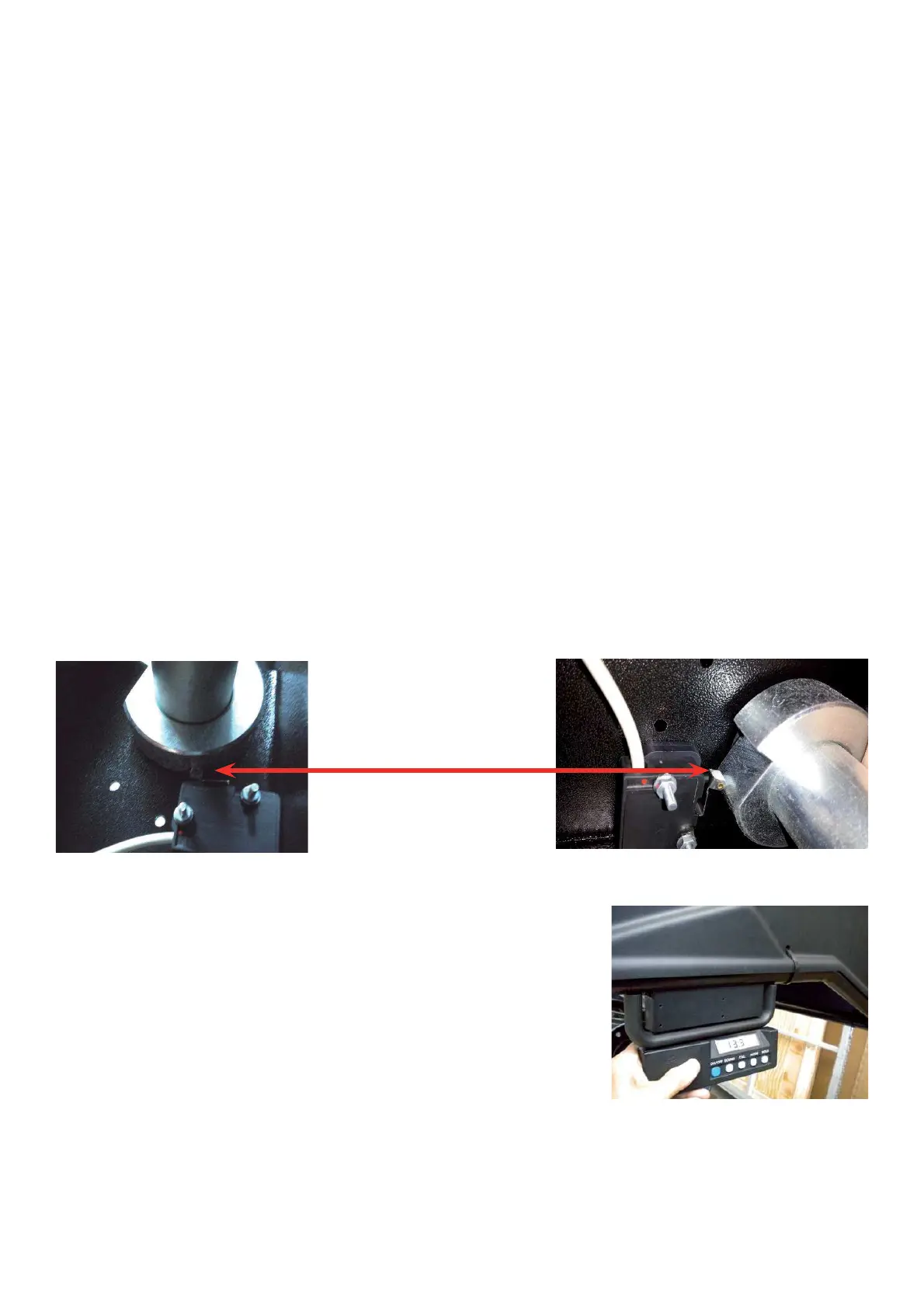
Ø Make sure thet the switch must close the circuit when the wheel guard
has an angle among 14° to 12°.



 To Next Page