114
C120 Enable/disable laser pointer
Options: None
Special function: None
Description: On selection the current status is displayed (0 / 1).
Select 0: Disable laser pointer.
Select 1: Enable laser pointer.
Comments: None.
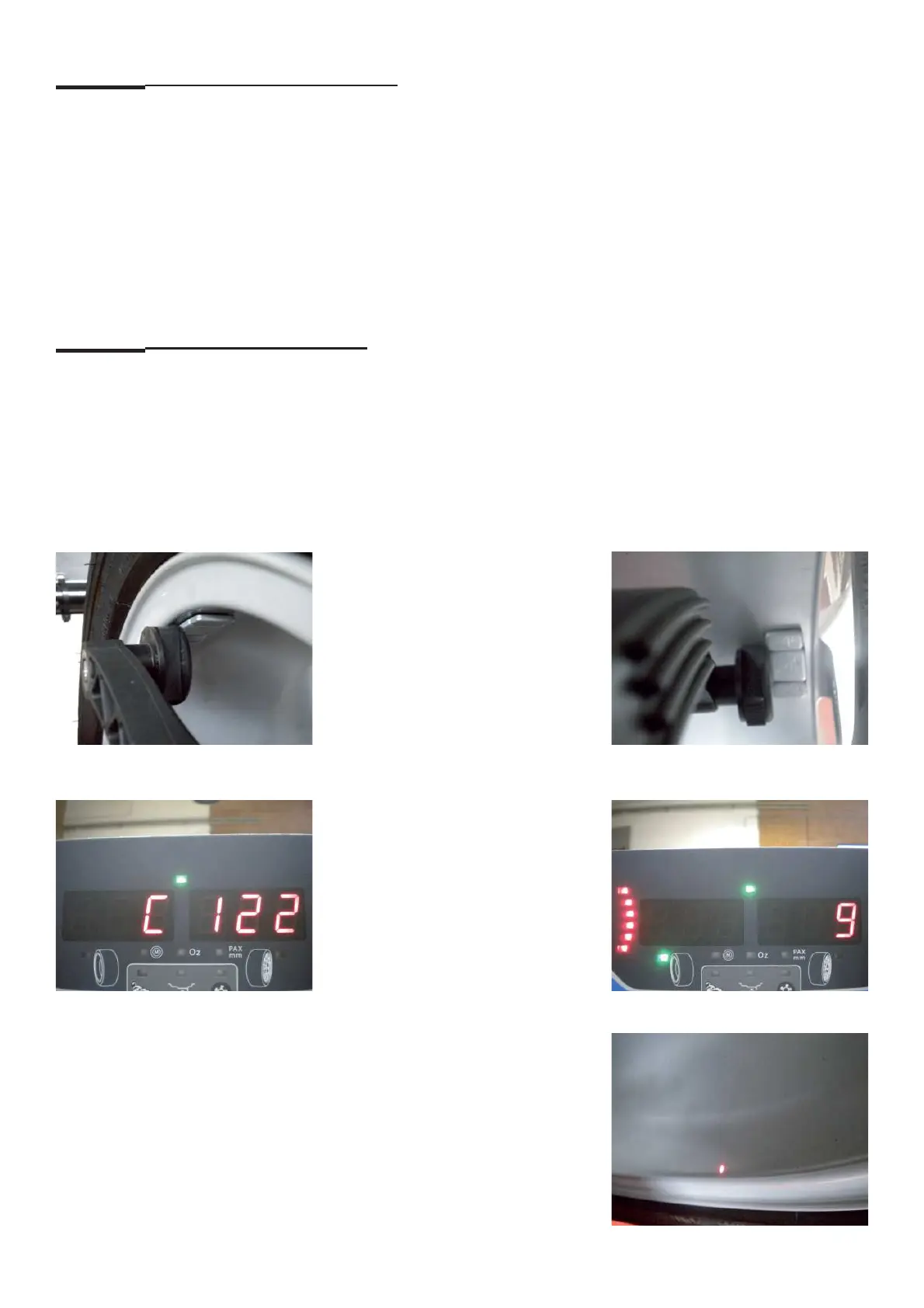
C122 Laser pointer calibration
Options: C122 Procedure must be done after the C80 and C81
Special function: None
Description: Preconditions:
1. Clamp an Alloy wheel.
2. Set ALU 2P Programs.
3. Attach two adhesive weights in the balancing place
4. Set rim dimensions using the gauge arm following the pictures below.
5. Enter service code C122 with “RETURN" key.
6. The laser pointer will shot the dot to the inner rim edge.



 To Next Page