3 Operation and visualization
26
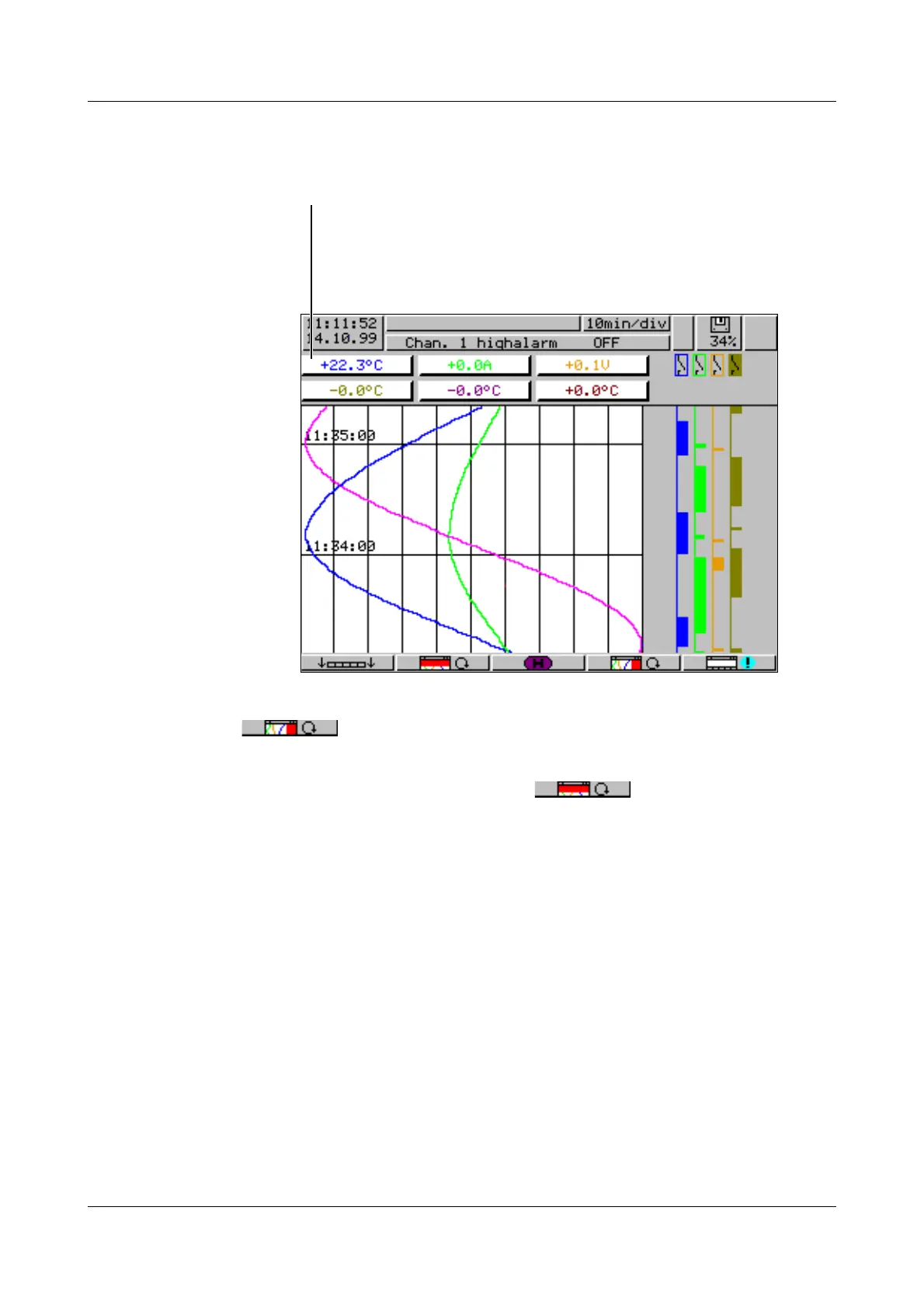
3.2.1 Diagram representation with digital display (small measurement)
Diagram representation can be reached from the basic menu by calling up the
“visualization” menu, or by pressing the
D key.
Using the parameter Parameters ➔ Diagram view ➔ Signal type (or the
button), it is possible to select whether, in addition to the analog
channels, the event traces are also to be displayed. The contents of the head-
er is determined by using the parameter Parameters ➔ Diagram
view ➔ Channel representation (or the button).
- Current measurements of the analog inputs including unit
- Measurement on red background ⇒ overlimit



 To Next Page