33
3 Operation and visualization
3.3 Parameter setting
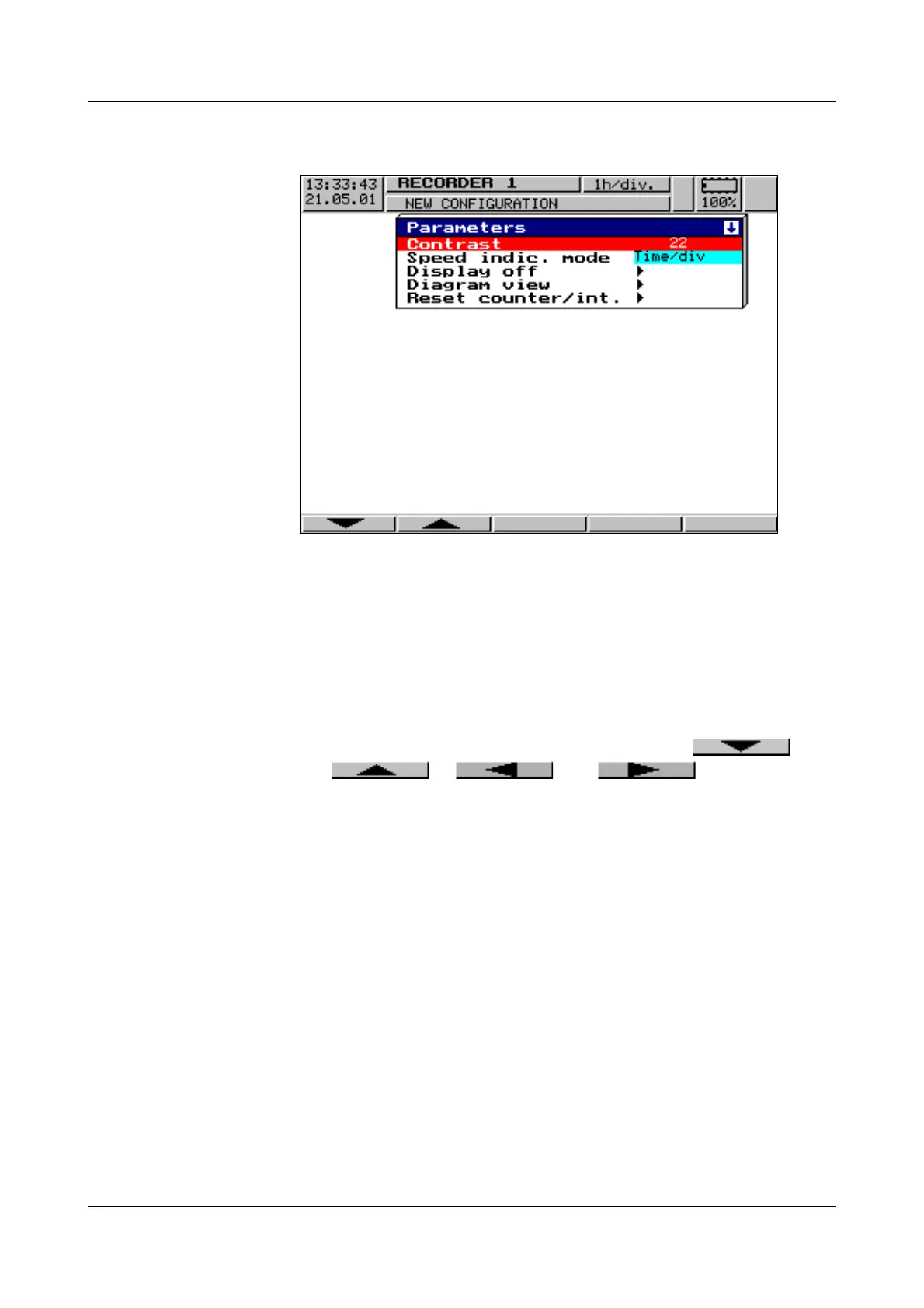
The “Parameter” level is available to set
-contrast,
- speed indication,
-display off,
- diagram view and
- counter/integrator reset.
Contrast The contrast of the screen can be set here. This ensures that the screen is al-
ways legible, even under difficult light conditions.
Speed
indication
Here, “mm/h”, “time/div” or “storage rate” is selected for the speed display in
the diagram.
Example: A diagram speed of 1h/div corresponds to approx. 22mm/hr.
Display
off
Switch-off event = waiting time
For screen saving, a time between (0 and 32767min) can be set under the pa-
rameter “Waiting time”. If no recorder key is operated during this time, then the
screen goes dark. The power LED blinks during screen saving.
If 0min is set, then screen saving is deactivated.
H
All parameters are selected using the and
or and keys.



 To Next Page