5 Setup program
68
5.3.2 Data transfer via setup interface
PC➔paperless
recorder
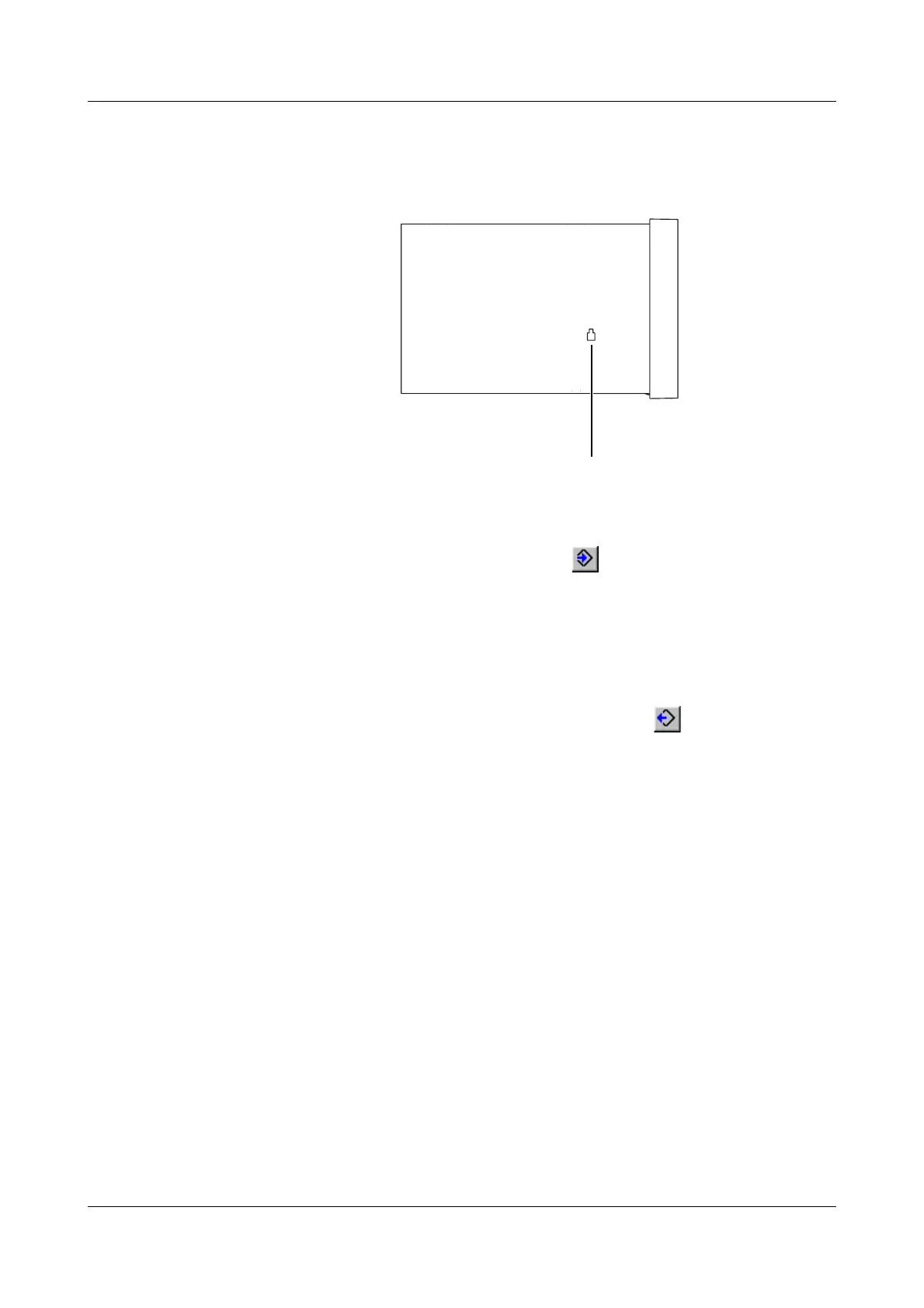
h Connect the setup cable to the serial interface of the PC (COM1, COM2, ...)
and plug it into the recess on the left side of the recorder housing.
h In the setup program, select the required serial interface on the PC by using
the Data transfer
➔ Data transfer settings menu
h Transfer the settings to the recorder using the Data transfer
➔ Data transfer
to instrument menu, or by activating the button.
Paperless
recorder
➔PC
h Connect the setup cable to the serial interface of the PC (COM1, COM2, ...)
and plug it into the recess on the left side of the recorder housing.
h In the setup program, select the required serial interface of the PC by using
the Data transfer
➔ Data transfer settings menu
h Transfer the settings to the PC by means of the Data transfer
➔ Data
transfer from instrument menu, or by activating the button
Setup plug



 To Next Page