41
3 Operation and visualization
3.7 Instrument info
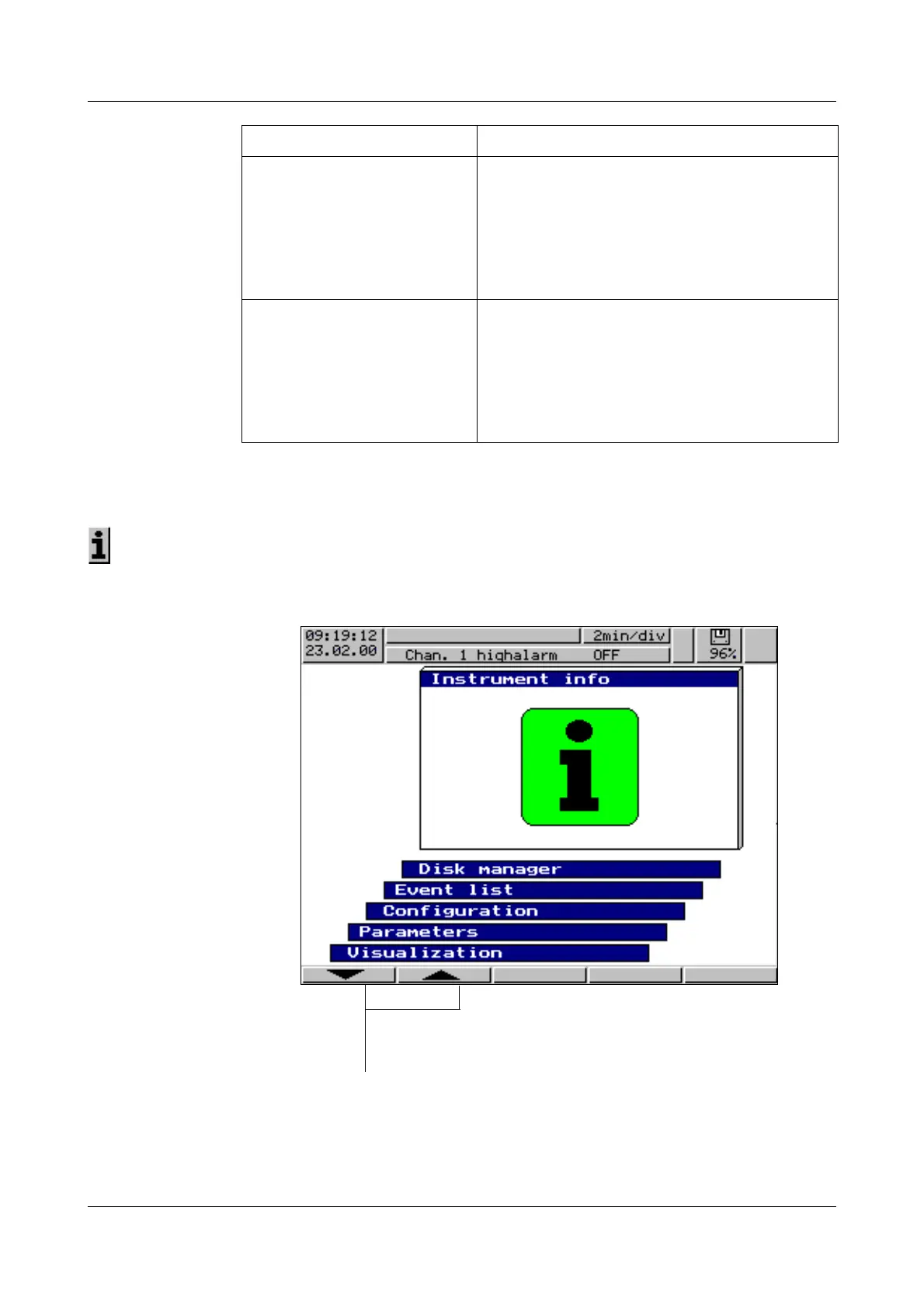
The instrument info window displays general information about the instrument.
It also includes errors “Battery empty” and “Data lost”. If one of these instru-
ment errors is present, the info symbol flashes in the status line.
Basic menu ➔
Instrument info
The instrument info is called up from the basic menu:
GOLDCAP WAS EMPTY This message appears when a capacitor is built
into the recorder for memory buffering and the
instrument has remained switched off for such a
long time that the capacitor has become
discharged.
Caution:
This will falsify the measurement data.
WRONG VERSION NO.! An attempt was made to read in a configuration
from diskette, but the version numbers of
instrument software and configuration are
different.
Remedy:
Convert configuration diskette via the PC setup
program and create a new one.
Status message Description
h Select operating level Instrument info
h Confirm selection with E



 To Next Page