3 Operation and visualization
38
3.6 Disk manager
Automatic
storage of
measurement
data
The data stored in the measurement data memory (FLASH) of the recorder are
saved at regular intervals to the diskette in the instrument. The evaluation pro-
gram of the PC (v Chapter 6 “PC evaluation program”) reads the data from
the diskette and provides convenient functions for evaluation.
Loading and
saving the
configuration
data
The configuration data can be downloaded from and saved to diskette. A con-
figuration can thus be copied from one instrument to another, or it can be
transferred from and to the PC setup program.
Basic menu ➔
Disk manager
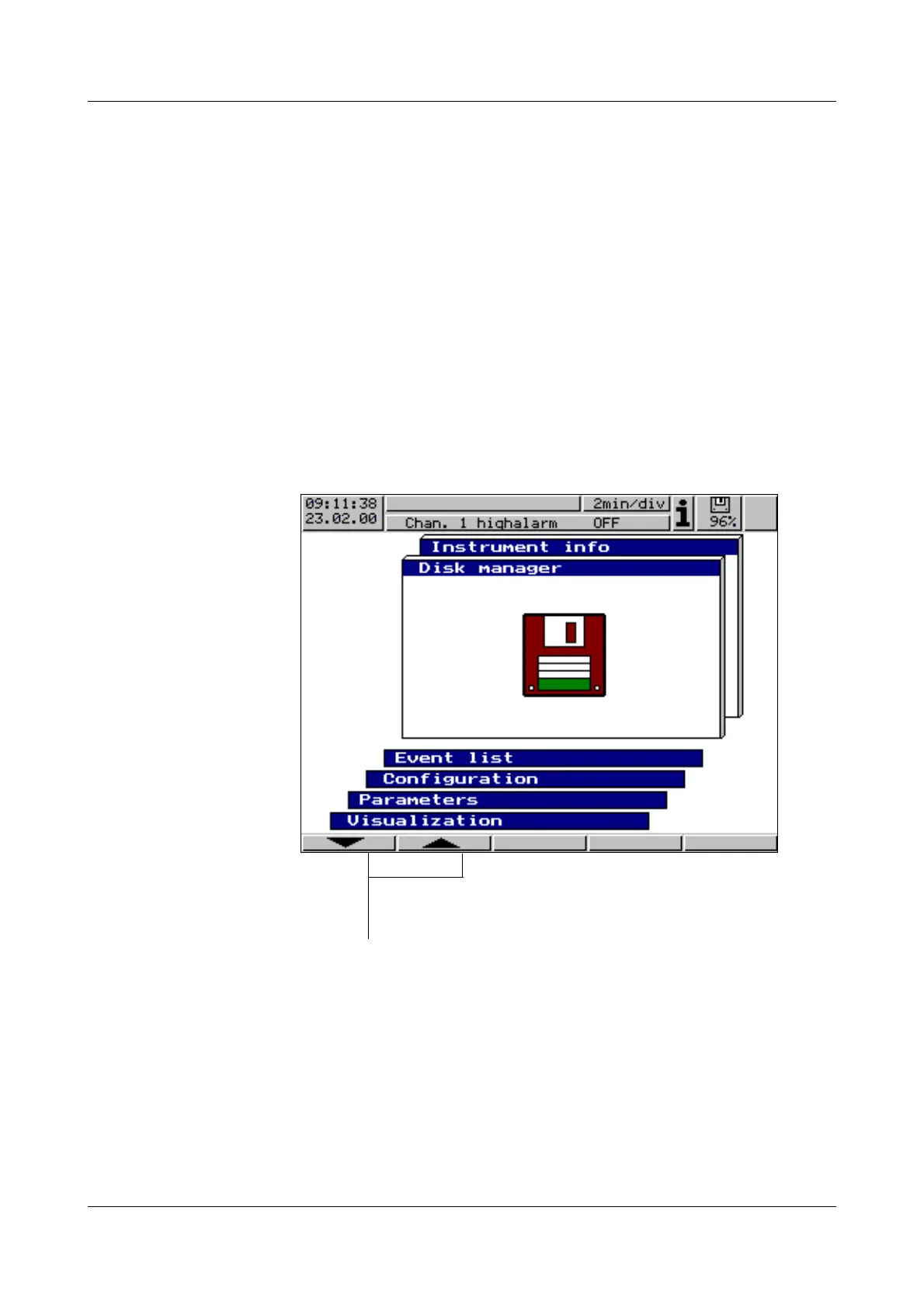
The disk manager is called up via the basic menu.
The functions
- Update disk. incl. counter ...,
- Compl. meas. data
➔
Disk.,
- Config. data
➔
Diskette and
- Diskette
➔
Config. data
are protected against unauthorized access by a password (factory-set: 9200).
A
The stored data on the diskette and in the FLASH memory are de-
leted when the configuration is changed.
h Select operating level Disk manager
h Confirm selection with E



 To Next Page